Eye care has become increasingly dependent on medical imaging. A fundus camera, OCT scanner, or other ophthalmic device can capture detailed images of the eye, but those images are only useful if clinicians can access, organize, review, and compare them easily. This is where ophthalmic imaging software becomes important.
Key Takeaways
- Ophthalmic imaging software helps manage, view, compare, and organize eye images.
- It can support fundus, OCT, OCTA, and other ophthalmic imaging modalities.
- Image comparison helps clinicians monitor changes in eye conditions over time.
- AI-powered clinical decision-support can assist image analysis but does not replace professional judgment.
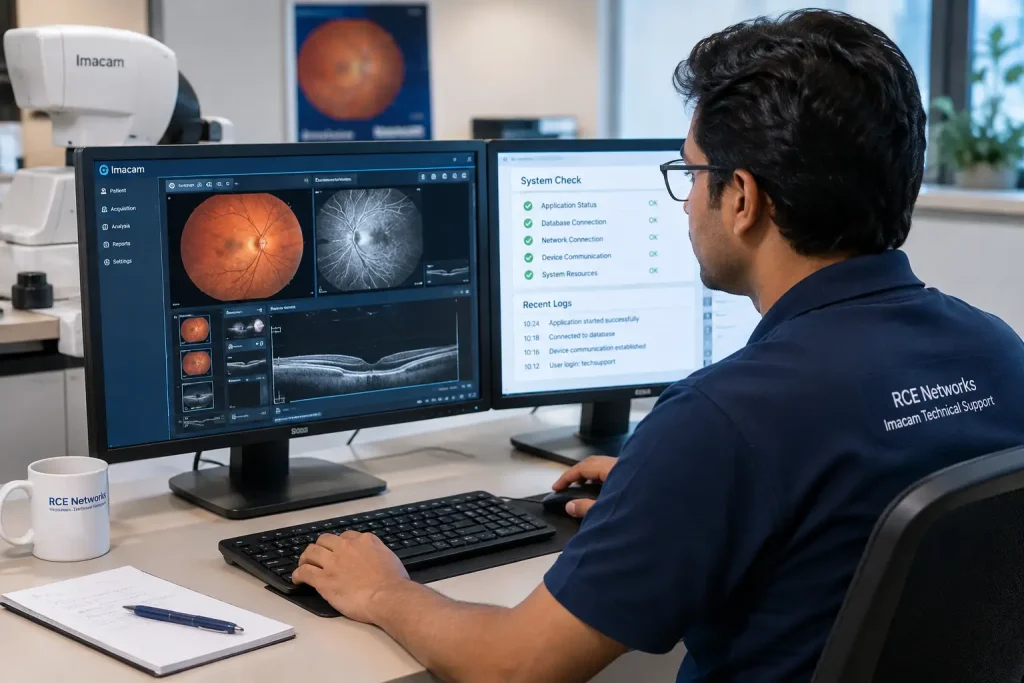
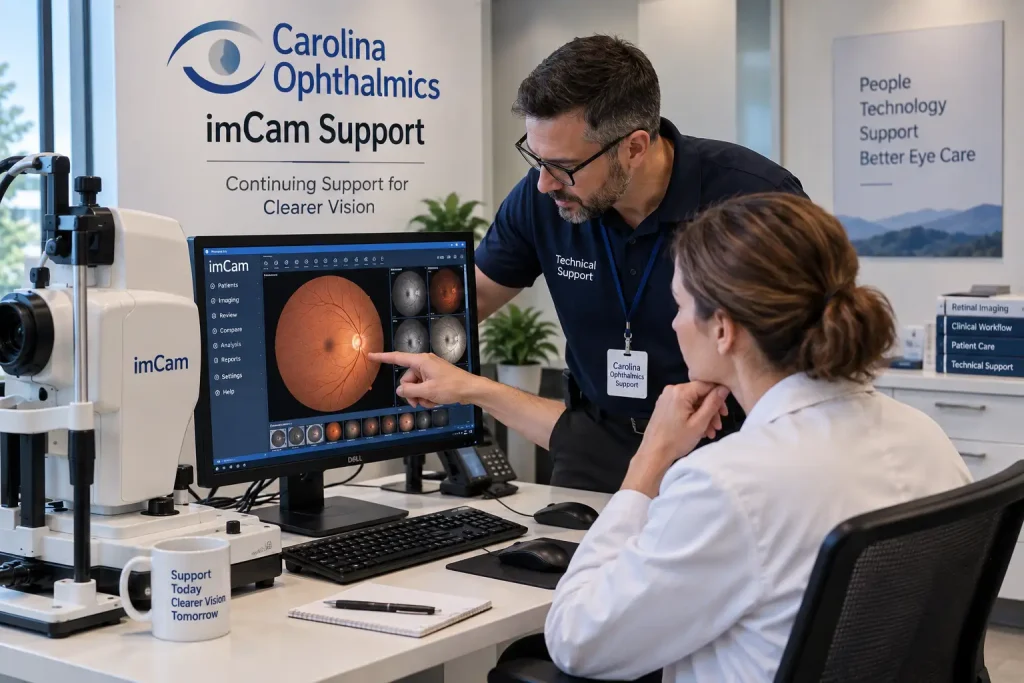
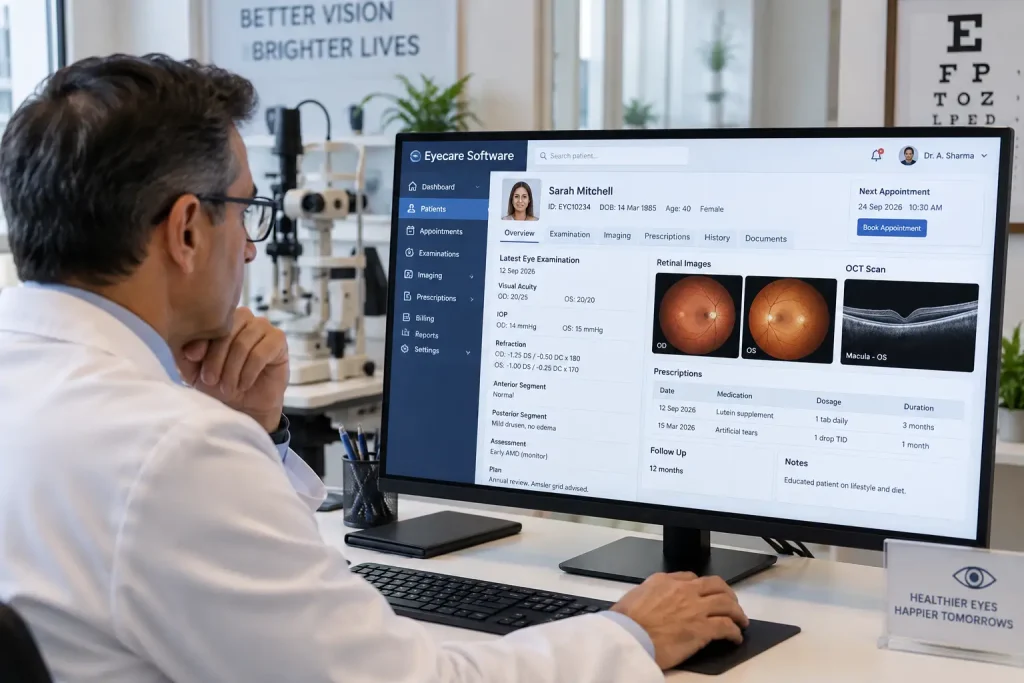
Ophthalmic imaging software helps eye care professionals manage images and related patient information in a digital environment. Depending on the system, it can support image viewing, measurements, annotations, reporting, image comparison, and integration with other clinical systems.
Also Read:Carolina Ophthalmics Support:Customers Need to Know
What Is Ophthalmic Imaging Software?
Ophthalmic imaging software is designed to work with images captured during eye examinations and diagnostic procedures. It may be used with different imaging technologies, including:
- Fundus photography
- Optical coherence tomography (OCT)
- OCT angiography (OCTA)
- Slit-lamp imaging
- Corneal topography
- Ultra-widefield retinal imaging
- Anterior segment imaging
- Fluorescein angiography
The exact features vary between software platforms. Some are built for a particular imaging device, while others can bring images from several devices into one system.
How Does It Help Eye Care Professionals?
A busy eye clinic can generate hundreds or even thousands of images over time. Finding an old scan, comparing it with a recent one, or preparing a report can become difficult when images are stored across different systems.
Ophthalmic imaging software can make these tasks easier by providing a central place to manage imaging data.
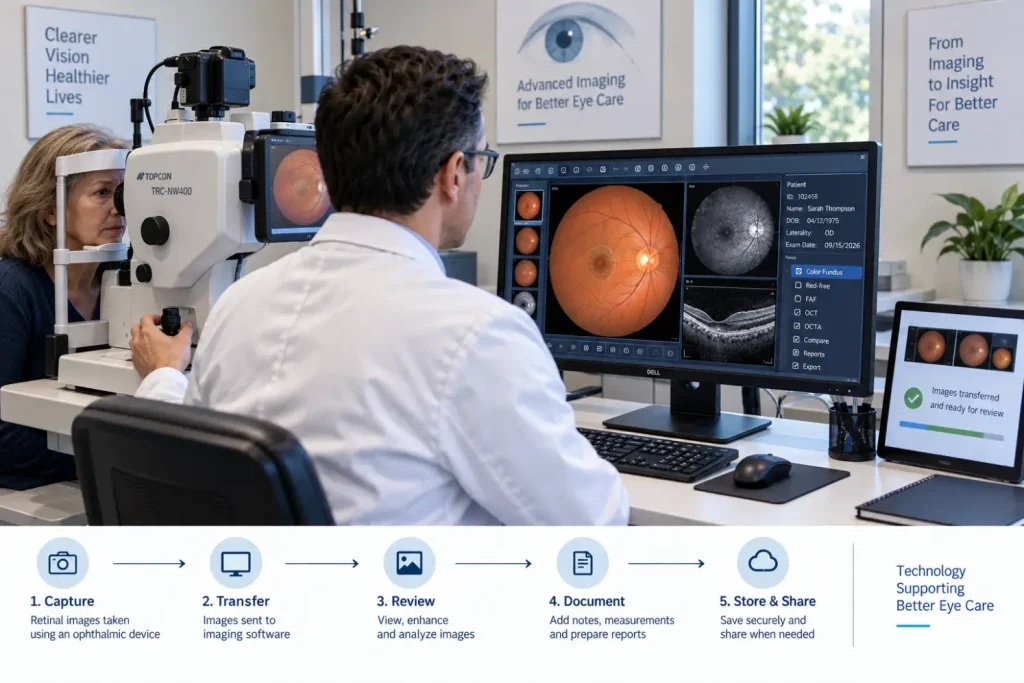
Common uses include:
- Image storage: Keep ophthalmic images associated with the appropriate patient record.
- Image viewing: Allow clinicians to examine retinal, corneal, or anterior segment images.
- Image comparison: Compare current images with previous examinations to identify changes.
- Measurements: Provide tools for measuring relevant structures or areas in an image.
- Annotations: Allow clinicians to mark and highlight areas of interest.
- Reporting: Support the preparation and documentation of imaging findings.
- Image retrieval: Make it easier to locate previous examinations when required.
- Remote review: Support image sharing for teleophthalmology where the system and applicable regulations allow it.
Key Features to Look For
Not every clinic needs the same software. The right choice depends on the imaging devices, patient volume, clinical workflow, and integration requirements.
| Feature | Why It Matters |
| Multi-modality support | Helps manage images from different ophthalmic devices |
| Image comparison | Useful for monitoring changes over time |
| Measurement tools | Supports quantitative image assessment |
| Annotation | Helps clinicians mark important findings |
| Reporting | Makes documentation easier |
| Patient-based organization | Keeps images linked to the correct patient |
| Integration | Can connect imaging with other clinical systems |
| Access control | Helps protect patient information |
| Backup and archiving | Supports long-term image management |
Benefits of Ophthalmic Imaging Software
Better Management of Patient Images
Instead of manually searching through folders or separate applications, clinicians can use organized digital records to find relevant images more quickly.
Easier Longitudinal Monitoring
Many eye conditions need regular follow-up. Being able to view older and newer images together can help clinicians assess how a condition has changed over time.
This can be useful in areas such as:
- Glaucoma monitoring
- Diabetic retinopathy
- Age-related macular degeneration
- Macular disorders
- Retinal vascular conditions
- Corneal disease
Support for Clinical Decision-Making
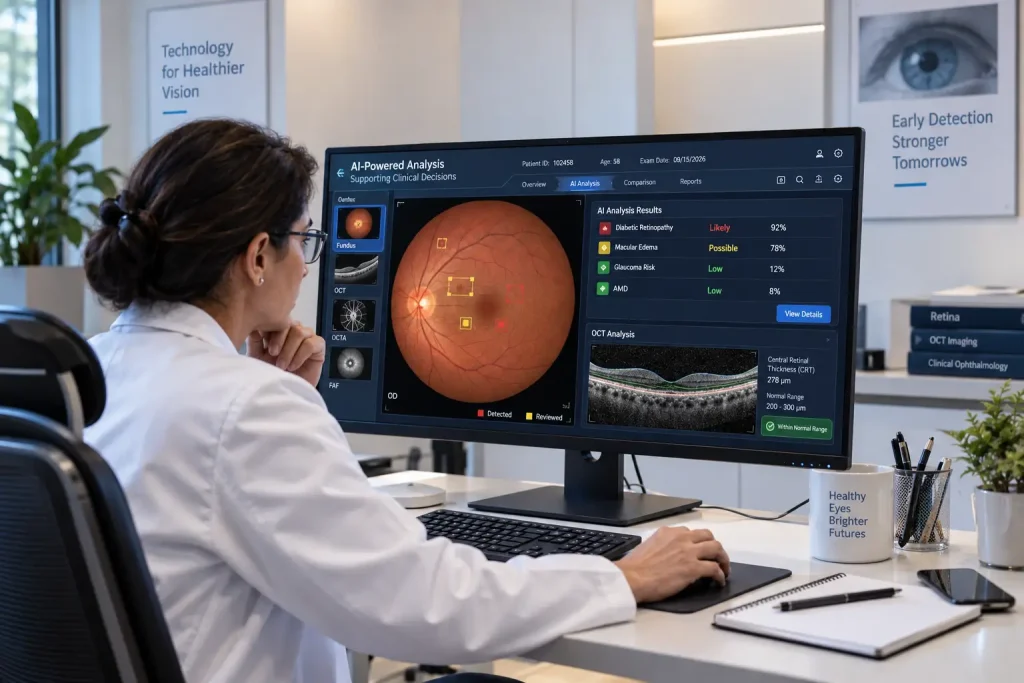
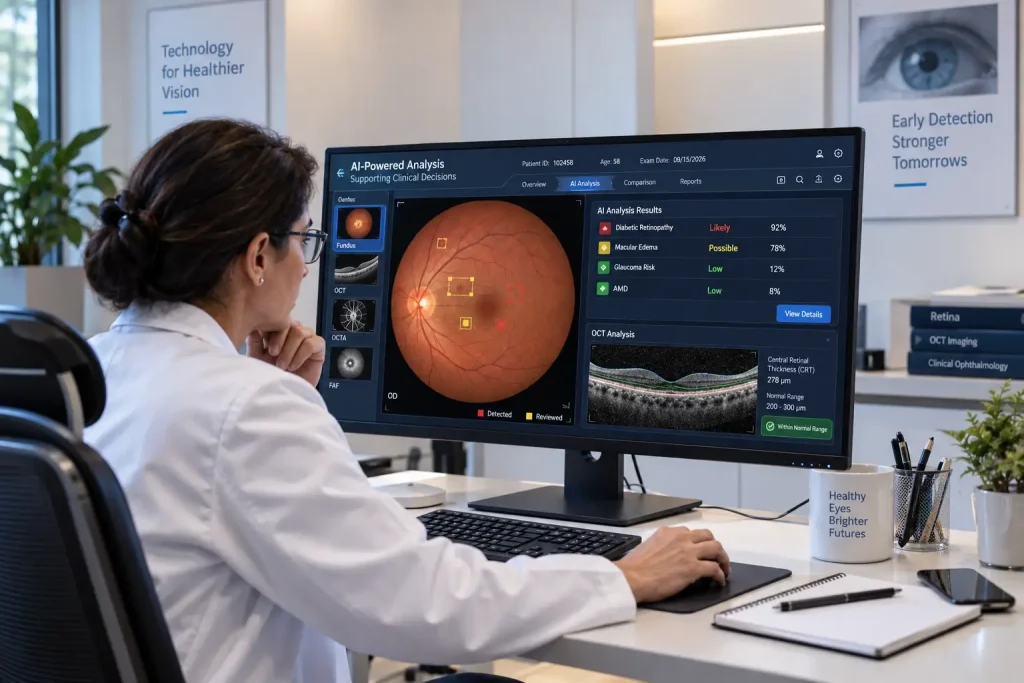
Some modern platforms include AI-powered clinical decision-support features that can assist with image analysis. These tools may help identify patterns that warrant closer clinical attention.
They should not be treated as a replacement for an ophthalmologist. Final interpretation and patient management remain the responsibility of qualified healthcare professionals.
Support for Teleophthalmology
Digital imaging can make it possible for images captured at one location to be reviewed by a specialist elsewhere. This can be useful for remote clinics, screening programs, and areas with limited access to ophthalmic specialists.
Also Read:Imacam Support: Technical Support for Imacam
Ophthalmic Imaging Software vs. Basic Image Viewer
| Basic Image Viewer | Ophthalmic Imaging Software |
| Mainly displays images | Manages and analyzes ophthalmic imaging data |
| Limited organization | Patient-based image organization |
| Basic viewing tools | Clinical visualization and measurement tools |
| Little or no comparison | Longitudinal image comparison |
| Limited reporting | Supports clinical reporting |
| Often device-specific | May support multiple imaging modalities |
What Should Clinics Consider Before Choosing One?
Before investing in ophthalmic imaging software, clinics should look beyond the feature list. Check:
- Compatibility with existing imaging equipment
- Support for required file formats and standards
- Integration with existing clinical systems
- Ease of use for doctors and technicians
- Data security and user access controls
- Storage and backup options
- Technical support and maintenance
- Scalability as patient and imaging volumes increase
Conclusion
Ophthalmic imaging software is an important part of modern eye care because it helps turn large volumes of medical images into usable clinical information. From storing fundus photographs and OCT scans to comparing examinations over time, the right system can make image-based workflows easier to manage.
Frequently Asked Questions
1. What is ophthalmic imaging software used for?
It is used to store, organize, view, compare, measure, and report images captured during ophthalmic examinations.
2. Can it work with different eye imaging devices?
Some platforms support multiple devices and imaging modalities, while others are designed for specific manufacturers or systems. Compatibility should be confirmed before implementation.
3. Can ophthalmic imaging software support retinal disease screening?
Yes. Depending on its features, it can support workflows involving retinal imaging and screening for conditions such as diabetic retinopathy and other retinal disorders.
4. Does ophthalmic imaging software replace an ophthalmologist?
No. Even when AI-powered clinical decision-support is available, the software is intended to assist healthcare professionals, not replace clinical examination and professional judgment.
5. Is this software useful for small eye clinics?
Yes. Smaller clinics can benefit from organized image management, easier retrieval of previous examinations, and better documentation, provided the software matches their equipment and workflow.