Medical software for doctors includes a wide range of applications designed to support clinical and administrative work. Depending on the software, it may help doctors maintain patient records, review diagnostic images, manage prescriptions, or access information that supports clinical decisions.
Key Takeaways
- Medical software helps doctors manage clinical and administrative tasks.
- Digital records make patient information easier to access and organize.
- Clinical decision-support can assist doctors without replacing clinical judgment.
- Security, usability, integration, testing, and compliance are important when choosing medical software.
Doctors spend a large part of their day caring for patients, but clinical work also involves documentation, reviewing test results, managing appointments, prescribing medicines, and coordinating with other healthcare professionals. Medical software can help manage many of these tasks in one digital environment.
The purpose is not to replace the doctor. Good medical software should make relevant information easier to access and help doctors work with greater clarity.
What Is Medical Software for Doctors?
Medical Software for Doctors is software designed for use in healthcare settings. Some applications focus on a specific task, while others combine several functions.
Common examples include:
- Electronic Health Record (EHR) software
- Electronic Medical Record (EMR) systems
- Clinical decision-support software
- Medical imaging software
- E-prescribing platforms
- Telemedicine applications
- Patient management systems
- Laboratory and diagnostic software
- Medical practice management software
- Medical device software
The right choice depends on the doctor’s specialty, practice size, workflow, and clinical requirements.
How Doctors Use Medical Software
Medical Software for Doctors can support doctors in several practical ways.
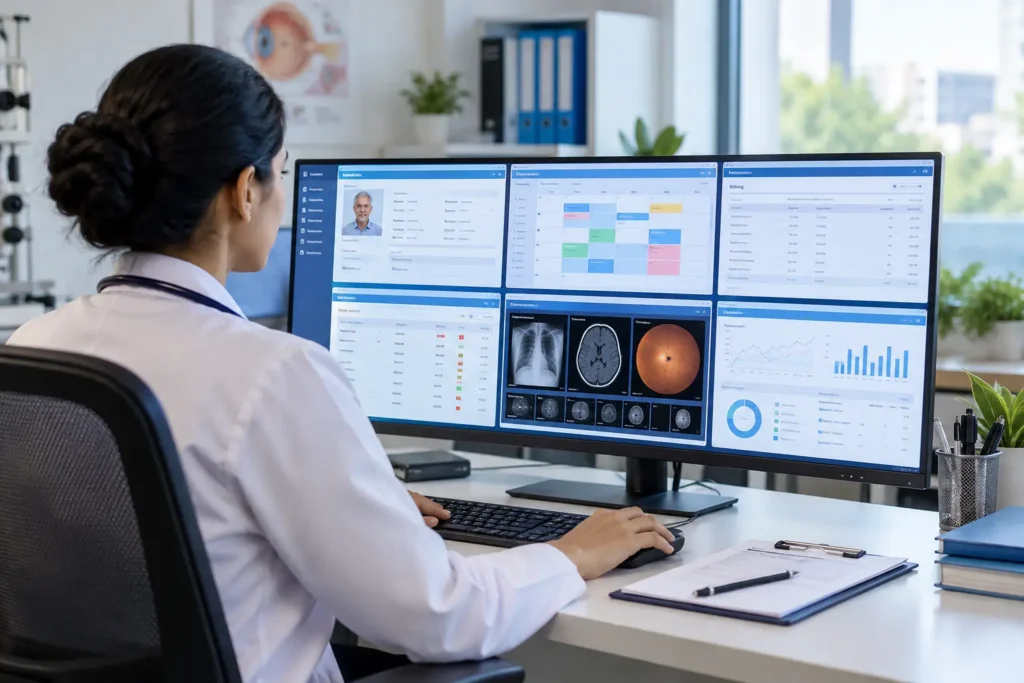
1. Managing Patient Records
Digital records allow doctors to review information such as:
- Medical history
- Previous diagnoses
- Medication lists
- Allergies
- Laboratory results
- Imaging reports
- Consultation notes
Having this information available electronically can make it easier to understand a patient’s previous care and prepare for follow-up visits.
2. Supporting Clinical Decisions
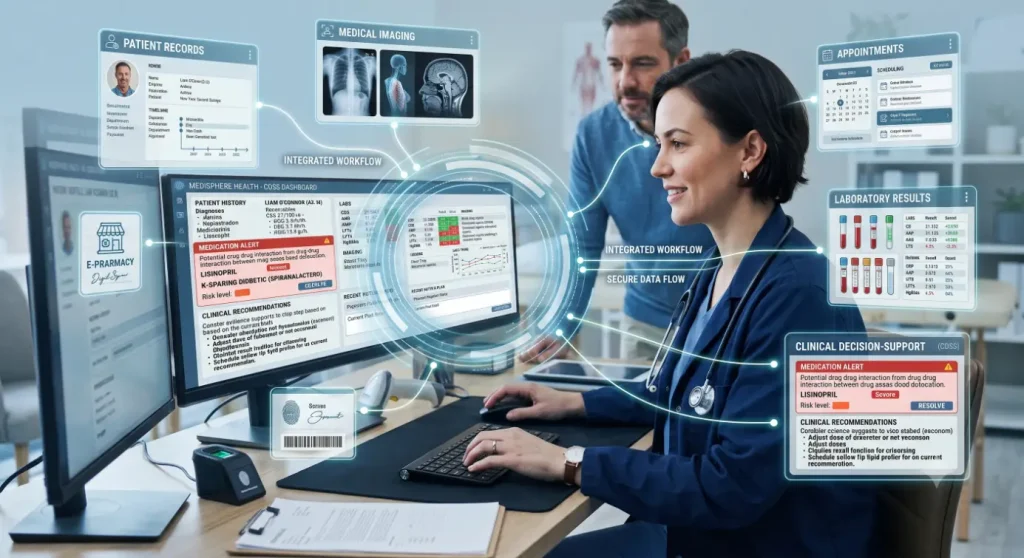
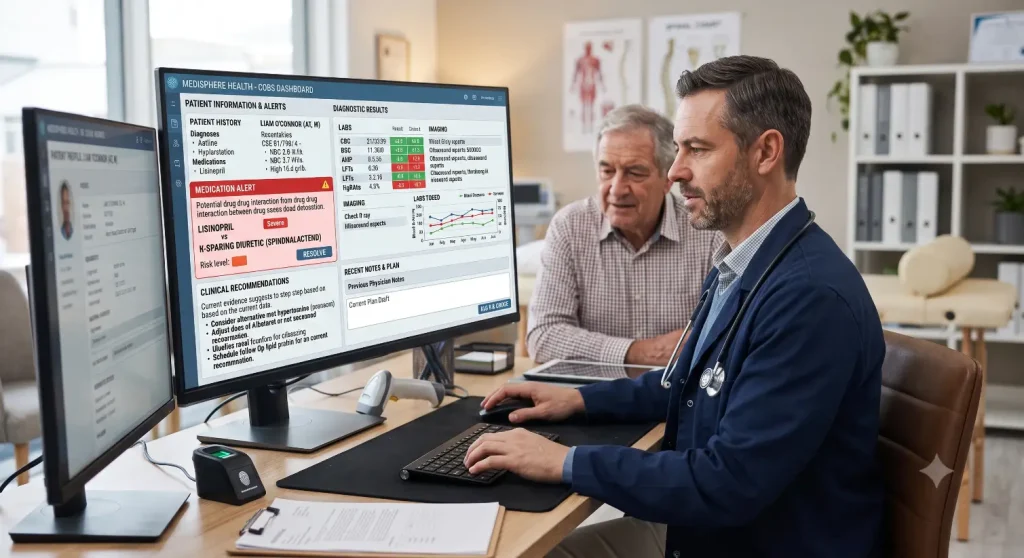
Some medical applications provide clinical decision-support based on patient information, medical guidelines, or predefined rules.
For example, software may identify a possible medication interaction or flag a value that requires attention. These alerts can be useful, but the doctor still needs to evaluate the information in the context of the individual patient.
Also Read:Medical Software Solutions for Reducing Patient Wait Times
3. Reviewing Medical Images
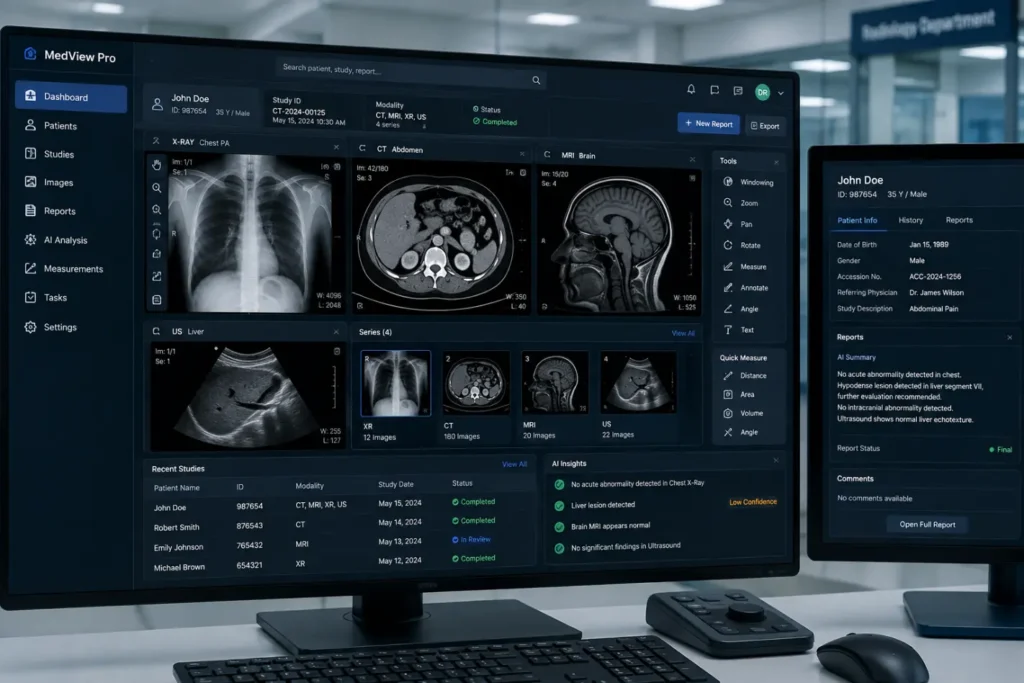
Specialized software can help doctors view and analyze images from different diagnostic systems, including:
- X-rays
- CT scans
- MRI
- Ultrasound
- Fundus photography
- OCT
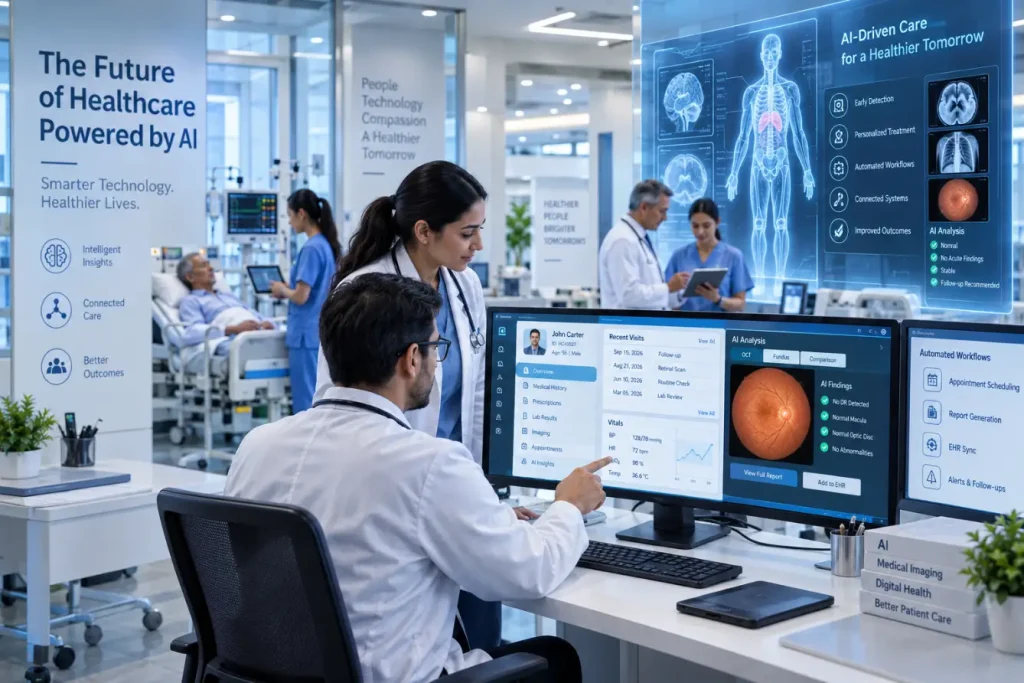
In some applications, AI-powered clinical decision-support can assist with identifying patterns in medical images and highlighting findings for further review.
4. Managing Prescriptions and Appointments
Doctors can use digital systems to prepare prescriptions, review medication information, and manage follow-up appointments. Scheduling tools can also help clinics keep track of patient visits and reduce manual administrative work.
Benefits of Medical Software for Doctors
| Feature | Potential benefit |
| Digital patient records | Easier access to patient history |
| Clinical documentation | More organized medical notes |
| Decision-support | Additional information during clinical assessment |
| Imaging tools | Easier review and analysis of diagnostic images |
| E-prescribing | Digital prescription management |
| Appointment management | Better visibility of schedules and follow-ups |
| Data integration | Access to information from connected systems |
However, software does not automatically improve clinical practice. Its usefulness depends on how well it fits into the doctor’s actual workflow.
What Should Doctors Look for in Medical Software?
Before choosing a system, doctors and healthcare organizations should consider more than just the list of features.
Important factors include:
- Ease of use: Doctors should be able to learn the system without unnecessary complexity.
- Reliability: The software should perform consistently during clinical use.
- Security: Patient information must be protected through appropriate security controls.
- Integration: The system should work with relevant EHR, laboratory, imaging, or device systems when required.
- Compliance: Software intended for regulated medical use may need to meet applicable standards and regulatory requirements.
- Usability: The interface should support clinical tasks rather than create additional work.
- Scalability: The system should remain useful as the practice or healthcare organization grows.
Why Testing Matters
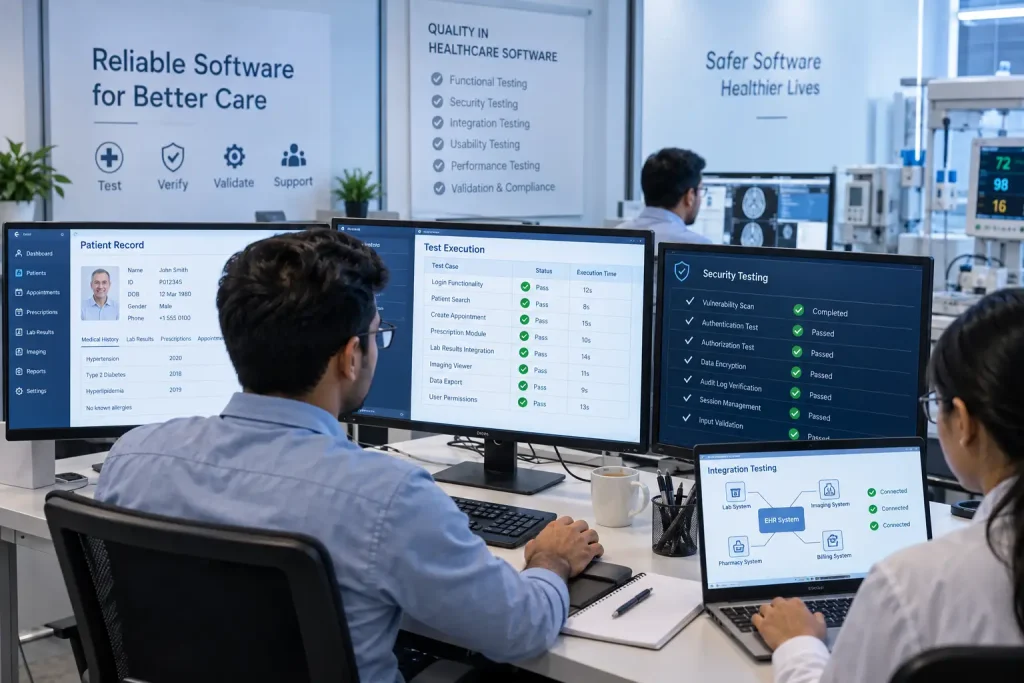
Medical Software for Doctors can directly influence how clinical information is recorded, displayed, or interpreted. A software defect could result in incorrect information, a missed alert, or an unexpected interruption in a clinical workflow.
For this reason, testing should cover areas such as:
- Functional testing
- Usability testing
- Performance testing
- Security testing
- Integration testing
- Risk-based testing
- Verification and validation
For medical device software, standards such as IEC 62304 may be relevant to the software development lifecycle, while ISO 14971 addresses medical device risk management. The applicable requirements depend on the product, intended use, and target market.
Why is testing important for medical software?
Testing helps identify software defects and problems related to functionality, security, usability, performance, and integration before the system is used in clinical settings.
What standards may apply to medical software?
The applicable standards depend on the software and its intended use. Medical device software may involve standards such as IEC 62304, ISO 14971, ISO 13485, and IEC 62366-1, along with relevant regulatory requirements.
Also Read:
Frequently Asked Questions
1.Can medical software replace a doctor’s clinical judgment?
No. Medical software is designed to support doctors, not replace them. It can organize patient information, provide alerts, or assist with analyzing certain types of data, but the doctor remains responsible for interpreting the information and making appropriate clinical decisions.
2.What should doctors consider when choosing medical software?
Doctors should look at factors such as ease of use, reliability, security, integration with existing systems, data management, regulatory requirements, and overall suitability for their clinical workflow. A system with many features is not necessarily the best choice if it is difficult to use in everyday practice.
3.Why is security important in medical software?
Medical software often handles sensitive patient information, including medical histories, diagnoses, prescriptions, and test results. Strong security measures help protect this information from unauthorized access, loss, or misuse. Access controls, encryption, authentication, and audit trails are some of the measures that may be used.
4.Why is testing important for medical software?
Testing helps make sure that the software works as intended and does not introduce avoidable problems into clinical workflows. Depending on the application, testing may cover functionality, usability, performance, security, integration, and other safety-related areas.