Managing an eye care clinic involves many tasks beyond examining patients. Doctors need to review medical histories, record examination findings, check diagnostic images, write prescriptions, and follow up with patients. At the same time, staff have to manage appointments, billing, reports, and patient records. So they needs Eyecare software.
Key Takeaways
- Eyecare software helps manage clinical and administrative tasks in one digital system.
- It can organize patient records, appointments, prescriptions, billing, and reports.
- Imaging integration can connect retinal photographs, OCT scans, and other diagnostic data with patient records.
- Choose software based on clinical needs, device compatibility, security, usability, and technical support.
Eyecare software can bring many of these activities together in one digital system. It is designed specifically for ophthalmology and optometry practices, helping doctors and staff manage clinical information while keeping everyday administrative work organized.
The right software does not replace clinical judgment. Instead, it gives eye care professionals better access to the information they need during routine examinations and patient care.
Also read:Carolina Ophthalmics Support:Customers Need to Know
What Is Eyecare Software?
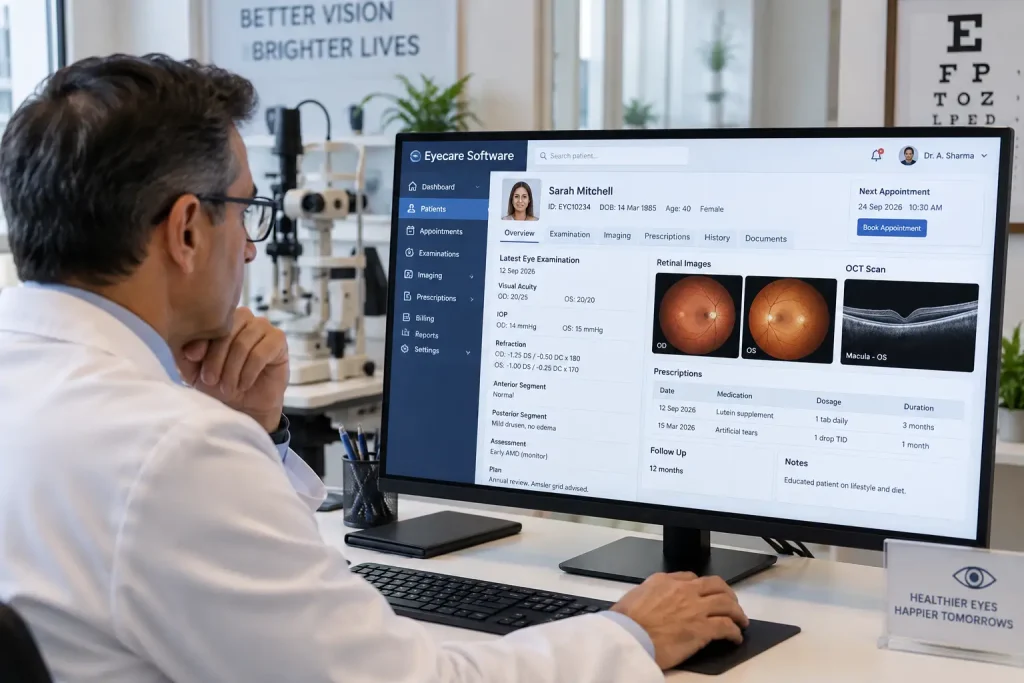
Eyecare software is a digital solution created to support the clinical and administrative needs of eye care practices. Depending on the product, it may include electronic health records, appointment management, billing, diagnostic imaging, prescriptions, reporting, and patient communication.
Some systems are designed mainly for ophthalmologists, while others are built for optometrists, optical stores, or larger eye hospitals.
Common functions include:
- Patient registration and medical records
- Appointment scheduling and reminders
- Ophthalmic examination documentation
- Prescription and treatment records
- Diagnostic image management
- Billing and payment tracking
- Referral and follow-up management
- Reports and practice analytics
- Patient communication and portals
Key Features of Eyecare Software
Different clinics have different requirements, so it is important to look beyond the number of features offered by a software provider.
| Feature | Practical use |
| Patient Records | Stores medical history, examination notes, diagnoses, and prescriptions |
| Appointment Management | Helps staff schedule visits and manage cancellations |
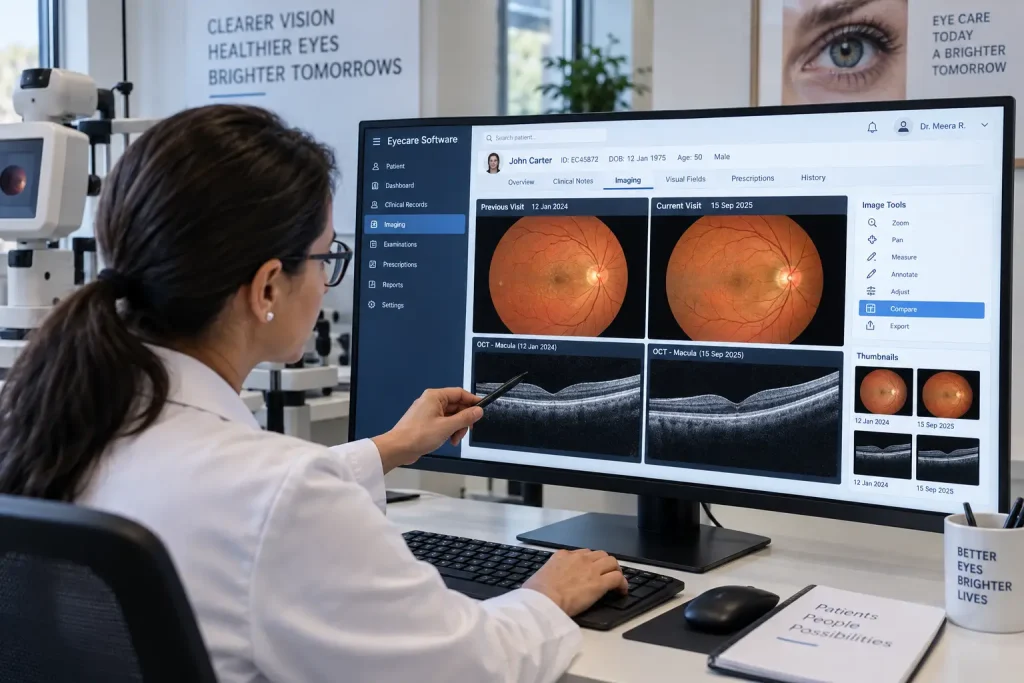
| Diagnostic Imaging | Organizes retinal photographs, OCT scans, and other images |
| Clinical Documentation | Makes it easier to record eye examination findings |
| Billing | Supports invoices, payments, and financial records |
| Reporting | Helps clinics review operational and patient-related data |
| Patient Communication | Supports reminders, follow-ups, and other patient interactions |
Eyecare Software and Diagnostic Imaging
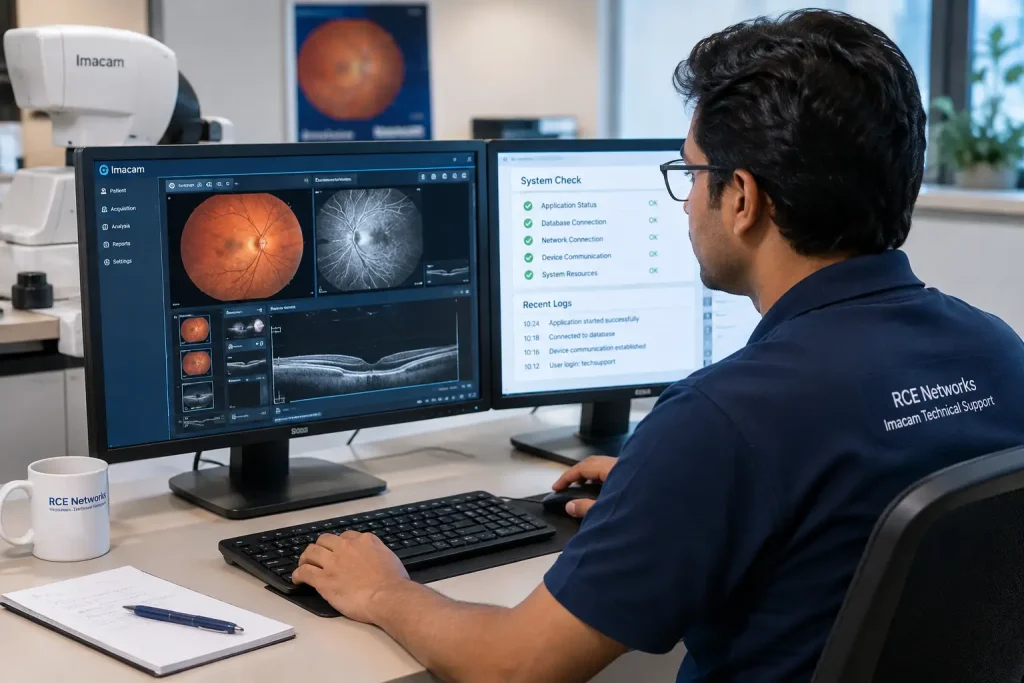
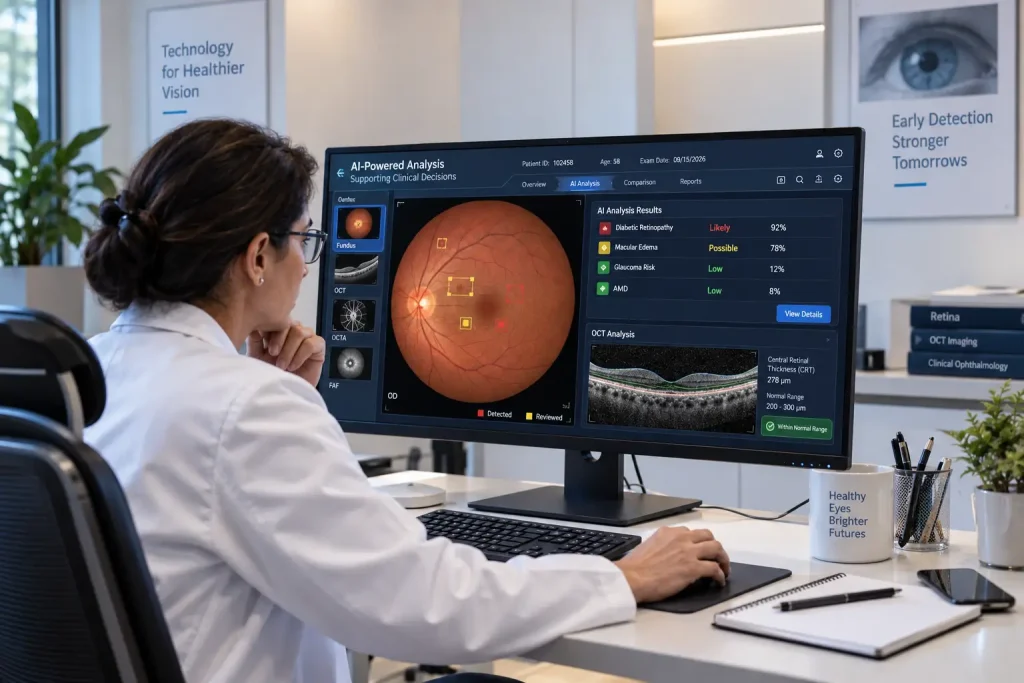
Diagnostic imaging is an important part of many eye examinations. Clinics may use fundus cameras, OCT devices, visual field analyzers, slit-lamp imaging systems, and other ophthalmic equipment.
When software can work with these systems, doctors can access relevant diagnostic information alongside the patient’s clinical record.
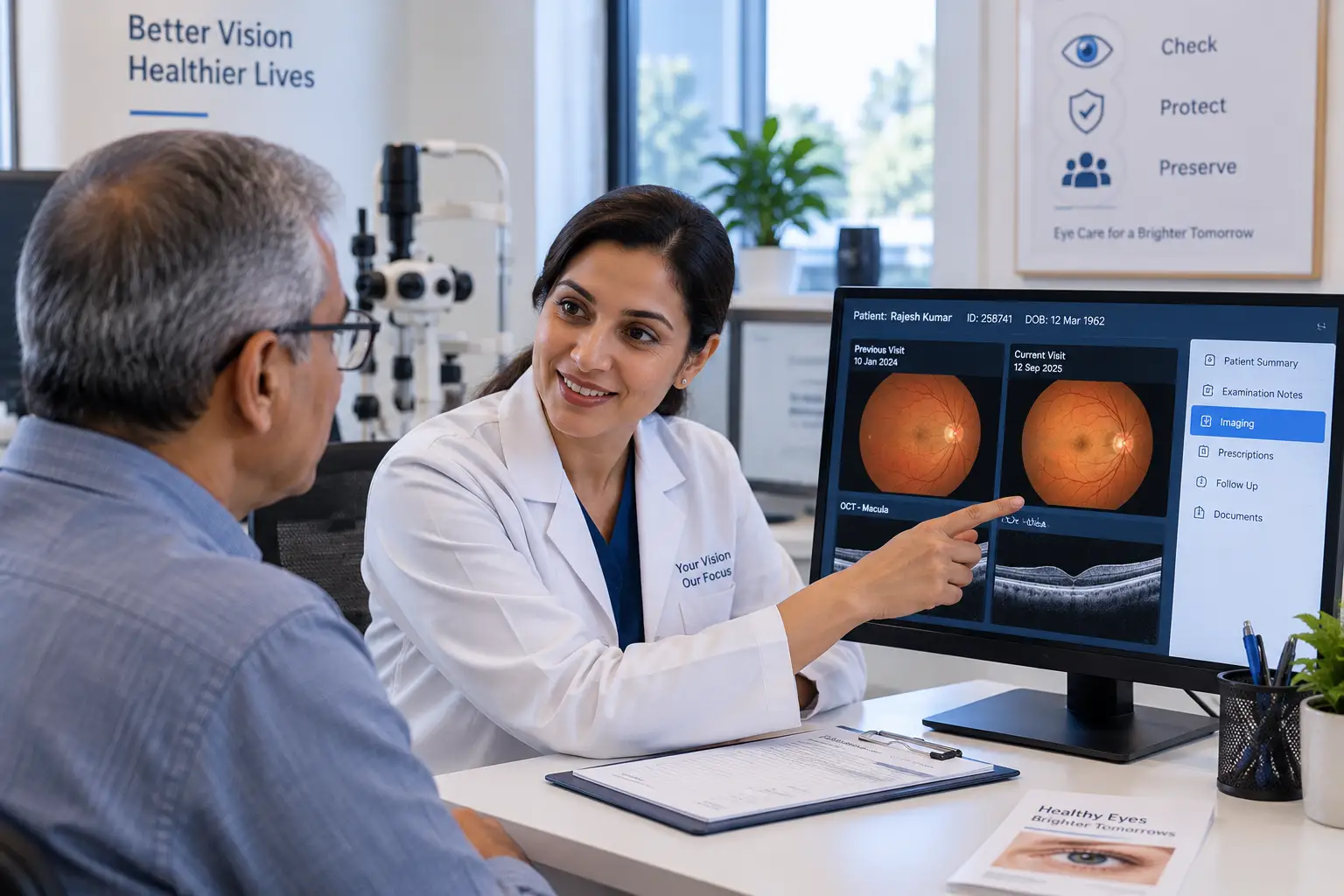
This can be useful when comparing images from different visits. For example, a clinician may want to review an earlier retinal image or OCT scan while assessing a patient’s current condition.
However, compatibility should always be checked before choosing software. Different imaging devices use different communication methods and file formats, and not every software platform supports every device.
Also Read: Ophthalmic Imaging Software: Uses, Features, and Benefits
Benefits for Eye Care Practices
A well-chosen system can make routine work easier for both doctors and staff.
Some potential benefits include:
- Better organization: Patient information is stored in a structured digital record.
- Faster access to information: Doctors can review previous records without searching through paper files.
- Improved documentation: Examination findings and treatment plans can be recorded consistently.
- Easier image review: Compatible diagnostic images can be linked with patient records.
- Reduced duplicate data entry: Connected systems can share information where appropriate.
- Simpler administrative work: Scheduling, billing, and reporting can be managed digitally.
The actual benefits depend on how the software is configured and how well it fits the clinic’s existing workflow.
What Should You Consider Before Choosing Eyecare Software?
Before investing in a system, consider the following:
- Clinical needs: Make sure it supports the examinations and procedures performed at your practice.
- Imaging integration: Check compatibility with your existing ophthalmic devices.
- Ease of use: Doctors and staff should be able to use the system without unnecessary complexity.
- Data security: Patient information requires appropriate access controls, backups, and security measures.
- Scalability: Consider whether the software can support additional doctors, locations, or services later.
- Technical support: Reliable support is particularly important when software is connected to diagnostic equipment.
- Data migration: If replacing an existing system, understand how old patient records will be transferred.
Final Thoughts
Eyecare software can play an important role in the day-to-day operation of modern eye care practices. From patient records and appointments to diagnostic imaging and billing, it can help bring different parts of a clinic’s workflow into one digital environment.
The best choice is not necessarily the software with the most features. What matters is whether it fits the practice, works with existing equipment, protects patient information, and remains practical for doctors and staff to use every day.
FAQs
1. What is eyecare software used for?
It is used to manage clinical and administrative activities such as patient records, appointments, prescriptions, diagnostic images, billing, and reporting.
2. Can eyecare software integrate with retinal imaging devices?
Some systems can integrate with retinal cameras, OCT devices, and other ophthalmic equipment. Compatibility depends on the software and specific device.
3. Is eyecare software useful for small clinics?
Yes. Small practices can use it for patient records, scheduling, prescriptions, billing, and other routine tasks. The important factor is choosing a system that matches the clinic’s actual needs.
4. What is the difference between eyecare software and general medical software?
Eyecare software can include specialty-specific functions for ophthalmology and optometry, such as eye examination documentation, refraction records, ophthalmic imaging, and procedure records.
5. What should I check before buying eyecare software?
Check its clinical features, imaging compatibility, usability, security, support, scalability, integration options, and data migration process.