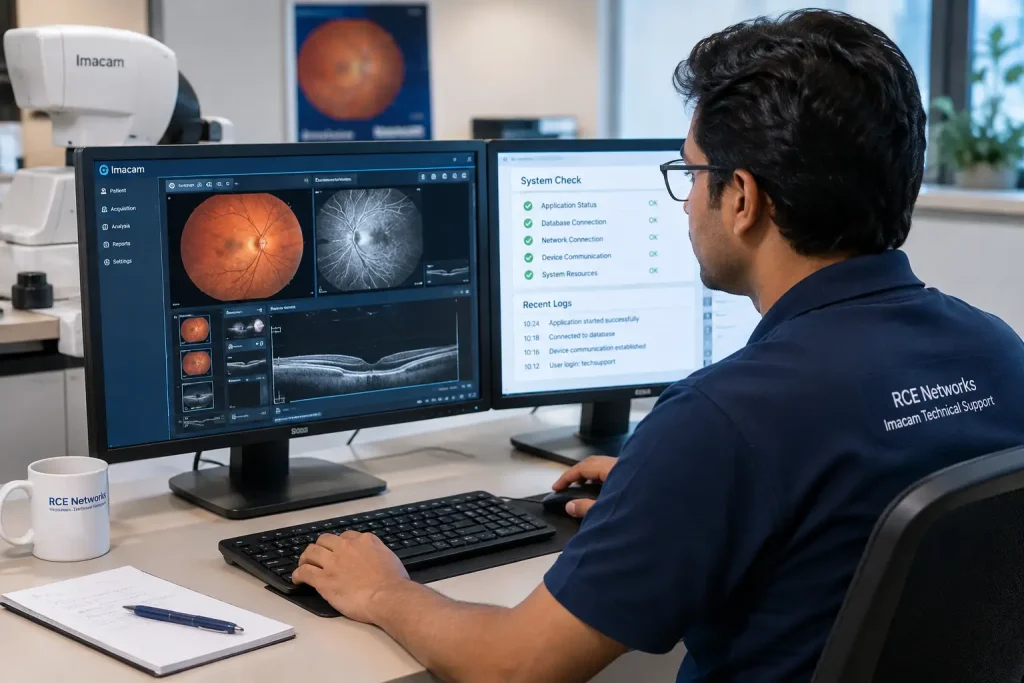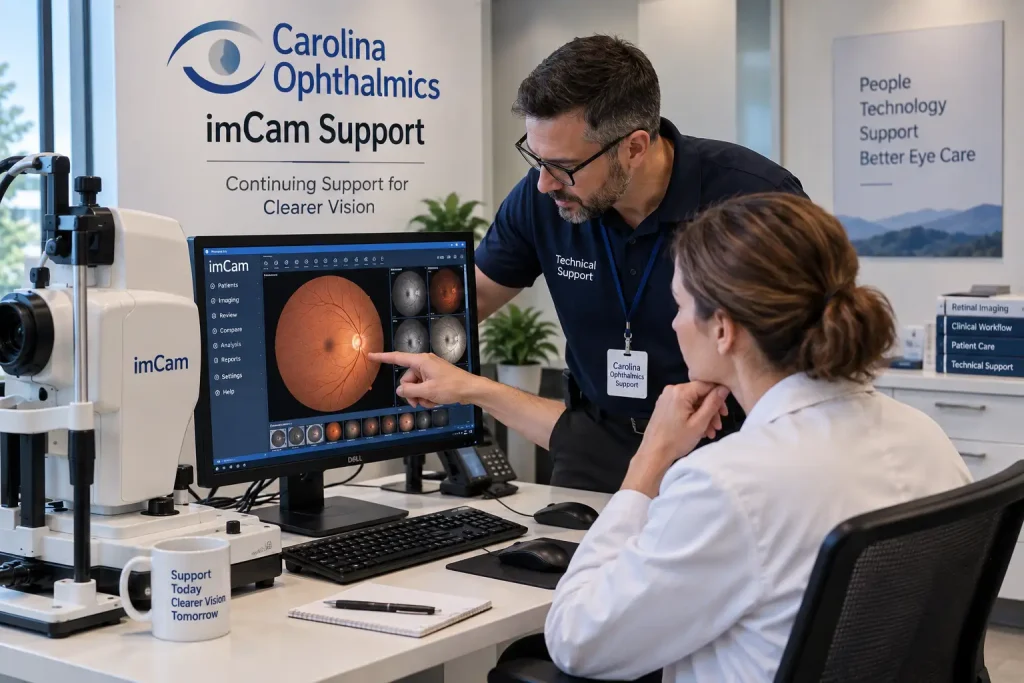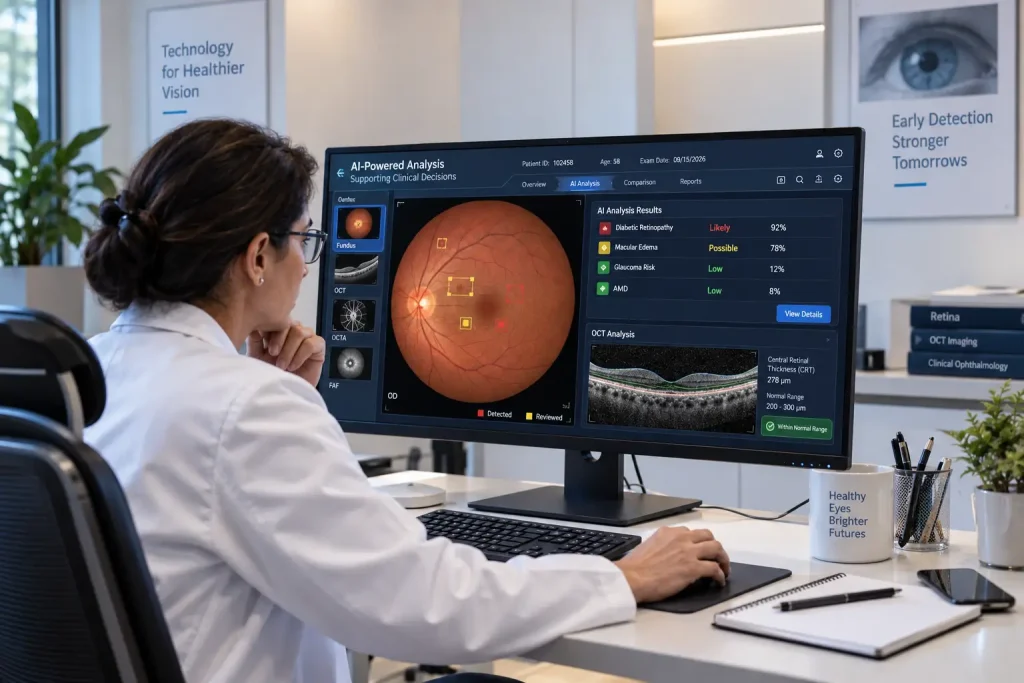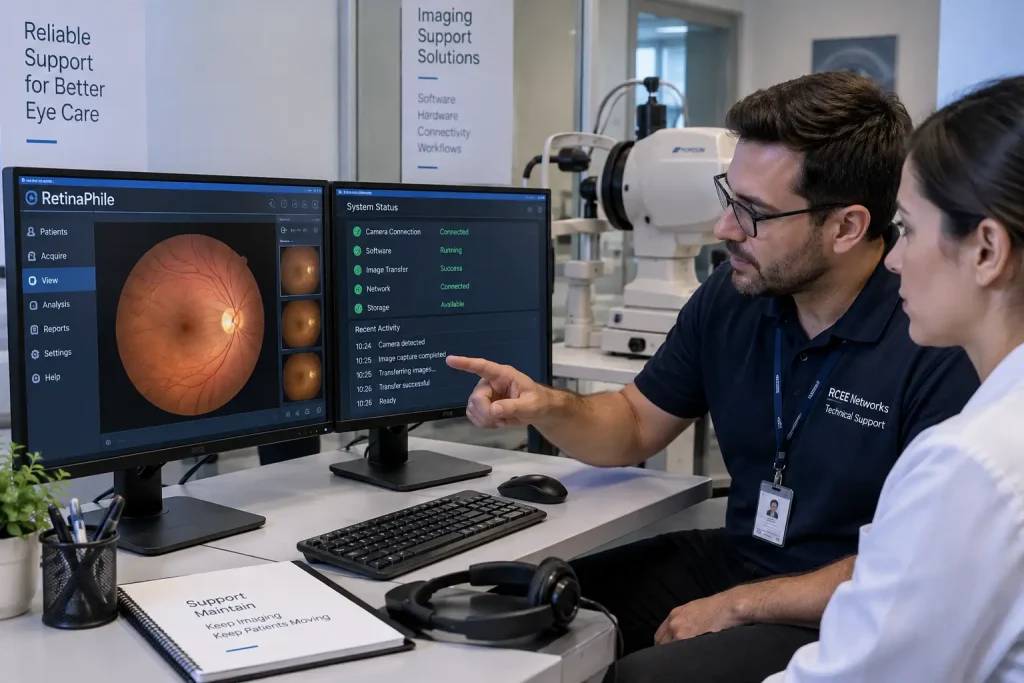
RetinaPhile Support is a retinal imaging solution designed to support the capture and management of retinal images. For practices using RetinaPhile, having access to knowledgeable technical assistance can make it easier to identify problems and keep the imaging workflow running properly.
Key Takeaways
- Technical support: Help with software, installation, configuration, and connectivity issues.
- Image workflow: Troubleshooting may cover image transfer, storage, and access problems.
- Case-by-case assistance: Support availability depends on the software and system setup.
- Manufacturer support: Hardware, licensing, and proprietary issues may require authorized service.
Retinal imaging has become an important part of modern eye care. Clinics and hospitals use retinal imaging systems to capture, review, store, and manage detailed images of the eye. Like any clinical technology, these systems can sometimes require technical support, especially when users face installation issues, software errors, connectivity problems, or difficulties working with image data.
In some situations, RCEE Networks can provide technical support for RetinaPhile-related issues, depending on the nature of the problem, the software environment, and the equipment involved. This support is intended to assist users when they need help troubleshooting or resolving technical concerns.
Also Read:Medical Software Expert
What Is RetinaPhile Support?
RetinaPhile Support is a retinal imaging product used in ophthalmic and eye-care settings. Retinal imaging systems can involve several connected components, including imaging hardware, software, computers, networks, storage systems, and image management workflows.
Because these components work together, a problem may not always be caused by the RetinaPhile software itself. For example, an issue could involve:
- Computer configuration
- Network connectivity
- Image storage
- Software installation
- Device communication
- Operating system settings
- Data transfer
- Peripheral equipment
Identifying the source of the problem is therefore an important part of technical troubleshooting.
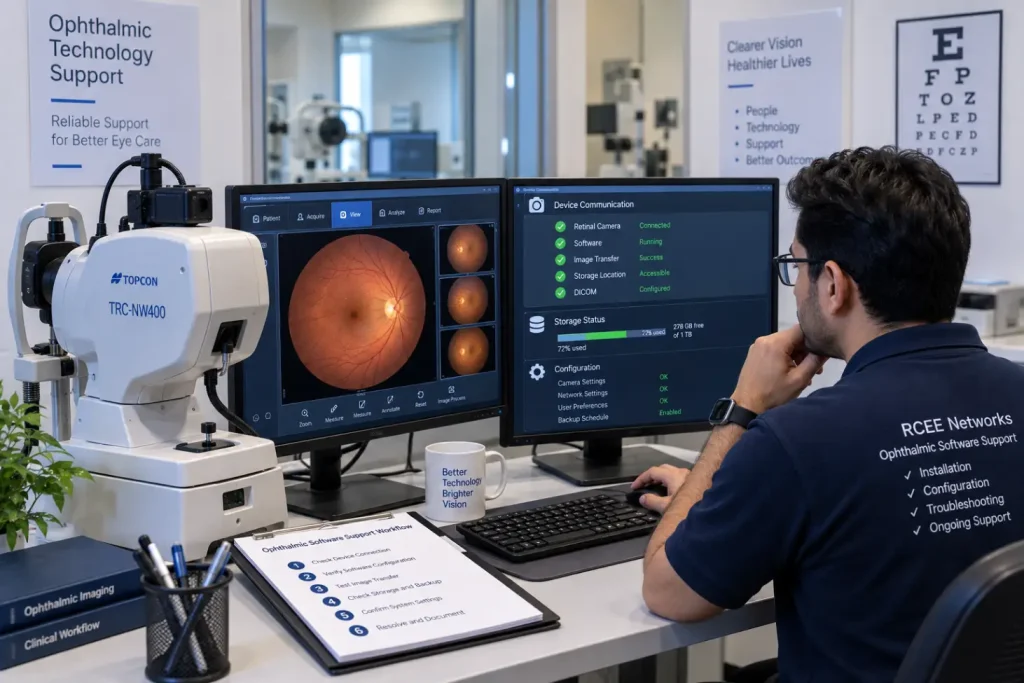
Common RetinaPhile Support Issues
Users may seek technical assistance for different types of problems. Some common examples include:
| Issue | Possible Support Area |
| Software not opening | Installation or system configuration |
| Images not transferring | Connectivity or device communication |
| Slow image loading | Computer, storage, or network performance |
| Installation problems | Software and system compatibility |
| Image storage issues | Storage configuration and data management |
| Device connection problems | Hardware and software communication |
| Unexpected software errors | Troubleshooting and configuration review |
| Network-related problems | Local network or workstation settings |
The exact solution depends on the specific setup and the symptoms being experienced.
How RetinaPhile Technical Support Can Help
Technical support can begin with understanding the problem rather than immediately changing system settings. A support professional may first review the error message, software environment, device configuration, and steps that led to the problem.
Depending on the situation, support may include:
- Initial troubleshooting of software-related issues
- Installation and configuration assistance
- Checking connectivity between systems
- Reviewing workstation settings
- Troubleshooting image transfer problems
- Identifying potential compatibility issues
- Helping diagnose recurring errors
- Providing guidance on system configuration
Not every issue can be resolved remotely. Problems involving physical hardware, manufacturer-specific components, licensing, or proprietary software functions may require assistance from the original product manufacturer or its designated service provider.
Why Professional Technical Support Matters
Retinal imaging is part of a clinical workflow, so technical problems can be disruptive. If images cannot be captured, transferred, accessed, or stored properly, staff may lose valuable time.
Reliable technical assistance can help users:
- Identify the likely source of a technical problem
- Reduce unnecessary trial and error
- Restore normal software operation when possible
- Understand whether an issue is software, network, or hardware related
- Determine when manufacturer-level assistance may be required
The goal is not to replace clinical or manufacturer support. Instead, third-party technical assistance can be useful for general software, workstation, connectivity, and troubleshooting needs, where appropriate.
RetinaPhile Support from RCEE Networks
RCEE Networks provides technical support services for selected RetinaPhile Support software and related technology environments. In some cases, the team can assist RetinaPhile Technical Software users with technical issues, depending on the specific problem and system configuration.
Before beginning support, it is useful to have basic information available, such as:
- RetinaPhile Support Technical version
- Computer operating system
- Description of the issue
- Error messages or screenshots
- Details of connected equipment
- When the problem started
- Any recent software or hardware changes
This information can help the support team understand the issue more quickly.
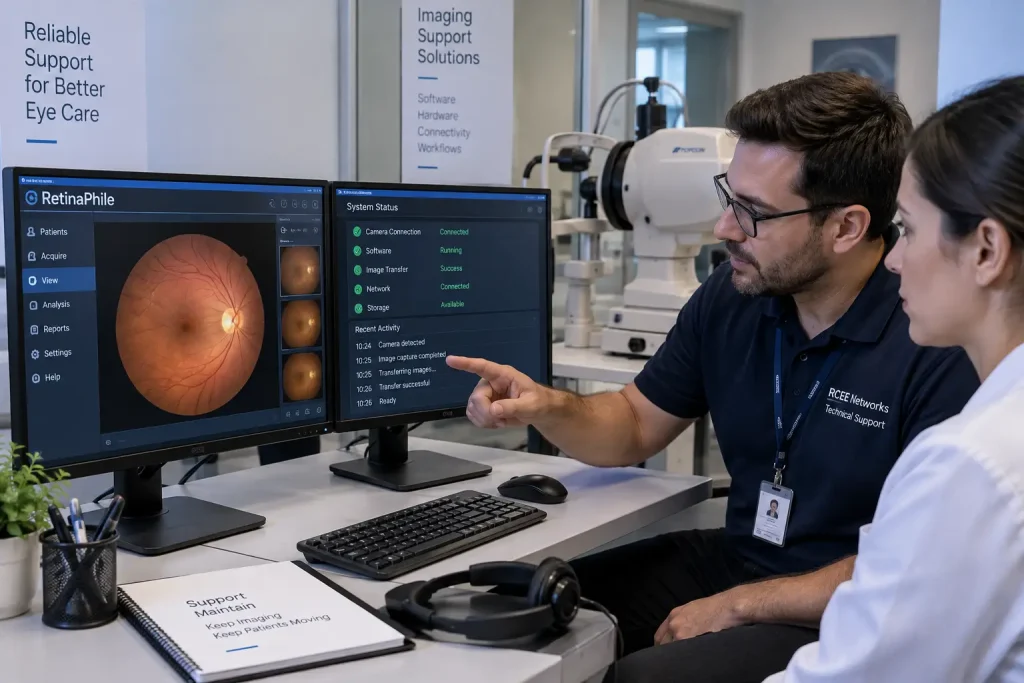
Conclusion
Retinal imaging software plays an important role in modern ophthalmic workflows, but technical problems can occur just like they can with any other clinical technology. For RetinaPhile Technical support users, appropriate technical support can help identify software, connectivity, configuration, and workstation-related problems.
RCEE Networks can assist with certain RetinaPhile support requirements on a case-by-case basis, while manufacturer or authorized service support may be necessary for issues outside the scope of third-party technical assistance.
Frequently Asked Questions
1. Does RCEE Networks provide RetinaPhile support?
RCEE Networks can provide technical assistance for certain RetinaPhile-related issues. The type of support available depends on the problem, software environment, and equipment configuration.o
2. Can you fix every RetinaPhile Support problem?
No. Some issues may require the original manufacturer, authorized service provider, hardware technician, or licensing support. The support team can help determine the likely source of the problem.
3. Can you help with RetinaPhile installation?
Installation or configuration assistance may be possible depending on the software version and the user’s technical environment.
4. Can you troubleshoot image transfer problems?
Yes, where the problem relates to software, workstation configuration, networking, or system communication, technical troubleshooting may be possible.
5. What information should I provide when requesting support?
Provide the software version, operating system, error message, screenshots if available, and a brief description of what happened. Details about connected equipment can also be helpful.
6. Is third-party support a replacement for the manufacturer?
No. Third-party technical support has a different role. Manufacturer support may still be necessary for proprietary functions, hardware defects, licensing matters, or issues that require manufacturer-level access.
Also Read:Retinal Image Analysis