Best mobile app debugging software refers to platforms and utilities used to detect, analyze, and fix errors in mobile applications during development and testing. These tools improve application stability, security, and performance across Android, iOS, and hybrid environments. Mobile debugging software is widely used in enterprise app development, quality assurance workflows, and DevOps testing pipelines where rapid issue resolution is critical.
Key Takeaways
- Best mobile app debugging software supports Android, iOS, and hybrid applications.
- Debugging tools help identify crashes, memory leaks, and performance issues.
- Free tools are suitable for individual testing workflows.
- Professional platforms provide cloud monitoring and team collaboration features.
- USB debugging and runtime analysis remain essential for mobile diagnostics.
Best Mobile App Debugging Software Tools
The best mobile app debugging software includes integrated debugging environments, cloud-based monitoring platforms, and runtime inspection tools. These solutions help developers track crashes, memory leaks, network failures, and UI rendering issues.
| Tool | Primary Use | Platform Support |
| Android Studio | Android debugging and profiling | Android |
| Xcode Debugger | iOS debugging and simulator testing | iOS |
| AppSpector | Remote debugging and logs | Android, iOS |
| Zipy | Session replay and error monitoring | Cross-platform |
| Firebase Crashlytics | Crash reporting | Android, iOS |
| Charles Proxy | API and network debugging | PC, Mobile |
Common debugging capabilities include:
- Real-time log monitoring
- Memory and CPU profiling
- API request inspection
- Crash analytics
- Remote device testing
- Breakpoint debugging
Developers often compare best mobile app debugging software free tools with enterprise platforms that include cloud testing, automation, and security auditing features.
Software to Debug JavaScript
JavaScript debugging software is commonly used in React Native, Ionic, and hybrid mobile frameworks.
Popular tools include:
- Chrome DevTools
- Visual Studio Code Debugger
- React Native Debugger
- Safari Web Inspector
These tools support:
- Console inspection
- Source mapping
- Runtime variable tracking
- Network request analysis
Free and Professional Mobile App Debugging Software
Best mobile app debugging software for Android and iOS is available in both free and enterprise editions. Free tools are suitable for individual developers, while professional suites support large-scale deployment testing and compliance workflows.
Free Mobile Debugging Tools
- Android Debug Bridge (ADB)
- Logcat
- Chrome DevTools
- Xcode Instruments
Professional Mobile Debugging Platforms
- AppSpector
- Instabug
- New Relic Mobile
- Sentry
Professional platforms typically provide:
- Centralized crash reporting
- User session replay
- Cloud device testing
- Team collaboration dashboards
- Automated alerts
A related area often discussed alongside debugging tools includes mobile app testing frameworks, crash analytics software, and performance monitoring systems.
USB Debugging Software for Windows and PC
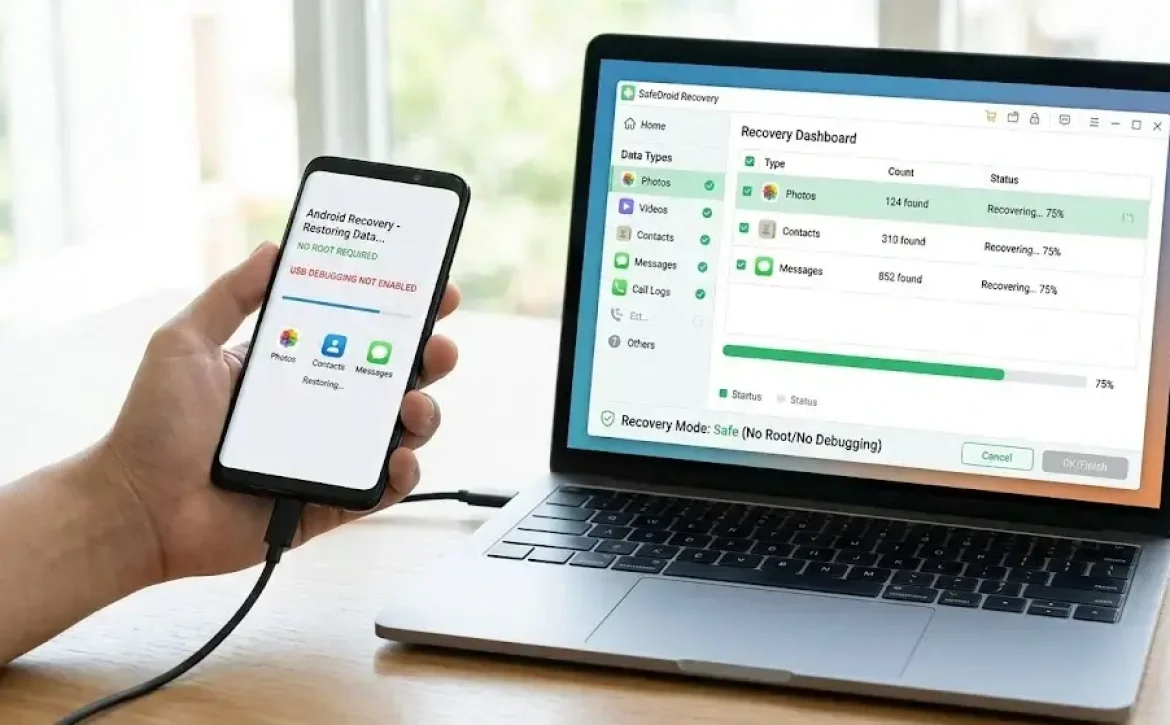
USB debugging software enables direct communication between mobile devices and desktop systems for testing and diagnostics.
Common PC debugging utilities include:
| Software | Function |
| ADB Tools | Android device communication |
| Samsung Odin | Firmware debugging |
| Minimal ADB and Fastboot | Device testing |
| Android SDK Platform Tools | Developer debugging |
Best mobile app debugging software for PC frequently integrates with IDEs to simplify device deployment and emulator testing.
Mobile App Debugging Techniques and Testing Methods
Best mobile app debugging software supports multiple testing and debugging techniques used in modern software engineering environments.
Common Debugging Methods
- Static code analysis
- Runtime debugging
- Memory profiling
- API validation
- Emulator testing
- Device compatibility testing
Testing Workflow Example
- Reproduce the issue
- Capture logs and stack traces
- Analyze runtime behavior
- Apply fixes
- Validate through regression testing
Industry practices often follow Agile testing cycles combined with CI/CD validation pipelines to reduce deployment failures.
Software Used to Debug C++ Code
C++ debugging tools are important for game engines, embedded mobile systems, and native Android development.
Widely used solutions include:
- GNU Debugger (GDB)
- LLDB
- Visual Studio Debugger
- CLion Debugger
These tools support:
- Breakpoint inspection
- Thread analysis
- Memory allocation tracking
- Native code debugging
Best mobile app debugging software ios environments commonly integrate LLDB within Xcode for native application testing.

Conclusion
Best mobile app debugging software improves application reliability through structured testing, crash monitoring, and runtime analysis across Android, iOS, and PC environments. As mobile applications become more complex, developers increasingly rely on integrated debugging ecosystems that combine performance monitoring, automated testing, and device compatibility validation.
Organizations evaluating cross-platform development environments may also explore best mac debugging software to support broader desktop and mobile debugging workflows.
FAQ
What is mobile app debugging software?
Mobile app debugging software is used to detect, analyze, and fix errors in Android and iOS applications during development and testing.
Which is the best mobile app debugging software for Android?
Android Studio, ADB, and Firebase Crashlytics are widely used for Android debugging and crash analysis.
Is there free mobile app debugging software available?
Yes. Android Studio, Logcat, Chrome DevTools, and Xcode provide free debugging capabilities for mobile developers.
What software is used to debug C++ mobile applications?
Common C++ debugging tools include GDB, LLDB, Visual Studio Debugger, and CLion Debugger.
Why is USB debugging important in mobile testing?
USB debugging allows direct device communication for app installation, diagnostics, log analysis, and firmware testing.
Sources
- https://bestmobileappdebuggingsoftware.com/
- https://www.appspector.com/blog/best-mobile-app-debugging-tool
- https://www.softobotics.org/blogs/top-testing-and-debugging-tools-for-mobile-app-development/
- https://www.g2.com/categories/mobile-app-debugging
- https://www.iubenda.com/en/blog/top-5-mobile-app-development-tools-for-developers-and-beginners/
- https://www.zipy.ai/blog/top-debugging-tools-for-mobile
- https://play.google.com/store/apps/details?id=com.legendsoftware.appdebug&hl=en_IN
- https://deftsoft.com/10-android-mobile-app-development-tools/
- https://getlatka.com/companies/industries/i-mobile-app-debugging-tools