RCEE+Networks LLC
  • Home
  • RetinaWiseAI™
  • IMACAM™
  • Resource Center
  • About
Contact
logotype
  • Home
  • RetinaWiseAI™
  • IMACAM™
  • Resource Center
  • About
logotype
  • Home
  • RetinaWiseAI™
  • IMACAM™
  • Resource Center
  • About
Uncategorized
Home Archive by Category "Uncategorized"

Category: Uncategorized

Uncategorized
Umesh Kumar KhiriAugust 18, 2026 0 Comments
Share article:TwitterFacebookLinkedin
7 Views
6 Likes

Best Cloud-Based Medical Practice Software for Small Clinics

Running a small clinic does not mean there is less work. Doctors still have to manage patient records, appointments, prescriptions, billing, follow-ups, and daily administrative tasks. When these jobs are handled through paper files, notebooks, spreadsheets, or separate apps, things can quickly become difficult to keep track of.

That is where cloud-based medical practice software can help. It brings important clinic tasks into one online system, allowing doctors and staff to access information from supported devices without maintaining their own server. When comparing the Best Cloud-Based Medical Practice Software for Small Clinics, ease of use and reliability should be among the first things to consider.

For a small clinic, however, more features do not always mean better software. The right system should be simple, affordable, secure, and easy to use during a busy consultation day.

What Is Cloud-Based Medical Practice Software?

Cloud-based medical practice software is an online platform designed to manage both clinical and administrative activities. Instead of keeping everything on a computer in the clinic, information is stored on cloud infrastructure and can be accessed by authorized users.

Common features include:

  • Patient registration and medical records
  • Appointment scheduling
  • Digital prescriptions
  • Billing and receipts
  • Follow-up reminders
  • Lab and pharmacy management
  • Patient communication
  • Reports and practice analytics

Many Indian platforms now focus specifically on small and independent clinics, rather than large hospitals. This makes it easier for doctors to find the Best Cloud-Based Medical Practice Software for Small Clinics based on their actual requirements.

Als Read:Integrated Medical Software

Best Options for Small Clinics

There is no single software that is best for every practice. A general physician may have different requirements from a dental, dermatology, physiotherapy, or multi-specialty clinic.

SoftwareSuitable forKey strengths
Practo RaySolo doctors and small practicesPractice management and patient-related workflows
HealthPlixDoctors focused on EMRDigital records and prescription workflows
MocDocClinics wanting broader managementClinic and healthcare management features
Eka CareDigitally connected practicesDigital health records and health-data workflows
MyClinicDeskSmall and budget-conscious clinicsRecords, appointments, billing and WhatsApp
ClinemoIndependent clinics and polyclinicsOPD, EMR, billing, pharmacy and lab features
SimpleRx EMRIndian doctors and growing practicesCloud EMR, prescriptions, billing and additional hospital features

When comparing the Best Cloud-Based Medical Practice Software for Small Clinics, remember that feature availability, pricing, integrations, and plans can change. It is worth checking each provider’s current offering before making a decision.

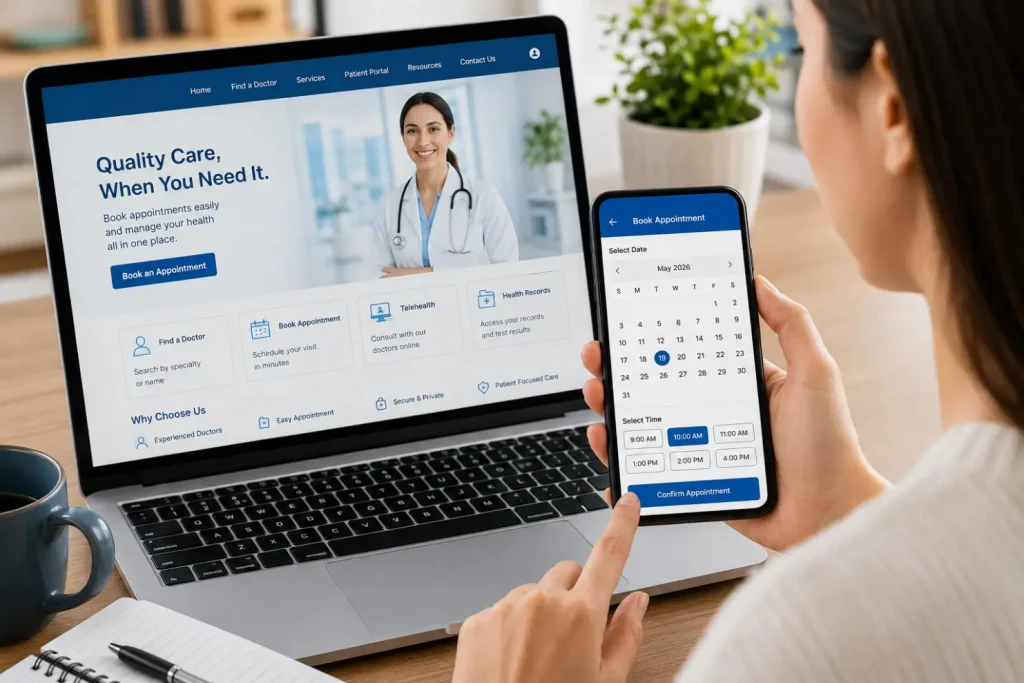
Secure Cloud Healthcare Workspace-Best Cloud-Based Medical Practice Software for Small Clinics 2

Features Small Clinics Should Look For

1. Easy Patient Records

Finding an old patient file should take seconds, not several minutes. Look for searchable records that include consultation history, diagnoses, prescriptions, and relevant reports.

A good patient-record system is one of the most important features to look for when selecting the Best Cloud-Based Medical Practice Software for Small Clinics.

2. Appointment Management

The software should make it easy for reception staff to book, change, and cancel appointments. Reminders can also help reduce missed appointments.

Online booking can be particularly useful for clinics that receive appointments through phone calls, websites, or messaging platforms.

3. Digital Prescriptions

Digital prescriptions save time and make previous prescriptions easier to find. Some Indian systems also support regional languages and customized prescription formats.

Doctors should check whether the prescription format can be adjusted to suit their specialty and consultation style.

4. Billing

Basic billing should cover invoices, receipts, payments, outstanding amounts, and useful daily or monthly reports. Clinics that charge GST should also check whether the software supports their billing requirements.

For clinics comparing the Best Cloud-Based Medical Practice Software for Small Clinics, billing should be tested during the product demo rather than judged only from the feature list.

5. Patient Communication

WhatsApp or SMS reminders can be useful for appointment confirmations, prescriptions, and follow-ups. This is particularly helpful when one receptionist is handling several tasks.

Automated reminders can also reduce the amount of time staff spend making routine confirmation calls.

6. Data Security

Medical records are sensitive. Before choosing a platform, ask about:

  • Data encryption
  • User permissions
  • Backups
  • Audit logs
  • Data ownership
  • Data export
  • Account recovery
  • Server location and security practices

Security should not be treated as an optional feature. Clinics should understand who controls the data and what happens to patient records if the subscription ends.

7. Cloud and Mobile Access

A cloud system should work reliably through supported browsers or mobile devices. This can be useful when a doctor needs to check information away from the main clinic computer.

Mobile access can also be helpful for doctors who work across more than one clinic or occasionally need to review records outside normal consultation hours.

Cloud Software vs. Traditional Software

FactorCloud-based softwareTraditional software
InstallationUsually minimalUsually required
AccessInternet-connected devicesOften limited to installed computers
UpdatesUsually handled by providerMay require manual updates
HardwareNo local server usually neededMay require additional hardware
MaintenanceMostly provider-managedOften clinic-managed
ScalabilityGenerally easierMay require additional setup

Cloud software is not automatically the right choice, though. A clinic should still check internet requirements, backup procedures, technical support, and what happens if the practice decides to change providers.

These factors can help a clinic narrow down the Best Cloud-Based Medical Practice Software for Small Clinics without focusing only on the number of features offered.

How to Choose the Right Software

Before buying anything, make a list of the problems you actually want the software to solve.

For example:

  1. Do you need electronic medical records?
  2. Do you need online appointment booking?
  3. Will reception staff handle billing?
  4. Do you need WhatsApp communication?
  5. Do you need pharmacy or laboratory management?
  6. Do you need ABDM or ABHA-related functionality?
  7. How many doctors and staff members will use it?
  8. What is your monthly or annual budget?

Then test the shortlisted software with a real workflow. Register a patient, create a consultation, write a prescription, generate a bill, and check the patient’s history. If these basic tasks feel complicated, the system may not be a good fit.

This practical test is especially useful when deciding between different options for the Best Cloud-Based Medical Practice Software for Small Clinics.

For small clinics, a simple system that staff actually use every day is usually more valuable than a complicated platform packed with features nobody needs.

Digital Medical Consultation in Modern Clinic-Best Cloud-Based Medical Practice Software for Small Clinics 3

Also Read: FDA Software as a Medical Device Guidance

Final Thoughts

The Best Cloud-Based Medical Practice Software for Small Clinics should make everyday work easier without adding another layer of complexity.

Start with the basics: patient records, appointments, prescriptions, billing, communication, security, and reliable support. Additional features such as pharmacy, laboratory integration, analytics, telemedicine, and health-record integrations can be considered based on the clinic’s needs.

Frequently Asked Questions

1. What is the best medical practice software for a small clinic?

There is no universal answer. Platforms such as Practo Ray, HealthPlix, MocDoc, Eka Care, MyClinicDesk, Clinemo, and SimpleRx EMR offer different combinations of features. The best option depends on your specialty, budget, staff size, and workflow.

2. Is cloud-based clinic software safe?

It can be, but security depends on the provider. Ask about encryption, backups, access controls, audit logs, and data export before signing up.

3. Does cloud-based software require a server?

Generally, no. The software provider manages the cloud infrastructure. Your clinic normally needs compatible devices and a reliable internet connection.

4. Can a small clinic use EMR and billing software together?

Yes. Many modern clinic platforms combine electronic medical records with appointments, prescriptions, billing, and other practice-management functions.

5. Should I choose software with more features?

Not necessarily. Choose the features your clinic will actually use. A simple system that staff can learn quickly may be a better choice than a large platform designed for hospitals.

READ MORE
Uncategorized
Umesh Kumar KhiriAugust 15, 2026 0 Comments
Share article:TwitterFacebookLinkedin
8 Views
7 Likes

Medical Software Solutions for Reducing Patient Wait Times

Long wait times can make an otherwise good healthcare experience frustrating. A patient may arrive on time but still spend a long time at the reception desk, wait for a consultation, or sit for test results and billing. For healthcare providers, these delays can also put pressure on staff and make it harder to manage daily appointments.

Medical Software Solutions for Reducing Patient Wait Times can help reduce many of these unnecessary delays. By connecting scheduling, registration, patient records, diagnostics, billing, and communication, healthcare organizations can make everyday processes easier to manage.

The goal is not to rush patients through appointments. It is to remove avoidable delays so healthcare professionals can focus more on patient care.

What Causes Long Patient Wait Times?

Patient waiting can happen at several stages of a healthcare visit. Some delays are clinical and cannot be avoided, but others are caused by administrative or communication problems.

Common reasons include:

  • Manual registration and paperwork
  • Poorly managed appointment schedules
  • Delayed access to patient records
  • Long reception queues
  • Slow laboratory or imaging workflows
  • Communication gaps between departments
  • Insurance verification and billing delays
  • Patients arriving without required information
  • Limited visibility into appointment or queue status

When several of these issues occur during the same visit, waiting time can quickly increase.

Patient checks clinic alert on phone-Medical Software Solutions for Reducing Patient Wait Times- 2

How Medical Software Helps Reduce Waiting

Medical Software Solutions for Reducing Patient Wait Times can connect different parts of the patient journey and reduce repetitive work. Instead of handling every process separately, healthcare teams can use digital systems to coordinate information and tasks.

1. Online Appointment Scheduling

Online scheduling allows patients to book appointments without calling a clinic or visiting the reception desk.

Patients can usually:

  • View available time slots
  • Select a doctor or service
  • Reschedule appointments
  • Receive confirmation messages
  • Get appointment reminders

For staff, scheduling software provides a clearer view of appointments and can help identify gaps, cancellations, and scheduling conflicts.

2. Digital Registration and Check-In

Paper forms can create long queues, especially during busy hours. Digital registration allows patients to enter basic information before arriving.

A patient portal or digital check-in system may allow patients to:

  • Enter personal information
  • Update existing details
  • Provide insurance information
  • Complete required forms
  • Confirm their appointment

This reduces repetitive data entry and gives reception staff more time to handle patients who need assistance.

Also Read:Integrated Medical Software

3. Queue Management Software

Queue management can be particularly useful in busy hospitals and clinics. Staff can see which patients have arrived, who is waiting, and which appointments are ready to proceed.

Depending on the system, patients may also receive notifications when their turn is approaching.

This can help reduce confusion and make waiting more predictable.

4. Electronic Health Records

Doctors should not have to spend valuable appointment time searching for basic patient information.

Electronic health records can provide authorized healthcare professionals with access to relevant information such as:

  • Medical history
  • Previous diagnoses
  • Medications
  • Laboratory results
  • Imaging reports
  • Clinical notes

When records are available electronically, clinicians can spend less time locating information and more time discussing the patient’s needs.

5. Laboratory Integration

Laboratory testing can create delays when test orders and results are handled through disconnected systems.

Integrated laboratory software can connect the process from ordering to reporting:

Test Order → Sample Collection → Processing → Result → Doctor Review

Electronic transfer of results can reduce manual entry and make reports available to authorized clinicians more quickly.

6. Medical Imaging Integration

Imaging departments often handle large volumes of X-rays, CT scans, MRIs, and ultrasound examinations.

Medical Software Solutions for Reducing Patient Wait Times can connect patient information, imaging orders, images, and reports. This can reduce the need for staff to transfer files manually and help physicians access relevant imaging information when making clinical decisions.

7. Faster Billing and Insurance Processing

Billing can be another source of waiting after a consultation.

Medical billing software can help organize:

ProcessHow software can help
Patient informationReuse information from connected records
BillingGenerate digital invoices
InsuranceManage required information and documentation
PaymentsRecord transactions electronically
ClaimsOrganize claim-related data

The exact capabilities depend on the software and the healthcare organization’s processes.

8. Automated Patient Communication

Patients can become frustrated when they do not know whether an appointment has changed or a doctor is running late.

Medical software can send automated:

  • Appointment reminders
  • Check-in instructions
  • Cancellation notices
  • Rescheduling messages
  • Queue updates
  • Follow-up reminders
  • Test-result notifications

Better communication can prevent some avoidable waiting and missed appointments.

Benefits for Healthcare Providers and Patients

Reducing unnecessary waiting can improve several parts of the healthcare experience.

AreaPotential benefit
PatientsLess time spent on administrative tasks
DoctorsEasier access to relevant information
Reception staffFewer repetitive registration tasks
LaboratoriesFaster transfer of test orders and results
Imaging teamsEasier access to connected patient information
AdministratorsBetter scheduling and billing visibility

What Should Healthcare Organizations Consider?

Choosing Medical Software Solutions for Reducing Patient Wait Times should start with the organization’s actual problems. A small clinic may only need appointment scheduling, digital registration, EHR, and billing tools. A large hospital may require integration across laboratories, imaging, pharmacy, insurance, and multiple departments.

Important factors include:

  • Ease of use
  • System integration
  • Data security and privacy
  • Interoperability
  • Scalability
  • Mobile accessibility
  • Reporting capabilities
  • Technical support
  • Implementation cost

Software should make existing workflows easier rather than create additional complexity.

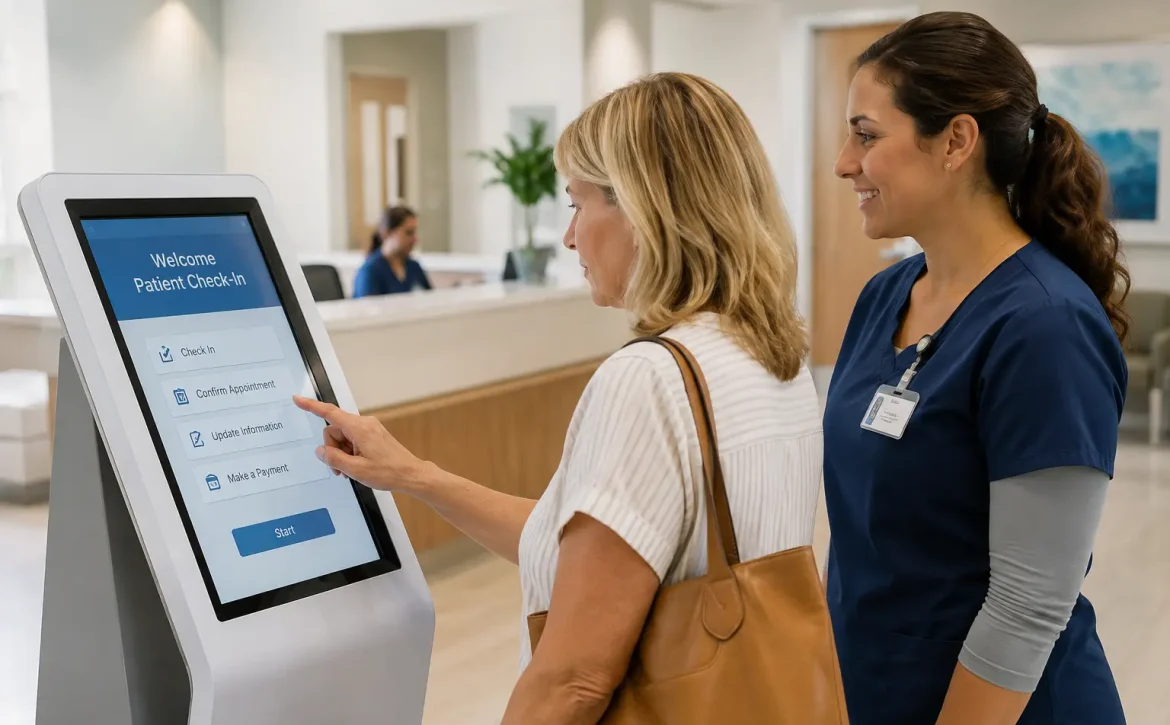
Booking Healthcare Made Easy-Medical Software Solutions for Reducing Patient Wait Times 3

Frequently Asked Questions

Can Medical Software Solutions for Reducing Patient Wait Times completely eliminate patient waiting?

No. Some waiting is unavoidable, particularly when emergencies or complex cases require immediate attention. Medical Software Solutions for Reducing Patient Wait Times are most useful for reducing unnecessary administrative and operational delays.

How does appointment software reduce waiting?

Appointment software helps organize available time slots, manage cancellations, send reminders, and reduce scheduling conflicts. As part of Medical Software Solutions for Reducing Patient Wait Times, it can improve patient flow throughout the day.

Can small clinics use medical software?

Yes. Small clinics can start with basic solutions such as online scheduling, digital registration, electronic records, billing, and automated reminders. These Medical Software Solutions for Reducing Patient Wait Times can be scaled as the clinic grows.

Does electronic health record software reduce delays?

It can. Authorized healthcare professionals can access relevant patient information without searching through paper files or requesting records from another department. This makes EHRs an important part of Medical Software Solutions for Reducing Patient Wait Times.

Can software improve the patient experience?

Yes. Patients may spend less time filling out forms, waiting for information, or repeating details that have already been provided. Medical Software Solutions for Reducing Patient Wait Times can make the overall healthcare journey more convenient and organized.

Also Read:Exploring enterprise-level analytics in medical software solutions

READ MORE
Uncategorized
Umesh Kumar KhiriAugust 14, 2026 0 Comments
Share article:TwitterFacebookLinkedin
9 Views
5 Likes

Integrated Medical Software

Healthcare depends on information. Doctors need patient histories, laboratories need test orders, radiologists need clinical details, and administrative teams need accurate billing and appointment records. When these functions operate through separate systems, staff may spend too much time moving information from one platform to another.

Key Takeaways

  1. Connects Healthcare Systems: Links EHRs, labs, imaging, billing, and other platforms.
  2. Reduces Manual Work: Limits duplicate data entry and improves information sharing.
  3. Supports Better Care: Gives authorized clinicians easier access to relevant patient information.
  4. Improves Security: Uses access controls, encryption, monitoring, and secure data exchange.

Integrated medical software helps solve this problem by connecting different healthcare applications and allowing relevant information to move between them. It can support hospitals, clinics, diagnostic centers, laboratories, pharmacies, and other healthcare organizations.

The purpose is simple: make healthcare information easier to access, manage, and use while reducing unnecessary manual work.

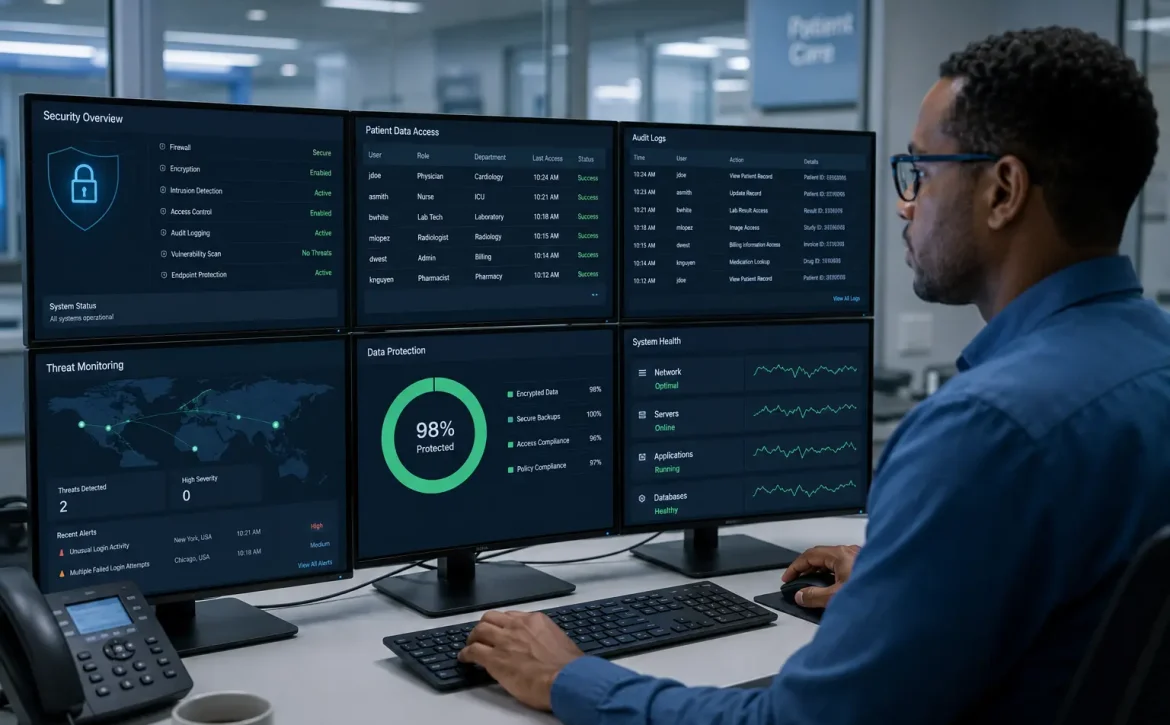
Lab technician reviewing digital results-Integrated Medical Software 2

What Is Integrated Medical Software?

Integrated medical software connects healthcare systems that are responsible for different parts of patient care and administration.

For example, a hospital may use separate software for electronic health records, laboratory testing, medical imaging, appointments, billing, and pharmacy management. With proper integration, these systems can exchange information instead of requiring staff to enter the same details repeatedly.

Common integrations include:

  • Electronic health records (EHRs)
  • Electronic medical records (EMRs)
  • Laboratory information systems
  • Radiology and imaging systems
  • Pharmacy software
  • Appointment scheduling
  • Billing and insurance systems
  • Telemedicine platforms
  • Patient portals
  • Clinical decision-support tools

The exact combination depends on the organization’s size, services, and existing technology.

Also Read:https://www.rceenetworks.com/medical-image-analysis-software-development-company/

Why Is Medical Software Integration Important?

A patient’s care often involves several departments. Consider a patient who visits a physician, receives a blood test, undergoes an imaging examination, and later sees a specialist. If each department uses disconnected software, staff may have to transfer information manually.

An integrated system can connect these steps.

For example:

Patient Visit → Test Order → Laboratory Result → Doctor Review → Updated Patient Record

This type of connection can reduce duplicate data entry and make important information available to authorized healthcare professionals more easily.

Key Benefits of Integrated Medical Software

BenefitHow it helps
Better access to recordsClinicians can find relevant patient information more easily
Less manual entryInformation can move between connected systems
Faster communicationDepartments can exchange results and records electronically
Fewer data errorsReducing repeated entry can lower the risk of transcription mistakes
Better patient experiencePatients may spend less time repeating information
Improved coordinationClinical and administrative teams can work with connected information

Integration can also help healthcare organizations understand how information moves through their daily operations.

Important Features

1. EHR Integration

Connecting medical applications with an EHR allows patient information to be shared across appropriate systems. Test results, reports, medications, and other records can become part of a connected patient history.

2. Laboratory Integration

Laboratory integration can connect test ordering with sample processing and result reporting.

A typical workflow may look like:

3. Medical Imaging Integration

Hospitals and diagnostic centers handle large volumes of X-rays, CT scans, MRIs, ultrasounds, and other medical images. Integrated software can connect imaging systems with patient records and reporting platforms.

DICOM is commonly used for medical imaging communication, while healthcare APIs and standards such as HL7 and FHIR can support broader information exchange.

4. Appointment and Billing Integration

Scheduling and billing can also be connected with clinical systems. This allows administrative information to relate more closely to the patient’s visit and the services provided.

5. Telemedicine Integration

Telemedicine software can be connected with patient records, appointment systems, prescriptions, and clinical documentation. This makes virtual consultations part of the wider care process rather than a separate workflow.

Security Matters

Connecting healthcare systems also means protecting more data across more points of access. Medical software should therefore include appropriate security measures, such as:

  • Role-based access
  • Strong authentication
  • Encryption
  • Audit logs
  • Secure data exchange
  • Regular backups
  • Access monitoring
  • Privacy and regulatory controls

Not every employee should have access to every patient record. Permissions should reflect each person’s responsibilities.

The Role of AI-Powered Clinical Decision-Support

Integrated medical software can also work with AI-powered clinical decision-support tools. These tools may help clinicians review medical images, identify patterns, organize information, or assess certain clinical risks.

For example, an imaging system could send a medical image to a decision-support application and return relevant findings to the authorized clinician.

These tools are intended to support professional judgment, not replace doctors or other qualified healthcare professionals.

Common Challenges

Medical software integration is useful, but it is not always simple. Organizations may face:

  • Older systems that lack modern integration options
  • Inconsistent patient data
  • High implementation and maintenance costs
  • Cybersecurity concerns
  • Staff training requirements
  • Compatibility issues between vendors
  • Privacy and regulatory requirements

Good planning is important before connecting multiple systems. Healthcare teams, IT professionals, software providers, and compliance specialists should understand the workflow and requirements before implementation begins.

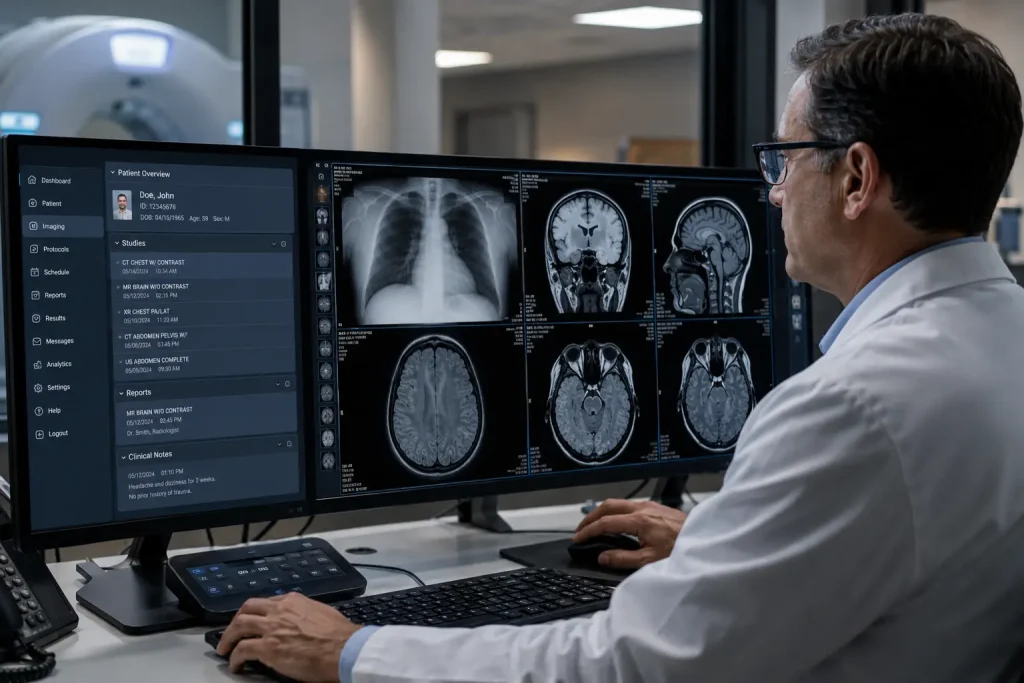
Digital lab results reviewed by technician- Integrated Medical Software 3

FAQs

1.     What is integrated medical software?

Integrated medical software connects different healthcare applications so they can exchange relevant information and support connected clinical and administrative workflows.

2.     What systems can be integrated?

EHRs, laboratory systems, imaging platforms, pharmacy software, appointment systems, billing platforms, telemedicine tools, and clinical decision-support applications can often be integrated.

3.     Does integration improve patient care?

It can support better care by making relevant information easier for authorized healthcare professionals to access and reducing unnecessary manual processes.

4.     Is integrated medical software secure?

It can be secure when designed with appropriate authentication, encryption, access controls, monitoring, backups, and privacy safeguards. Security depends on how the system is designed, implemented, and maintained.

5.     Can small clinics use integrated medical software?

Yes. Integration is not limited to large hospitals. Small clinics can connect selected systems based on their needs, budget, and existing technology.

READ MORE

Recent Posts

  • Best Cloud-Based Medical Practice Software for Small Clinics
  • Medical Software Solutions for Reducing Patient Wait Times
  • Integrated Medical Software
  • FDA Software as a Medical Device Guidance
  • Exploring enterprise-level analytics in medical software solutions

Recent Comments

No comments to show.

Archives

  • August 2026
  • July 2026

Categories

  • AI in Medical Software
  • iMACAM Support
  • Retinal Image Analysis
  • Uncategorized
Recent Posts
  • Best Cloud-Based Medical Practice Software for Small Clinics
    Best Cloud-Based Medical Practice Software for Small Clinics
    August 18, 2026
  • Medical Software Solutions for Reducing Patient Wait Times
    Medical Software Solutions for Reducing Patient Wait Times
    August 15, 2026
  • Integrated Medical Software
    Integrated Medical Software
    August 14, 2026
Categories
  • AI in Medical Software11
  • iMACAM Support1
  • Retinal Image Analysis8
  • Uncategorized3
logotype

RCEENetworks LLC

Dallas based Opthalmic Technology for Retinal Imaging, Workflow Optimization, and Enterprise Healthcare Software

1-844-284-3695

info@rceenetworks.com

3010 Lyndon B Johnson Fwy #1200, Dallas, TX 75234, United States

Menu

HomeRetinaWiseAI™

IMACAM™Blog

About

Contact

Other Links

Privacy PolicyContent PolicyTerms & Conditions

Social Links

TwitterFacebookInstagramLinkedin

Copyright © 2026 RCEENetworks LLC. All Rights Reserved