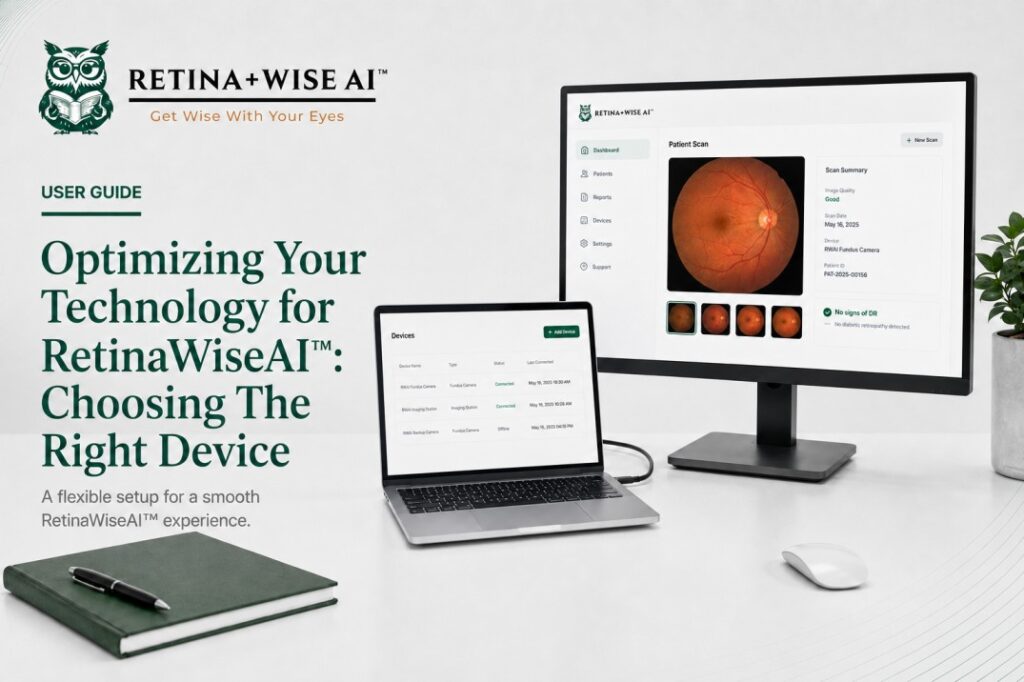
RetinaWiseAI can support a flexible clinical workflow across different work areas. For many practices, a laptop or tablet offers the best balance of mobility, personalization, and access to the tools used throughout the day.
- They are lightweight and easy to move between exam rooms, workstations, or office locations.
- They can be personalized for the individual user and connected to the clinic’s approved network.
- They can support side-by-side use with the practice’s EMR workflow.
- They can connect to a larger external monitor when more screen space is needed for image review.
- Use a clinic-approved laptop or tablet with an updated version of Google Chrome or Microsoft Edge.
- Connect to a stable, secure internet connection.
- Use an external monitor when larger image viewing is helpful.
- Keep the device charged or connected to power during extended clinical use.
For assistance selecting or configuring a device for RetinaWiseAI, call 1-844-2-THEOWL.