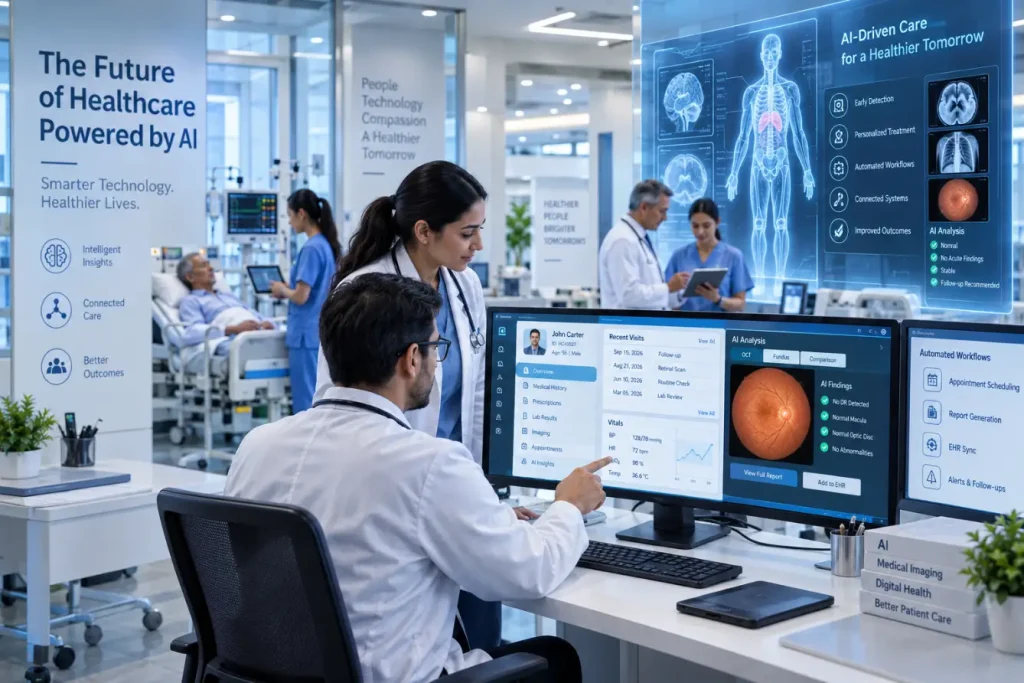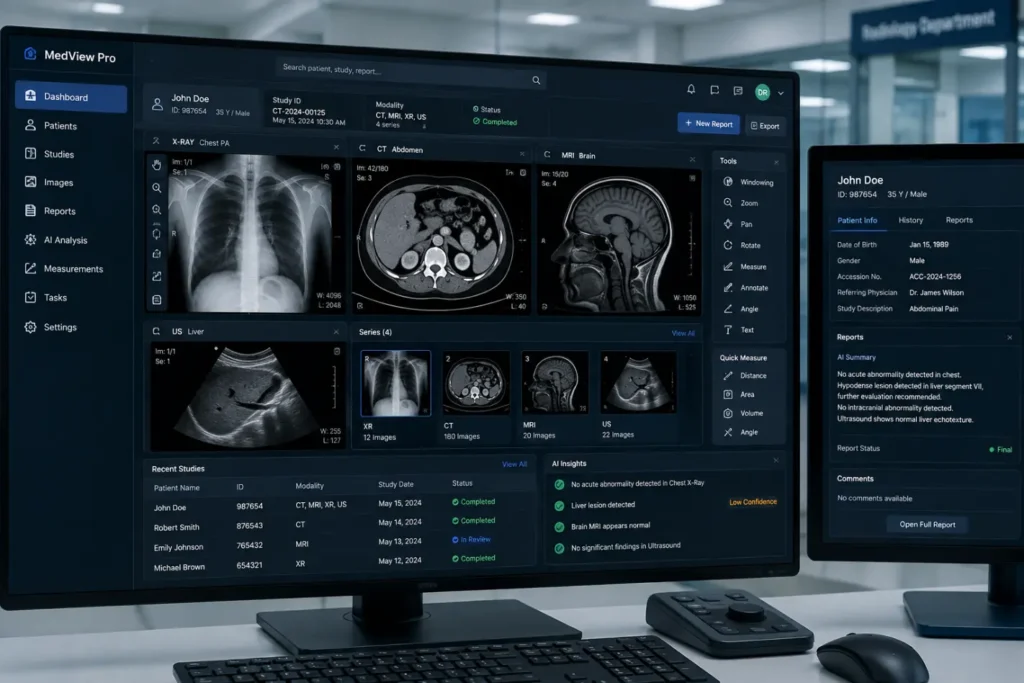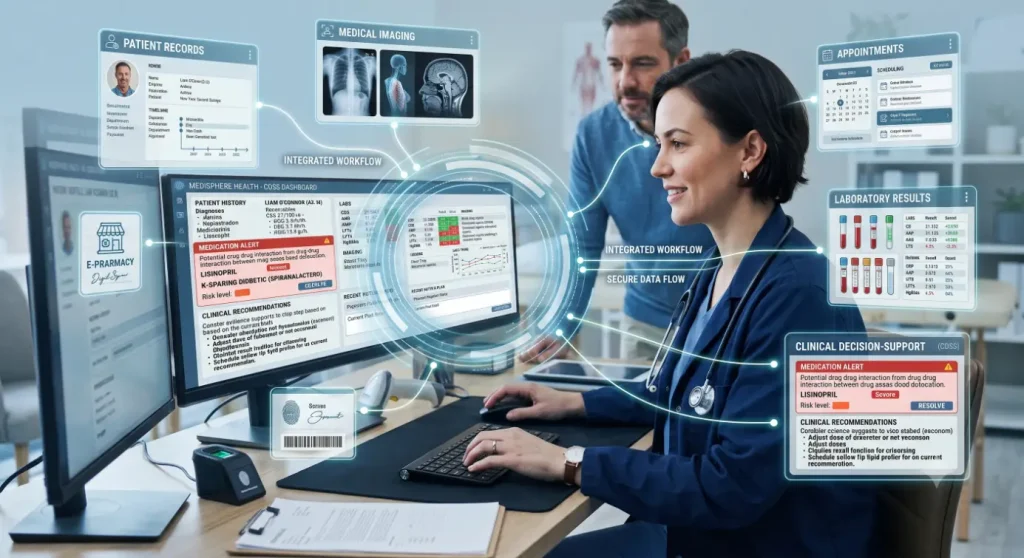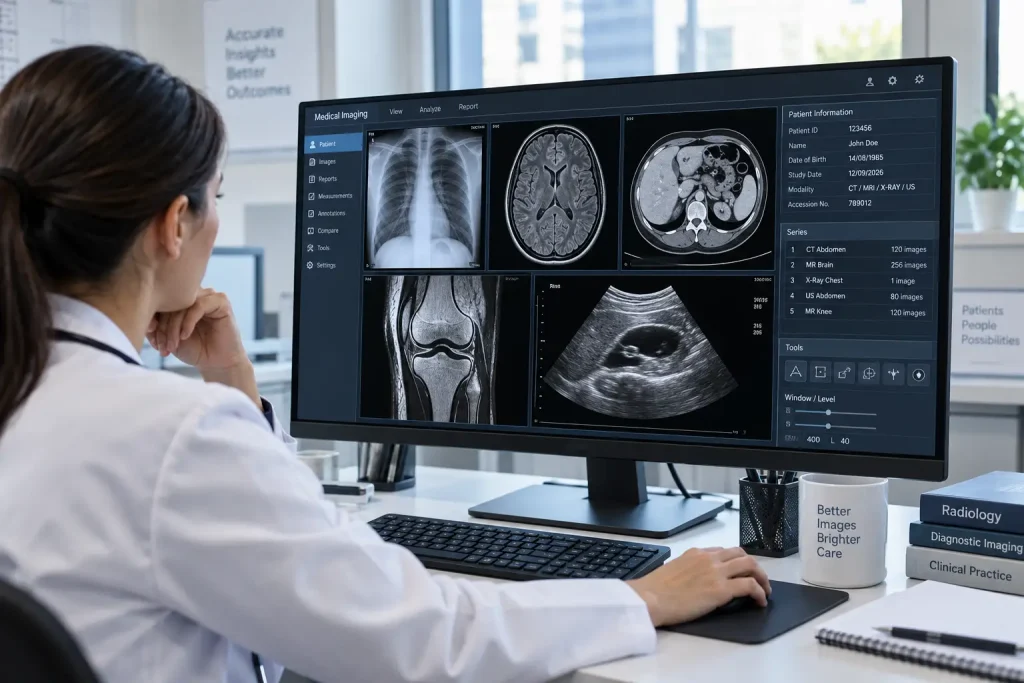
Medical image are an important part of diagnosis and patient care. Doctors use X-rays, CT scans, MRI scans, ultrasound images, and specialized images such as retinal photographs to understand conditions that may not be visible during a routine examination. But producing an image is only the beginning. Healthcare professionals also need reliable tools to view, organize, compare, and analyze those images. That’s why Medical imaging analysis software important.
Key Takeaways
- Medical imaging analysis software helps clinicians view, manage, compare, and analyze diagnostic images.
- Specialized tools can support ophthalmology, radiology, pathology, and other medical fields.
- Image comparison and measurement features can help track changes over time.
- AI-powered clinical decision-support can provide additional information for image review.
- Software should support clinical judgment rather than replace it.
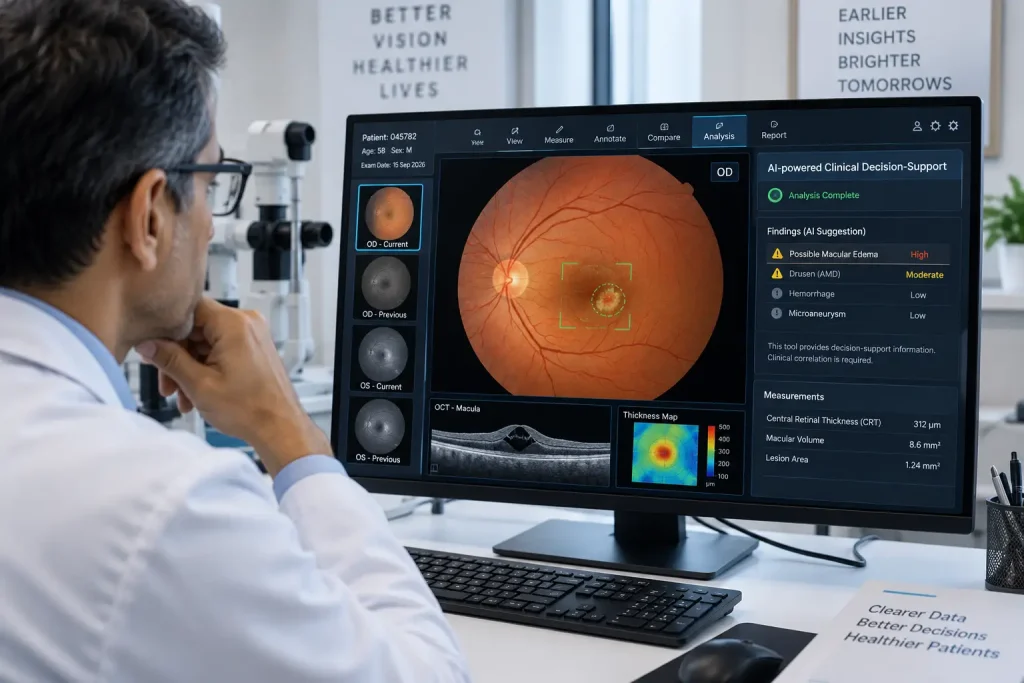
This is where medical imaging analysis software becomes useful. It provides tools that help clinicians work with medical images and, in some cases, use AI-powered clinical decision-support to identify patterns that may need further review.
What Is Medical Imaging Analysis Software?
Medical imaging analysis software is designed to help healthcare professionals manage and examine images produced by diagnostic devices.
Depending on the application, it can work with:
- X-ray images
- CT and MRI scans
- Ultrasound images
- Mammography
- Digital pathology
- Retinal fundus photographs
- OCT and OCTA images
- Other specialty-specific medical images
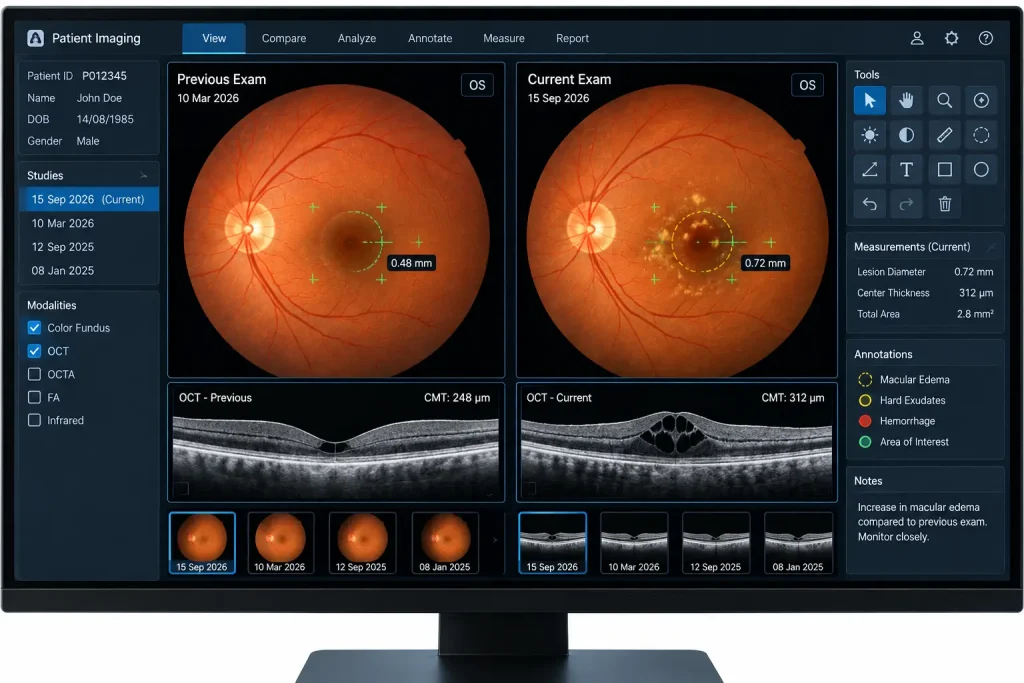
The software may provide basic image viewing as well as more advanced functions such as measurements, annotations, image comparison, segmentation, and automated analysis.
Also Read:Future-Proof Medical Software
How Does It Help Clinicians?
Medical imaging analysis software can make image review more organized and consistent. Instead of relying only on a basic image viewer, clinicians can use tools designed specifically for examining and documenting medical images.
| Feature | How it helps |
| Image viewing | Provides a clear way to examine diagnostic images |
| Image enhancement | Helps clinicians adjust images for better visibility |
| Measurements | Supports quantitative assessment of selected structures |
| Annotations | Allows important areas to be marked and documented |
| Image comparison | Makes it easier to compare current and previous examinations |
| Image management | Helps organize patient imaging records |
| Automated analysis | Can identify patterns or areas for further review |
| Reporting | Supports documentation of imaging findings |
The usefulness of these features depends on the type of imaging, specialty, and clinical workflow.
Medical Imaging Analysis in Ophthalmology
Ophthalmology is a good example of how specialized imaging software can support patient care. Eye care professionals routinely work with detailed retinal photographs and OCT scans, where small changes can be important.
Ophthalmic imaging software can help clinicians:
- Review retinal photographs
- Compare images from different visits
- Examine retinal layers using OCT
- Take and record measurements
- Add clinical annotations
- Store imaging information with patient records
- Review image findings alongside other clinical information
For conditions such as diabetic retinopathy, glaucoma, age-related macular degeneration, and diabetic macular edema, comparing images over time can provide useful information about changes in the eye.
Role of AI-Powered Clinical Decision-Support
Some modern imaging platforms include AI-powered clinical decision-support. These systems can analyze medical images and identify patterns that may be associated with specific findings.
For example, an imaging system may flag an image for closer review when its analysis detects a pattern that meets predefined criteria.
This does not mean the software independently diagnoses a patient. Clinical findings still need to be assessed by an appropriately qualified healthcare professional. The software is best considered an additional source of information within the clinical workflow.
What Should You Look for in Imaging Software?
Choosing imaging analysis software is not simply about finding a system with the largest number of features. Healthcare organizations should consider whether the software fits their actual needs.
Important factors include:
- Compatibility with existing imaging equipment
- Support for relevant imaging formats and standards
- Integration with other healthcare systems
- Patient data security and privacy
- Image storage and retrieval
- Measurement and reporting tools
- Ease of use for clinical staff
- Technical support and training
- Scalability as imaging volume increases
- Applicable regulatory requirements
A hospital may have different requirements from a small ophthalmology practice, so the selection process should start with the clinical workflow rather than the software feature list.
Also Read:
The Future of Medical Imaging Analysis
Medical imaging software is becoming more capable of handling large volumes of images and providing quantitative information that can support clinical assessment. Automated tools can also reduce some repetitive tasks and help clinicians focus their attention on relevant findings.
At the same time, image analysis technology needs appropriate validation and clinical oversight. Good software should provide useful information without creating unnecessary complexity for healthcare professionals.
The most practical approach is to treat imaging analysis software as a tool that supports clinical expertise. Doctors remain responsible for interpreting findings in the context of the patient’s history, examination, and other relevant information.
FAQs
1. What is medical imaging analysis software?
It is software that helps healthcare professionals view, process, organize, compare, measure, and analyze medical images.
2. What types of images can the software analyze?
Depending on the platform, it may support X-rays, CT, MRI, ultrasound, mammography, pathology images, retinal photographs, OCT, and other specialized imaging formats.
3. Can medical imaging software diagnose diseases?
Some systems can provide automated analysis or AI-powered clinical decision-support for specific conditions. However, these outputs are intended to support clinical assessment, not replace professional diagnosis.
4. How is imaging software used in ophthalmology?
It can help eye care professionals review fundus photographs and OCT scans, compare images from different visits, perform measurements, document findings, and assess changes in retinal structures.
5. What should healthcare providers consider before choosing imaging software?
They should look at compatibility, integration, security, usability, image management, reporting, technical support, regulatory requirements, and the specific needs of their clinical practice.