Medical software for hospitals is the set of digital tools that run a hospital’s daily work, from patient registration and clinical records to billing, lab results and pharmacy stock. Instead of paper files and disconnected spreadsheets, staff work from shared systems that keep every department looking at the same, up-to-date information. This guide explains the main types, the features that matter, the benefits, the challenges and a practical way to pick the right system.
Key Takeaways
- Medical software for hospitals covers clinical, administrative and financial work through connected modules.
- A hospital management system usually forms the core, with records, lab, imaging, pharmacy and billing tools linked to it.
- Interoperability, security and downtime planning matter more than flashy extras.
- The real cost includes training, data migration and support, not just the license fee.
- A clear needs list, a short vendor list and a small pilot lower the risk of costly mistakes.
Why Hospitals Are Replacing Paper and Disconnected Tools
A hospital never really pauses. Admissions, test orders, prescriptions and bills all move at once, and each depends on accurate information. When it sits in paper files or separate spreadsheets, delays and mistakes follow.
Digital systems fix this by putting one version of the truth in front of every authorized user. According to the US Office of the National Coordinator for Health IT, electronic health records give care teams immediate and secure access to patient information, support better coordination and can help reduce medical errors.
Knowing the main categories of medical software for hospitals is the first step toward buying well.
Main Types of Medical Software for Hospitals
Most hospitals build a connected set of modules. These are the ones you will meet most often.
Hospital Management System
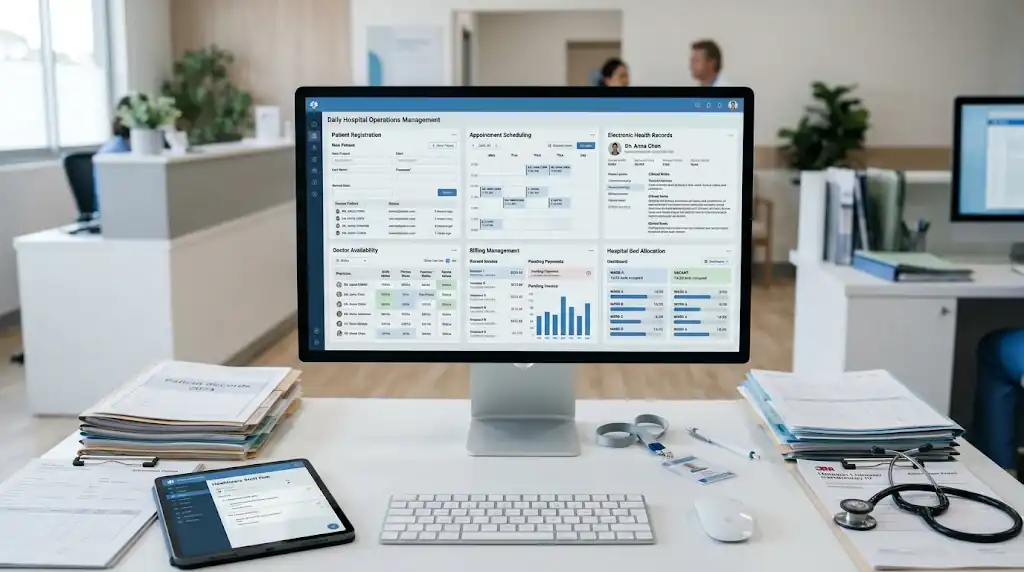
A hospital management system is the backbone. It handles registration, admissions, discharge, bed allocation, operating room scheduling, staff rosters and reporting, and it gives other modules a shared place to exchange data. Vendors often sell this as hospital management software, sometimes with clinical modules built in.
Electronic Health Records
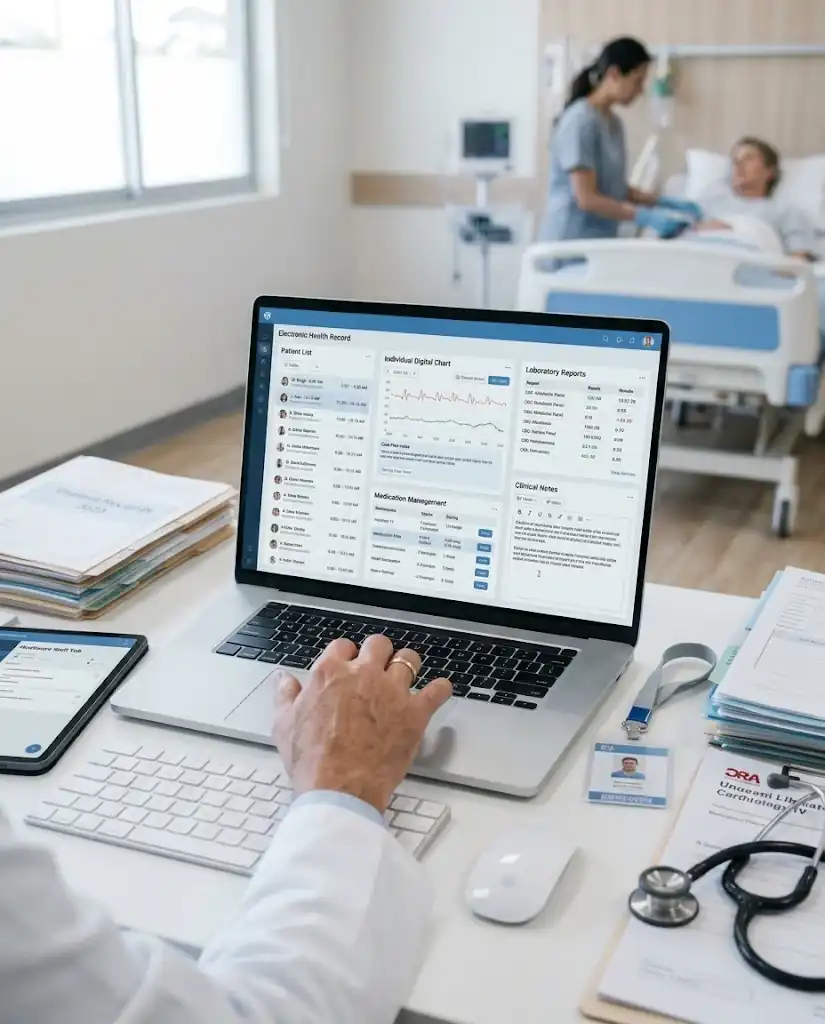
An electronic health record (EHR) is the digital version of a patient’s chart, holding diagnoses, medications, allergies, results and notes. An electronic medical record (EMR) usually stays within one practice, while an EHR can follow the patient across providers.
Clinical Decision Support and E-Prescribing
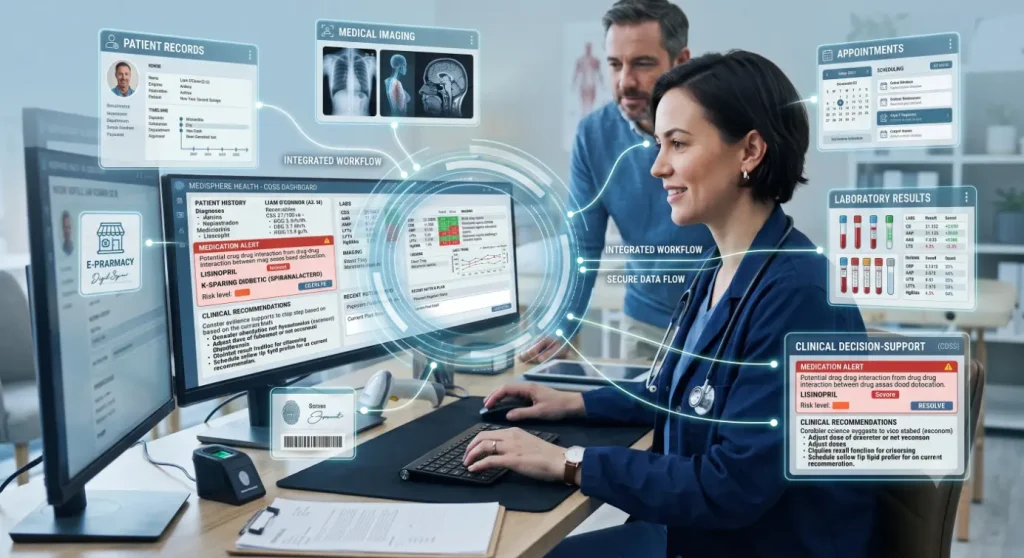
Clinical decision support sits on top of the EHR and gives clinicians timely prompts, such as drug-allergy and drug-interaction warnings, reminders and condition-specific order sets. Too many alerts cause alert fatigue, so ask how they can be tuned.
E-prescribing sends prescriptions straight to the pharmacy. It removes handwriting errors and allows interaction checks before the patient leaves.
Practice Management and Appointment Booking
Outpatient departments live and die by their schedules. This software handles registration, appointment booking, reminders and front-desk workflows, so fewer visits are lost to no-shows and double bookings.
If you also run clinics, compare the best medical office software before deciding how much to build into one platform.
Laboratory, Imaging and Pharmacy Systems
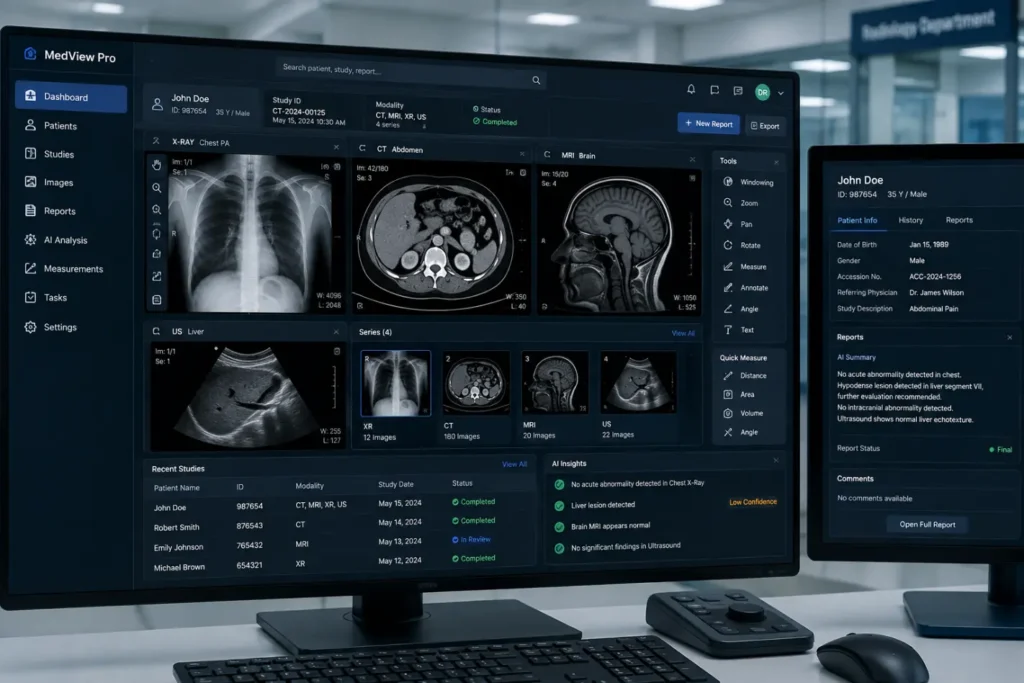
A laboratory information system follows a sample from collection to the final report. Radiology tools store and display scans, usually through PACS and the DICOM standard, and pharmacy modules track stock, expiry dates and prescriptions.
Billing and Revenue Cycle Management
Billing tools turn treatment into accurate invoices and insurance claims, with support for coding, pre-authorization and claim tracking. The result is fewer rejections and faster cash flow.
Telehealth and Remote Patient Monitoring
Video visits reach patients who cannot travel. Remote monitoring collects readings from connected devices, such as blood pressure cuffs, so teams can step in early.
Hospitals exploring this should review the best medical IoT software and check how device data flows back into the patient record.
Patient Portals and Health CRM
A patient portal is a secure website that gives patients round-the-clock access to their health information, often with messaging, refill requests and appointment booking. Health CRM tools sit alongside the EHR and connect clinical, operational and engagement data across the patient journey.
Supply Chain, Staffing and Analytics
Supply chain tools track medical supplies from ordering to use. Staffing modules handle rosters, leave and payroll. Analytics dashboards pull data from every module to show occupancy, waiting times, revenue and stock movement.
Features to Look for in Hospital Software
When comparing medical software for hospitals, these matter most in daily use:
- Interoperability. Look for support for HL7 FHIR for clinical data and DICOM for imaging, so modules and outside systems can exchange information.
- Security and access control. Role-based permissions, encryption and audit logs should come as standard.
- Ease of use. If staff need long training for basic tasks, adoption suffers.
- Scalability and reliability. The system should handle more beds and branches, with solid uptime, backups and disaster recovery.
Compliance matters too. In the US, the HIPAA Security Rule requires administrative, physical and technical safeguards for electronic patient information. In India, the Ayushman Bharat Digital Mission, launched nationally in 2021, uses a 14-digit ABHA health ID to link records across facilities with patient consent. Ask vendors how they support the rules that apply to you.
Key Benefits of Medical Software for Hospitals
- Fewer errors. Legible digital records, interaction checks and e-prescribing reduce the risks of handwriting and re-keying.
- Smoother workflows. Orders and results reach every department quickly, and everyone sees the same record.
- Stronger financial control. Cleaner billing and claim tracking reduce revenue leakage and payment delays.
- Smarter stock control. Alerts for low or near-expiry items cut shortages and wastage.
Choosing Hospital Software by Hospital Size
These are general starting points, not rules. Your own workflows should decide the final list.
| Hospital type | Start with | Add later |
| Small hospital or clinic | HMS or EHR with scheduling, billing and pharmacy | Lab, patient portal, e-prescribing |
| Mid-size hospital | HMS with lab, imaging, pharmacy and billing integrated | Decision support, analytics, remote monitoring |
| Large or multi-specialty hospital | Enterprise EHR, interoperability layer, billing tools | Supply chain, health CRM, advanced analytics |
Cloud, On-Premise or Custom-Built?
Most medical software for hospitals can be hosted in the cloud, which lowers upfront cost, simplifies updates and eases remote access. The trade-off is reliance on a stable connection and a vendor you trust with sensitive data.
On-premise installation gives more control and can suit strict data-location rules, but you carry the cost of servers and IT staff. Many healthcare software vendors offer both.
Off-the-shelf products usually go live faster and cost less at the start. Custom builds suit unusual workflows but take more time and budget.
Common Challenges and How to Handle Them
- Staff resistance. Involve clinicians early and show how the healthcare software saves them time.
- Cybersecurity. Review user access regularly, train staff on phishing and test your backups.
How to Choose Medical Software for Hospitals
- Map your workflows. Trace a patient’s path from registration to discharge, note delays and errors, and ask doctors, nurses, pharmacists and finance teams for input. Then separate must-haves from nice-to-haves and shortlist three or four vendors.
- Check integration. Ask how the hospital management software connects to your lab machines, imaging units and insurance workflows.
- Test the claims. Ask the healthcare software vendor for documentation on security, audit trails and compliance, not just sales slides.
- Demo with your scenarios. Use real cases, and speak with similar-sized hospitals that already use the product.
- Check exit terms. Make sure the contract covers data export so you are not locked in.
Implementation Roadmap: From Contract to Go-Live
Rolling out medical software for hospitals goes better with a clear plan:
- Form a project team. Include clinical, IT and finance leads with one accountable owner.
- Prepare the data. Clean and map old records first, then run test migrations before go-live.
- Train in small groups. Name a champion in each department and train people on their own daily tasks.
- Go live in phases. Pilot in one department, fix the friction, then expand.
- Plan for downtime. In the US, HIPAA calls for a data backup plan, a disaster recovery plan and an emergency mode operation plan, and ONC’s SAFER contingency planning guide covers EHR outages. Keep paper procedures within reach and test them.
How to Measure Return on Investment
Record a baseline before go-live, then review the same numbers months later:
- Days in accounts receivable and claim denial rate, both standard revenue cycle indicators
- Patient waiting time, appointment no-show rate and stock-outs
- Reported medication errors and near misses
What Affects the Cost of Medical Software for Hospitals
Pricing for hospital management software varies too much for one honest figure. The main drivers are the license or subscription model, users or beds, modules, customization, hardware, data migration, training and yearly support.
Ask each vendor for a multi-year total cost estimate, which is fairer than a headline price.
FAQs About Medical Software for Hospitals
What is medical software for hospitals used for?
It manages patient records, admissions, appointments, billing, lab and imaging work, pharmacy stock and reporting in one connected environment.
What are the different types of software used in hospitals?
Common types include hospital management systems, EHR platforms, decision support, e-prescribing, practice management, lab and imaging systems, pharmacy, billing, telehealth, patient portals and analytics.
What is the difference between EHR and EMR?
An EMR is typically limited to one provider or practice. An EHR is broader and can bring together a patient’s records from different providers, labs, pharmacies and care settings.
How much does hospital management software cost?
There is no single price. It depends on hospital size, modules, deployment type, customization, training and support, so ask vendors for itemized quotes.
Is cloud-based hospital software secure?
It can be, but security depends on the vendor and how the system is configured. Look for encryption, role-based access, audit logs and tested backups.
In the US, a cloud vendor handling patient data is generally a HIPAA business associate, so a signed agreement is expected.
Bottom Line
Medical software for hospitals works best when it is chosen around real workflows, not feature lists. Start with a solid core system, insist on interoperability and security, and budget for training, migration and downtime planning.
Pilot in one department before a full rollout. Done well, the right system saves staff time, protects patient data and gives teams the information they need.