Running a medical practice involves a lot of work that happens outside the consultation room. Staff have to schedule appointments, register patients, update records, manage billing, send reminders, handle referrals, and keep track of follow-ups. When these tasks are handled manually, they can take a considerable amount of time and create opportunities for mistakes. Software for Automating Medical Practice Workflows can help manage these routine processes digitally, reducing repetitive administrative work and making it easier for staff to keep everyday practice operations organized.
Key Takeaways
- Automates repetitive medical practice tasks.
- Reduces manual administrative work.
- Improves appointment and patient communication.
- Connects workflows across daily practice operations.
Software for automating medical practice workflows helps practices manage these routine processes through digital systems. The purpose is not to replace doctors or healthcare staff. Instead, it helps reduce repetitive administrative work so staff can spend more time on patients and important clinical tasks.
What Is Software for Automating Medical Practice Workflows?
Medical practice workflow automation means using software to organize and automate recurring tasks within a healthcare practice.
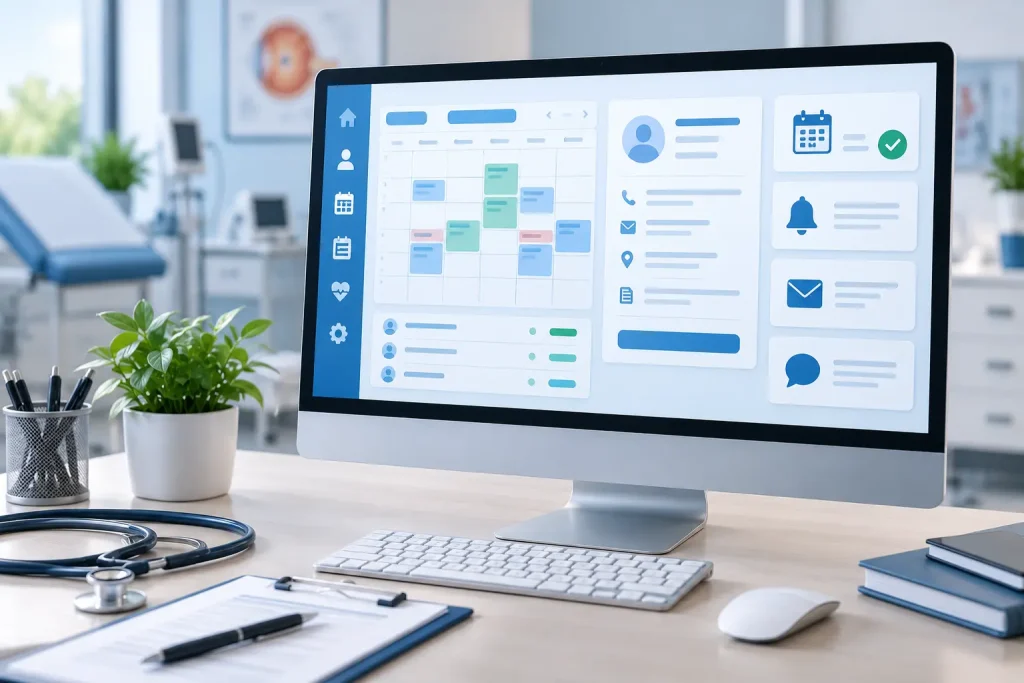
For example, when a patient books an appointment online, the system may automatically:
- Create or update the patient’s information
- Send an appointment confirmation
- Collect digital intake forms
- Send a reminder before the visit
- Notify relevant staff
- Record the appointment in the practice calendar
The exact workflow depends on the software and the needs of the practice.
Why Do Medical Practices Need Workflow Automation?
Many practices still depend on phone calls, spreadsheets, paper forms, and separate software systems. These methods can work, but they often require staff to repeat the same tasks throughout the day.
Common problems include:
- Re-entering patient information
- Missed appointment reminders
- Delays in updating records
- Difficulty tracking referrals and follow-ups
- Manual billing processes
- Communication gaps between staff
- Time spent searching for information
Automation can reduce some of this repetitive work and make everyday processes easier to manage.
Also Read:AI Retinal Imaging Full Body Health Analysis
Where Can Automation Be Used?
Software for Automating Medical Practice Workflows can support several parts of a practice.
| Workflow | Example of Automation |
|---|---|
| Appointment scheduling | Online booking, confirmations, and reminders |
| Patient intake | Digital forms and information collection |
| Records management | Updating and organizing patient information |
| Billing | Payment reminders and billing task management |
| Follow-ups | Automated notifications and scheduling |
| Referrals | Referral tracking and status updates |
| Communication | Routine patient messages and notifications |
| Reporting | Practice activity and operational reports |
Not every practice needs to automate everything. It often makes more sense to start with the processes that consume the most staff time.
Improving the Patient Experience
Software for Automating Medical Practice Workflows can also make routine interactions easier for patients.
Instead of calling the practice to confirm an appointment, patients may receive an automatic confirmation or reminder. Digital forms can allow patients to provide information before arriving at the clinic.
Also Read:Future-Proof Medical Software
For practices with regular follow-up appointments, automated notifications can also help patients remember scheduled visits.
However, automated communication should be carefully configured. Healthcare information is sensitive, so practices need to consider privacy, security, patient consent, and applicable regulations when using automated systems.
Software for Automating Medical Practice Workflows in Specialty Practices
Workflow automation is not limited to general medical practices. It can also be useful in specialist clinics.
For example, an ophthalmology practice may have a workflow that includes patient registration, vision testing, retinal imaging, examination, documentation, treatment planning, and follow-up.
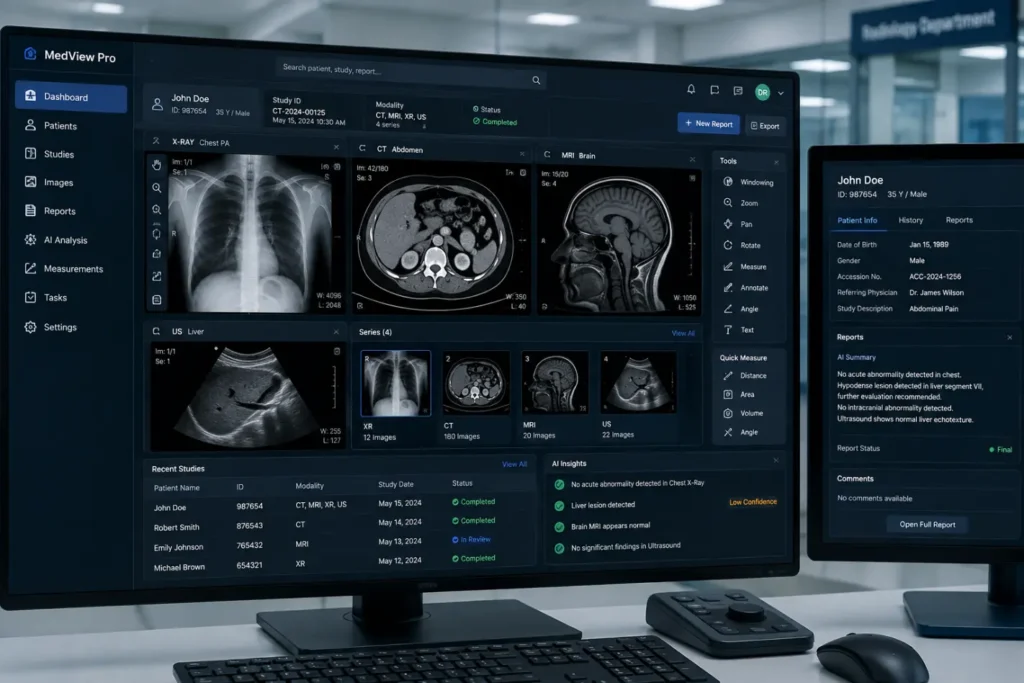
Software can help organize information between these stages. Practices using retinal imaging may also use specialized systems to manage images and support clinical workflows around image review.
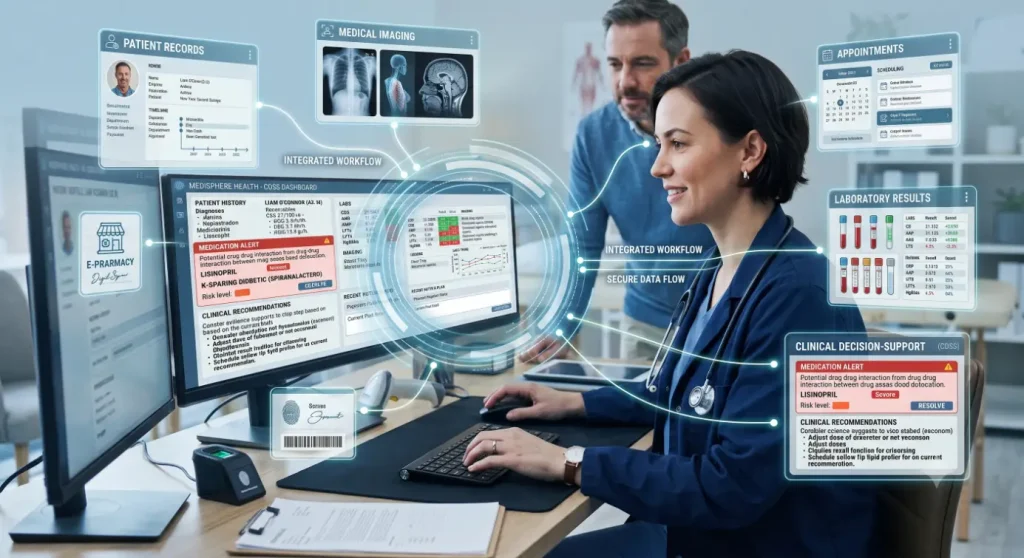
AI-powered clinical decision-support can be another component of a modern medical software environment. However, it should be distinguished from basic workflow automation. Automation manages predefined tasks, while AI-powered clinical decision-support may analyze information and provide findings for qualified healthcare professionals to review.
What to Look for in Medical Workflow Software
Before choosing a platform, practices should consider how well it fits their existing operations.
Important features may include:
- Appointment and scheduling management
- Digital patient intake
- Electronic health record integration
- Automated reminders
- Billing and payment support
- Referral and follow-up tracking
- User access controls
- Reporting and analytics
- Integration with existing medical systems
- Data security and audit capabilities
A system with many features is not necessarily the right choice. Usability and compatibility with the practice’s existing workflow are equally important.

Benefits of Automating Medical Workflows
When implemented properly, workflow automation can help practices:
- Reduce repetitive administrative tasks
- Minimize unnecessary manual data entry
- Keep staff informed about pending tasks
- Improve appointment communication
- Organize patient information
- Track follow-ups more consistently
- Give managers better visibility into daily operations
The results will vary depending on the practice, software, and implementation.
Conclusion
Software for Automating Medical Practice Workflows is about making routine work easier to manage. From scheduling and patient intake to reminders, billing, referrals, and follow-ups, the right software can reduce repetitive administrative work and help practices stay organized.
The most useful approach is to start with real problems within the practice rather than choosing software simply because it has a long list of features. When technology fits the way staff and clinicians actually work, it can become a practical part of everyday healthcare operations.
Frequently Asked Questions
What is Software for Automating Medical Practice Workflows ?
It is the use of software to manage recurring administrative and operational tasks such as appointments, patient intake, reminders, billing, referrals, and follow-ups.
Can automation replace medical staff?
No. Workflow automation is mainly designed to handle repetitive processes. Clinical decisions still require appropriate professional judgment and oversight.
Is workflow automation useful for small clinics?
Yes. Small practices can start with simple workflows such as appointment reminders, digital forms, scheduling, and patient communication.
Is AI the same as workflow automation?
No. Automation follows predefined processes, while AI-powered clinical decision-support can analyze data and provide information that may assist healthcare professionals.
What should a practice consider before buying workflow software?
Consider ease of use, integration, security, privacy, regulatory requirements, customization, reporting, technical support, and whether the software actually addresses the practice’s biggest workflow problems.