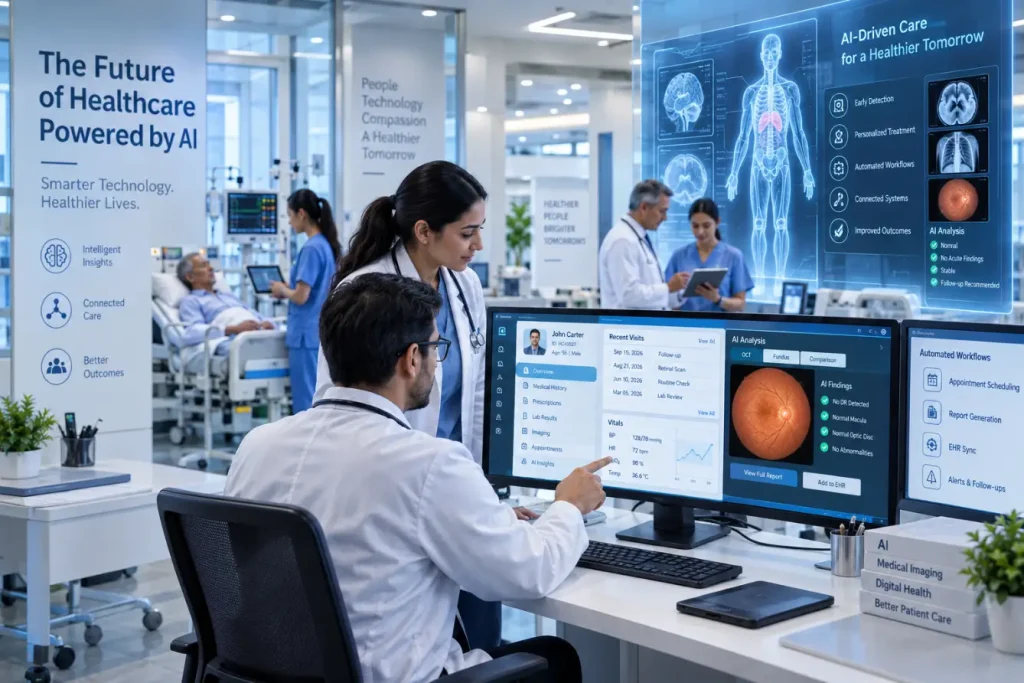
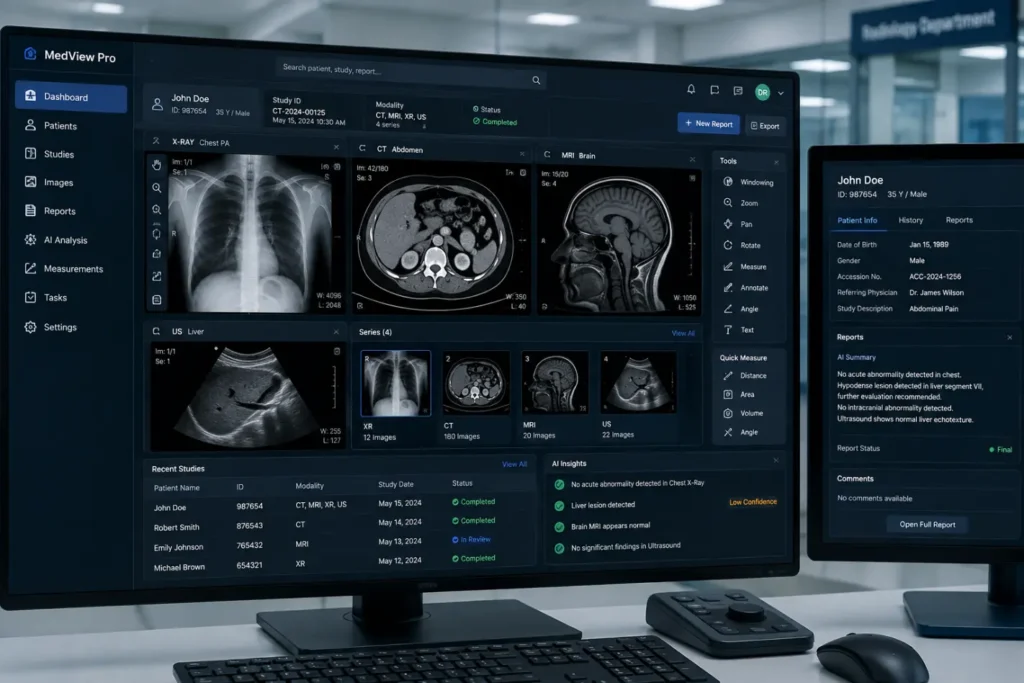
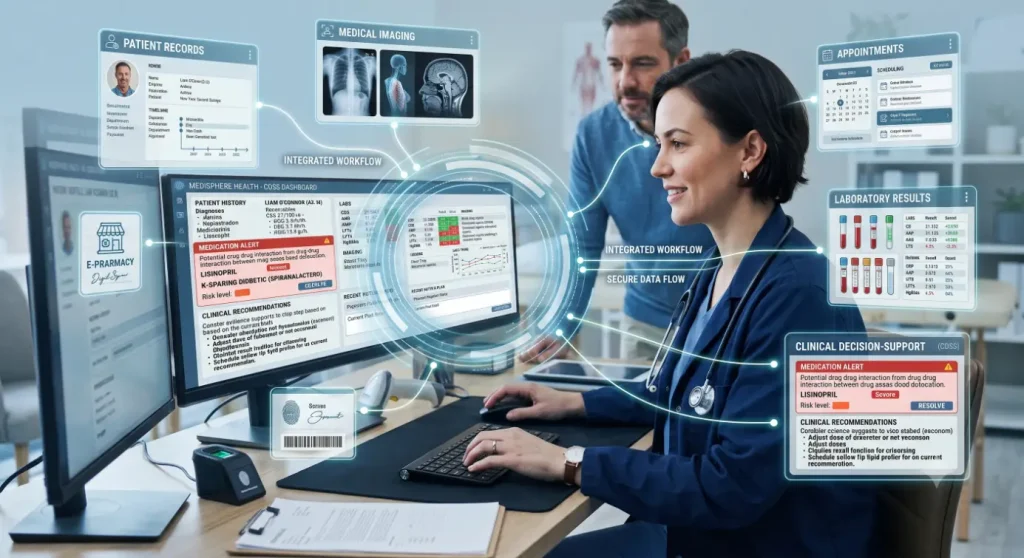
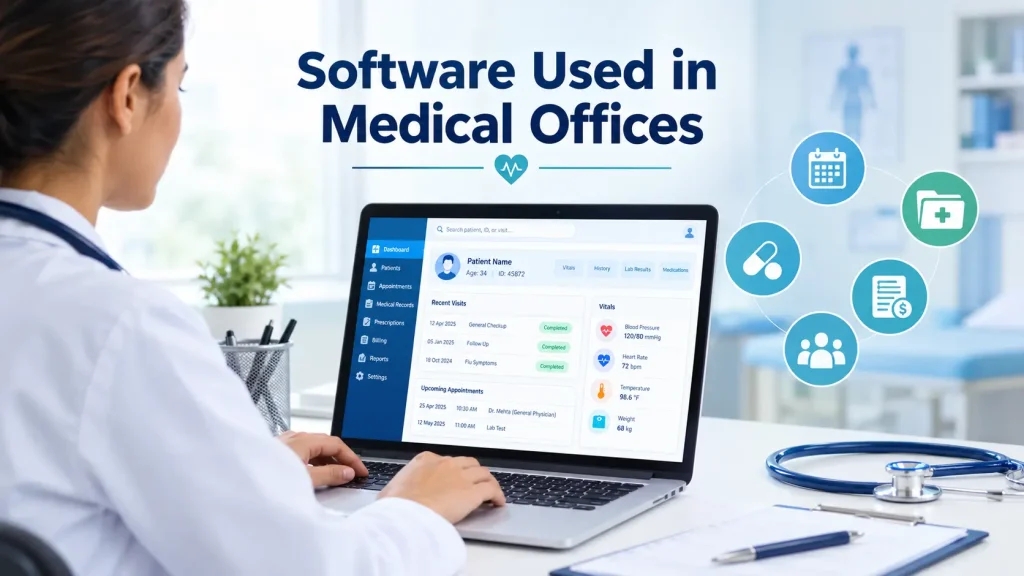
Software used in medical offices helps healthcare practices manage appointments, patient records, billing, communication, and daily administrative tasks. With the right digital tools, medical offices can reduce manual work, organize information, and improve patient experiences.
Table of Contents
What Is Software Used in Medical Offices?
Software used in medical offices refers to digital applications designed to support clinical and administrative activities. These solutions may manage electronic health records, scheduling, billing, telehealth, patient communication, prescriptions, and reporting.
A medical office may use one integrated platform or several specialized applications. The choice depends on the practice size, specialty, workflow, budget, and technology needs.
Types of Software Used in Medical Offices
Different healthcare applications serve different functions. Understanding these categories can help practices identify the tools they need.
1. Electronic Health Record Software
Electronic health record (EHR) software stores patient information digitally. Records may include medical histories, medications, allergies, diagnoses, test results, and clinical notes.
EHR systems allow authorized healthcare professionals to access relevant patient information without relying on paper files. They can also connect with other healthcare applications to support coordinated workflows.
2. Practice Management Software
Practice management systems take care of a large number of administrative tasks in a medical practice. Features offered may include appointment scheduling, patient registration, billing, insurance, claims management, and reporting.
Such software may cut down administrative tasks that need to be repeated often and make daily administration easier for the office staff.
3. Medical Billing Software
Medical billing software supports financial processes related to healthcare services. It can help with charge entry, claim submission, payment tracking, insurance processing, and rejected claims.
4. Appointment Scheduling Software
Appointment scheduling software helps receptionists to manage appointments, cancellations, rescheduling, and availability of providers.
In addition, many systems provide online appointment bookings and reminder services. Such tools can facilitate communication and reduce the administrative load related to appointment management.
5. Patient Engagement Software
Patient engagement software is used by practices for better communication with their patients during all stages of their visits. Possible functions are digital forms, appointment reminders, patient messaging, notifications, and communication tools.
They can facilitate regular communication between patients and the practice.
6. Telehealth Software
Telehealth software helps physicians consult their patients remotely. It depends on the specific software, but possible functions are video consultations, appointment scheduling, patient messaging, and documentation.
Such software can be very helpful for follow-up appointments and consultations which do not need an in-person visit.
7. Medical Practice Analytics Software
Analytics applications help medical offices turn operational data into useful insights. Practices can analyze appointment patterns, revenue, claims, patient activity, and other performance indicators.
Dashboards and reports can help administrators identify workflow problems and make informed operational decisions.
8. E-Prescribing Software
E-prescribing systems allow healthcare providers to create and send prescriptions electronically. This reduces reliance on handwritten prescriptions and makes prescription information easier to manage.
Integration with EHR systems can further streamline the prescribing process.
Benefits of Software Used in Medical Offices
Technology when used properly can help enhance different aspects of practice management.
- Reduction of administrative tasks: With automation, the repetitive tasks like reminders, scheduling, and some billing processes can be handled effectively.
- Information management: Information is easier to access with the use of computerized systems.
- Reduction of manual errors: Repetitive data entry through structured workflow can help avoid errors.
- Enhancement of the patient experience: With features such as online booking, forms, reminders, and messaging, health care encounters can become easy for the patients.
- Operational insight: Reporting capabilities will help practice managers see the areas that need improvement within the practice.
- Scalability: With modern technological capabilities, the practice can grow in size.
How to Choose the Right Medical Office Software
Choosing software used in medical offices should begin with the practice’s specific requirements. Instead of selecting a platform based only on its feature list, administrators should first identify existing workflow problems.
For instance, a practice which is having difficulties in appointment management might focus on scheduling functionalities. A practice experiencing payment delays may require better functionalities of billing and claims.
Usability is another consideration to be made. Complicated systems may lead to higher training needs.
Integrations should also be considered. The selected system should integrate well with other EHR, billing, scheduling, lab, or communications systems where applicable.
Security is another important consideration. Medical practices deal with confidential data from patients; hence, security measures should also be considered when evaluating medical software solutions.
Practices should also consider the following factors when selecting a system:
Vendor support Training Requirements Implementation Requirements Scalability Ownership cost
Implementing Software in a Medical Office
Purchasing software used in medical offices is only the first step. Successful implementation requires proper planning and staff involvement.
Begin by documenting existing workflows and identifying processes that need improvement. Employees should receive appropriate training before the system becomes part of daily operations.
Data migration should also be planned carefully. Patient and operational information should be reviewed before transferring it into a new platform.
A phased rollout can make implementation easier. After deployment, practices should collect employee feedback and monitor system performance. Regular reviews can help identify workflow improvements and ensure that the software continues to meet organizational needs.
Future of Software Used in Medical Offices
The role of software used in medical offices will continue to evolve as healthcare becomes increasingly digital. Artificial intelligence, automation, cloud computing, analytics, and connected healthcare systems are influencing how practices manage administrative and clinical processes.
Automation can help reduce repetitive work, while analytics can provide deeper insights into practice performance. AI-powered tools may also assist with documentation, communication, and other workflows when implemented appropriately.
Final Thoughts
Software used in medical offices now covers a wide range of clinical, administrative, financial, and communication requirements. EHR platforms, practice management systems, billing tools, scheduling applications, telehealth solutions, patient engagement software, and analytics can work together to create more efficient workflows.
The best solution is not necessarily the platform with the largest number of features. With thoughtful selection and implementation, digital software can help practices reduce administrative pressure and provide a more organized patient experience.
FAQs
1. What software is commonly used in medical offices?
EHR, practice management, medical billing, scheduling, telehealth, and patient engagement software are commonly used.
2. What is the most important software for a medical practice?
EHR and practice management software are often essential for managing clinical and administrative workflows.
3. How does medical office software benefit patients?
It can improve appointment scheduling, communication, access to records, and overall convenience.
4. Is medical office software secure?
Reputable healthcare software uses security measures such as access controls, encryption, authentication, and audit features.
Also Read: Medical Software Database