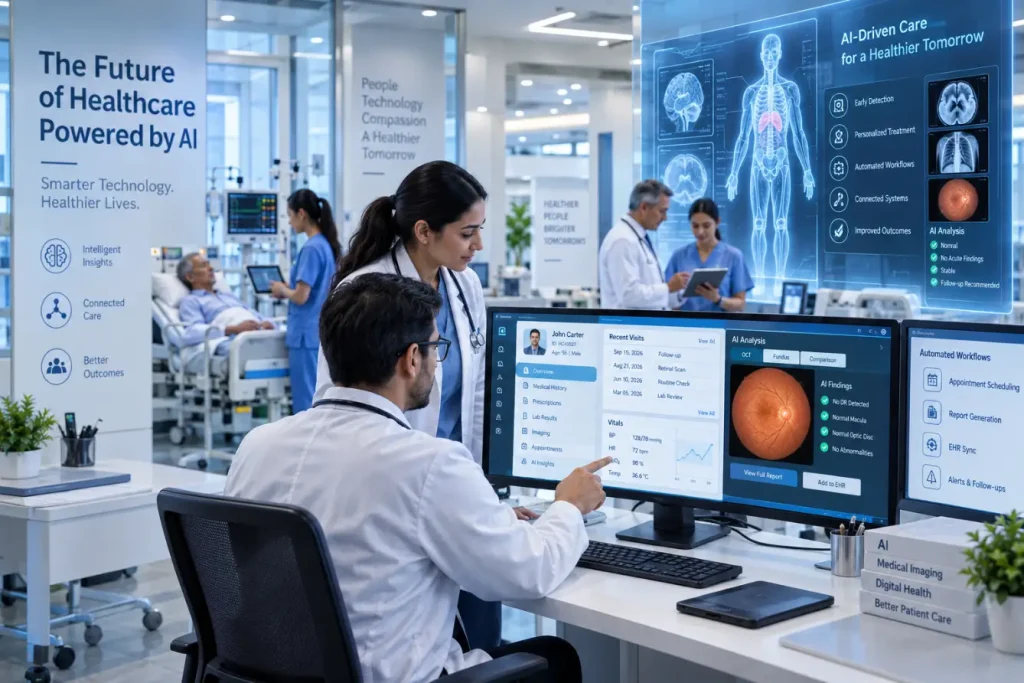
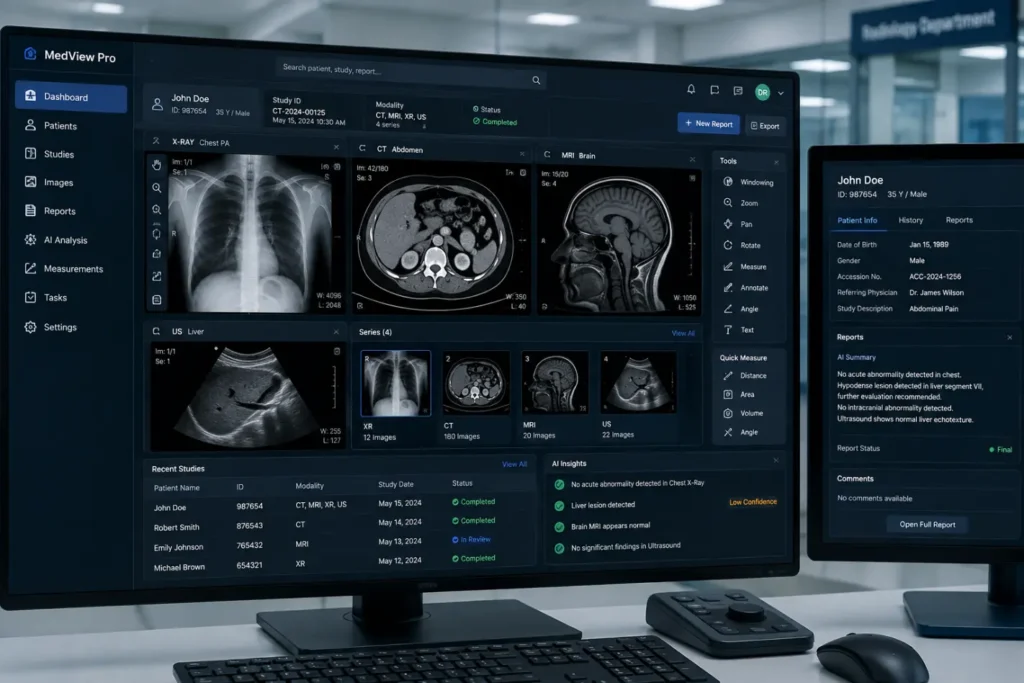
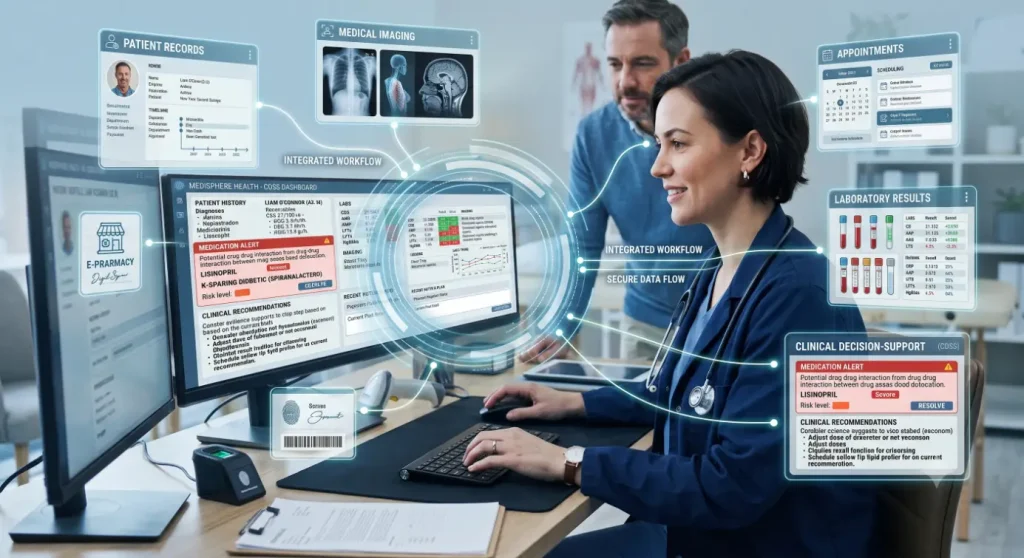
What is medical software? and why does nearly every clinic, hospital and diagnostic lab depend on it? In short, it is the digital layer that keeps healthcare organized, from patient records and appointments to billing, imaging and remote care. This guide explains the main types, how the technology works and what to check before you adopt it.
Key Takeaways
- Medical software covers both administrative tools, such as scheduling and billing, and clinical tools, such as records and imaging.
- Some software qualifies as a regulated medical device, while most workflow software does not.
- Security, integration and training matter as much as features when choosing a system.
Table of Contents
What Is Medical Software?
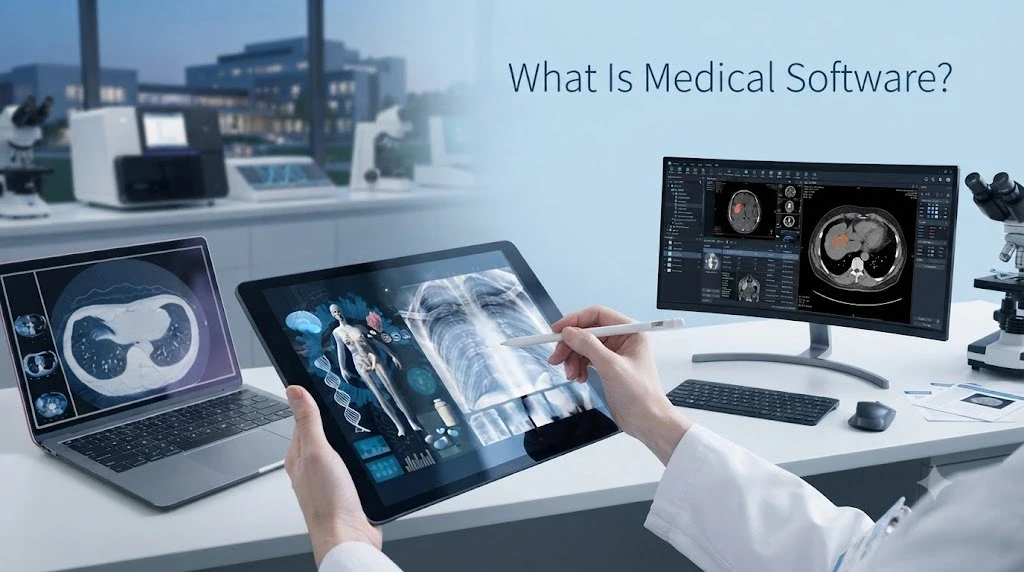
Medical software is an application that facilitates health care provision or administration. It contains and accesses patient data, schedules appointments, handles insurance claims, shows images and makes diagnoses or connects patients to physicians remotely. It may be used from a PC, hospital server, from the cloud or from mobile devices.
Medical software can be classified into two categories:
- Operational software deals with administrative functions of care, such as scheduling, registration, billing and reporting.
- Clinical software helps make care-related decisions, such as patient records, medication, imaging analysis and data mining.
Medical Software vs. Software as a Medical Device
This is the distinction most basic guides skip. In the United States, the FDA treats some software as a medical device in its own right, called Software as a Medical Device (SaMD). That means software with a medical purpose, such as a program that helps detect disease in images or one that supplies treatment-planning data to other devices.
Not everything counts. The FDA’s examples say software that handles clinical communication and workflow, such as patient registration, appointment scheduling and voice or video calling, is not SaMD. Neither is software built into a hardware device, like the code that controls an infusion pump. If your product might have a diagnostic or treatment purpose, check its regulatory status before relying on it.
What is Medical Software? Common Types
| Type | What It Does |
| Electronic health records (EHR) | Stores histories, notes, results and prescriptions |
| Practice management | Handles scheduling, check-in and day-to-day operations |
| Medical billing and coding | Prepares claims and tracks payments and denials |
| Telehealth | Enables video visits and remote follow-ups |
| Patient portals | Lets patients view results, forms and messages |
| Imaging and PACS | Stores and displays X-rays, MRI and other scans |
| Remote monitoring | Collects data from wearables and home devices |
| Analytics and AI tools | Spots patterns, risks and operational trends |
How Medical Software Works
Behind the screen, most systems follow the same pattern:
- Data capture. Staff, patients or connected devices enter information through forms, scans or sensors.
- Storage. Records sit in a database, either on local servers or with a cloud provider.
- Processing. The software applies rules, such as flagging a drug interaction, checking insurance eligibility or coding a visit.
- Exchange. Standards like HL7 and FHIR let different systems share information.
- Access control. Role-based permissions and audit logs decide who sees what and record every action.
Benefits of Medical Software
- Faster access to complete patient records
- Reduced manual entries and paper errors
- Streamlined scheduling and minimized appointment no-shows
- Prompter and more accurate billing and claims processing
- Improved communication between departments/providers
- Improved reporting and compliance monitoring
- Patient convenience using portals and telehealth applications
Risks and Limitations
Not all medical software is risk-free. Lack of security can lead to compromised patient records, whereas lack of availability might prevent the provision of timely care in the absence of a contingency plan. Poor integration causes duplication of efforts on the part of personnel, whereas lack of training causes workarounds. Too many alerts may also result in alert fatigue, wherein crucial notifications are overlooked.
How to Choose the Right Medical Software
- Identify your requirements: List your biggest workflow problems before you start comparing products.
- Evaluate regulatory compliance: For the United States, ensure HIPAA compliance and a signed business associate agreement. If the product offers diagnosis or treatment features, check its FDA status (cleared, approved or exempt).
- Evaluate the security: Learn about encryption methods, multi-factor authentication, audit logs, and incident response processes.
- Verify interoperability: Ensure that the product will connect with other existing EHR, lab, imaging, and billing applications.
- Anticipate downtime: Learn how to access your records in case of a power outage.
- Compare costs comprehensively: Take into account the cost of implementation, training, support, and storage along with the subscription.
- Try it out: Implement it with a pilot group initially.
The Future of Medical Software
AI, clouds, and greater interoperability are changing the landscape. AI can assist with documentation, image analysis, and risk assessment, and improved data standards facilitate secure sharing of patient information. As the technology advances, regulation, transparency, and human involvement become increasingly important.
Final Thoughts
Understanding ‘what is medical software?’ helps you choose tools that fit your goals instead of buying features you will not use. Match the software to your workflow, confirm security and regulatory status, and pilot before you scale. Done well, it frees clinicians and staff to spend more time on patients and less on paperwork.
Frequently Asked Questions
1. What is medical software used for?
It manages patient records, scheduling, billing, imaging, telehealth and analytics, helping healthcare teams run operations and support clinical decisions.
2. What are examples of medical software?
Popular examples are EHRs, practice management systems, billing software, telemedicine applications, patient portals, imaging software, and remote monitoring software.
3. Does the FDA regulate all medical software?
No. The FDA only regulates software that counts as a medical device, meaning software with a medical purpose such as diagnosis or treatment. Workflow software, such as scheduling and patient registration, is normally not treated as a device by the FDA.
4. Is medical software secure?
It depends on the product. Check whether your medical software provides security features, including encryption, access control, audit trails, and compliance with regulations like HIPAA.
Also Read: Online Medical Software