
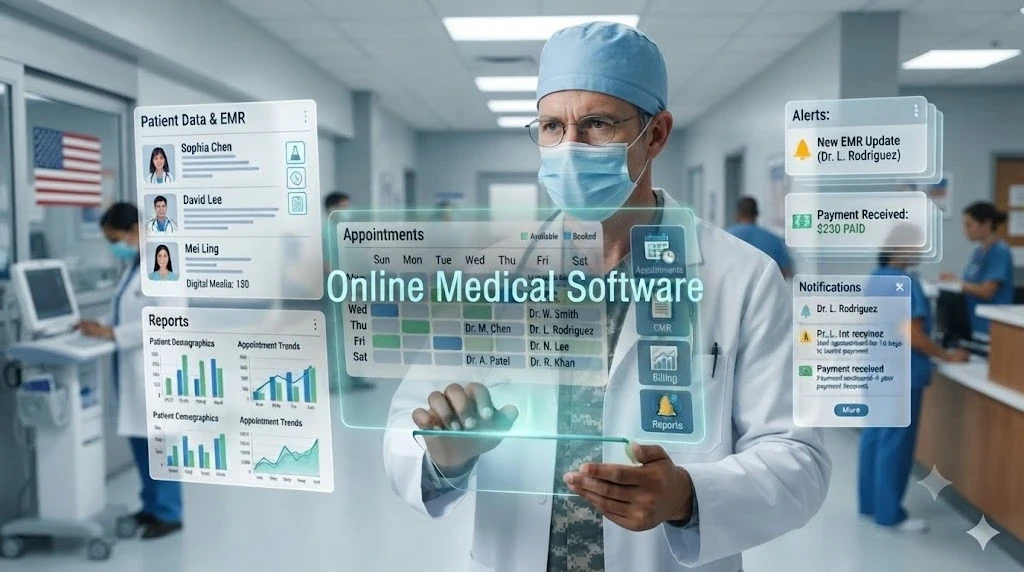
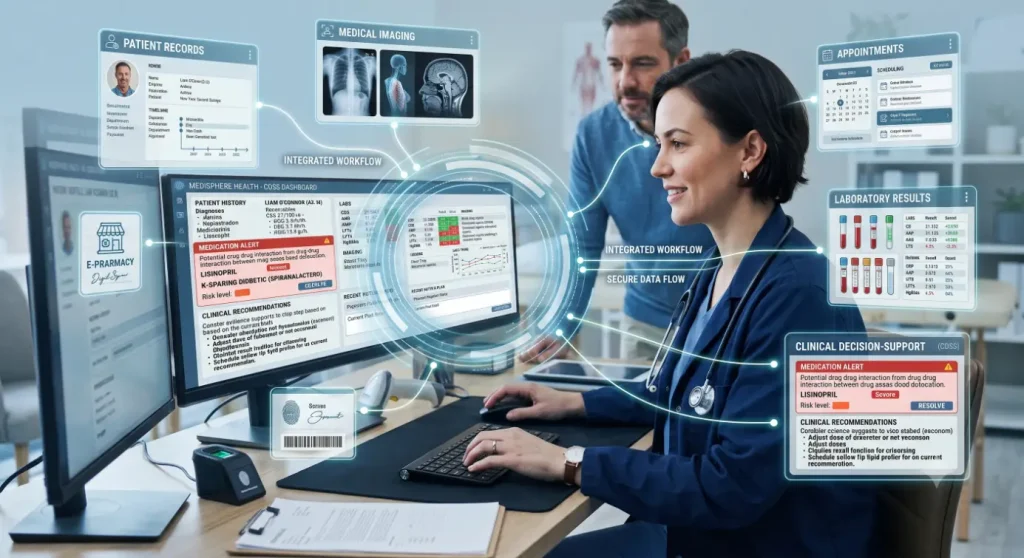
Online medical software is any healthcare application you access through the internet instead of a program installed on one office computer. It lets clinics, hospitals and private practices manage records, appointments, billing, imaging, and virtual visits from any approved device. As patient data grows and people expect digital convenience, choosing the right platform has become a core business decision.
Table of Contents
Online Medical Software: Types, Features and Uses
Most practices need a mix of tools. These are the main categories:
| Type | What It Does |
| Electronic health records (EHR) | Stores charts, notes, diagnoses and prescriptions in one place |
| Practice management | Handles scheduling, check-in, billing and reporting |
| Telehealth | Supports video visits and remote follow-ups |
| Patient portals | Gives patients access to results, forms and secure messaging |
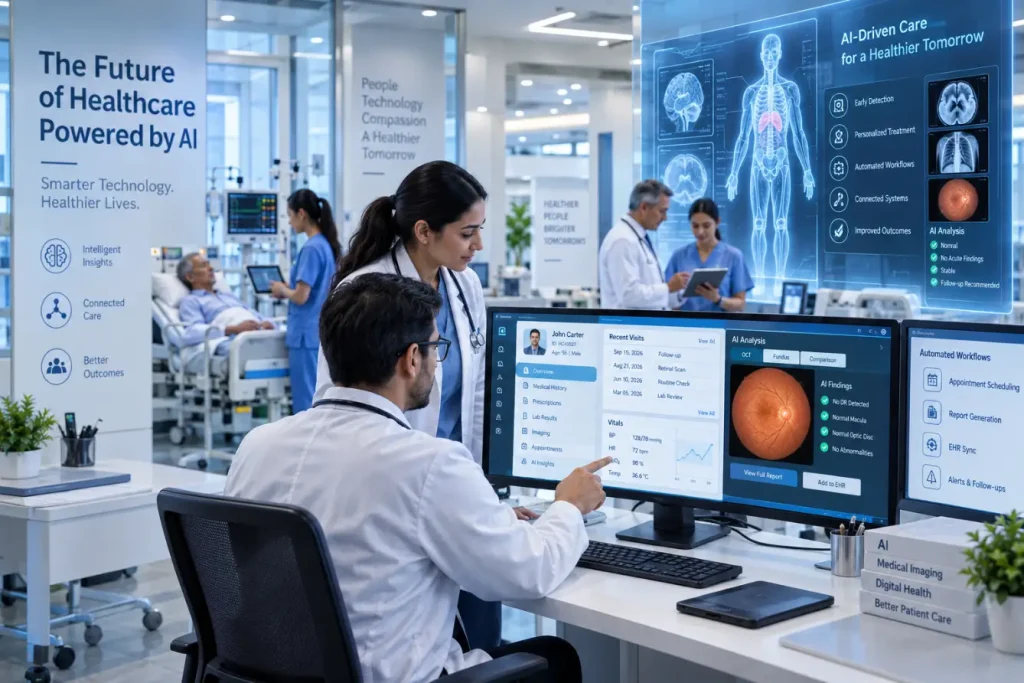
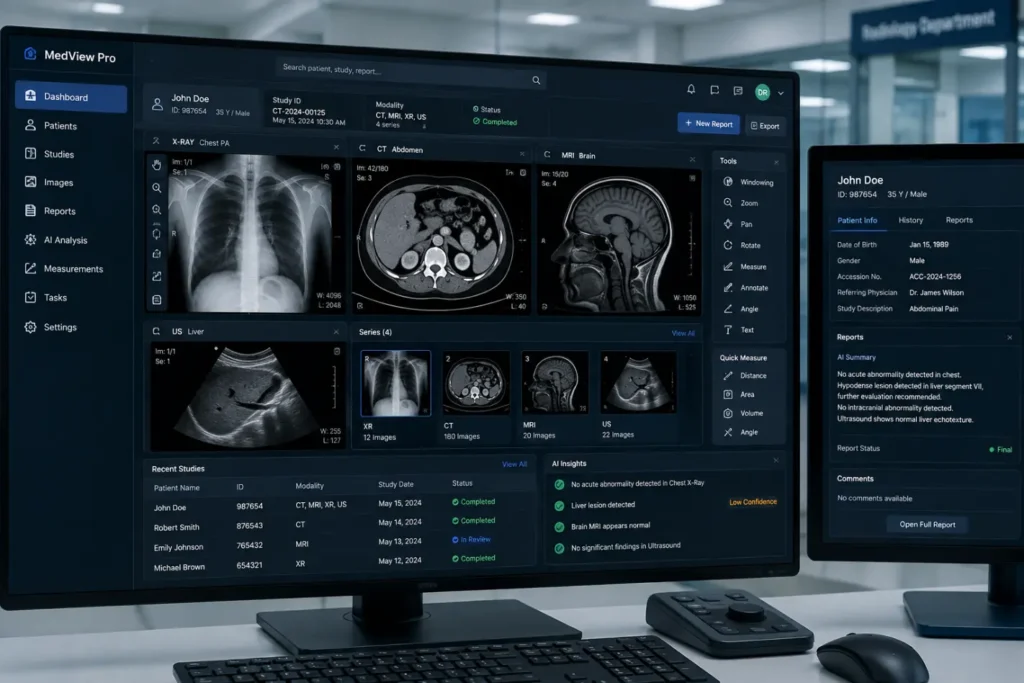
| Imaging and PACS | Stores, displays and shares scans such as X-rays, MRI and retinal images |
| Revenue cycle management | Supports coding, claim submission and denial tracking |
Whatever the category, look for a core set of features:
- Role-based access, so staff see only what their job requires
- Encryption for stored and transmitted data
- Audit logs that record who viewed or changed a record
- Automatic backups and a tested recovery process
- Interoperability through standards such as HL7 FHIR
- Mobile-friendly access and useful reporting
How Online Medical Software Differs From Installed Systems
Traditional software works from servers installed in your building. Web-based software is installed on the server of the company, providing automatic updates and easy remote access but requiring reliable internet connection and trusting vendor’s security.
A number of clinics use the mixed approach, storing sensitive or too large files, like images archive, locally while using web solutions for scheduling and billing.
Benefits of Online Medical Software
If the program is well chosen, the software can make daily practice better in a number of ways:
- Accessibility: It allows authorized personnel to access the records from any location.
- Reduced Manual Effort: Automated reminders, payments and record-keeping eliminate routine work.
- Coordination: Information sharing allows the team to stay coordinated on a patient’s treatment.
- Patient Involvement: Portal and online scheduling allows the patient to be more involved in his/her treatment.
- Scalability: The ability to increase storage and user accounts without purchasing new servers.
- Data Analytics: The organized records allow for reporting, resource planning, and quality assurance.
Risks and Challenges to Plan For
Medical software that is used on the Internet can also cause problems that should be considered before signing a contract:
- Security issues: Poor access or bad practices on the side of vendors might reveal sensitive data.
- Downtime: Should the system or connection be down, there must be an alternative to access crucial information.
- Lack of integration: Software that cannot communicate with each other means that someone has to input data twice.
- Adoption: Untrained staff can circumvent the software causing mistakes.
- Hidden costs: Setup, data migration, add-ons, etc. could increase the overall cost.
How to Choose the Right Platform
- Define your needs: List the workflows that matter most, such as charting, imaging review or billing, and any specialty requirements.
- Ensure compliance: In the United States, ask for assurance that the company will enter into a business associate agreement with your practice and provide HIPAA compliance.
- Test security features: Inquire whether the vendor offers encryption, multi-factor authentication, log files, hosting location, and incident reporting capabilities.
- Assess interoperability: Ensure that the software can integrate with your existing EHR system, laboratories, imaging, and billing services.
- Determine the way out: Be certain that the provider allows you to export your data when you decide to leave them.
- Consider the cost: Remember that the cost includes more than the monthly subscription, including the set-up, training, storage, and support costs.
- Run a pilot program: Conduct a trial run of the software with a small number of your staff before signing a contract with any online medical software vendor.
Tips for a Smooth Rollout
Take the time to clean up your old files before the migration process; otherwise, the mistakes will transfer over and continue in the new system. Migrate in stages by starting with only one department or location at a time. Set up hands-on training sessions, appoint a champion to answer all their questions, and gather staff feedback during the first couple of weeks to eliminate any friction.
Wrapping Up
Online medical software can make care delivery more connected and efficient, provided you pick a platform that is secure, interoperable and suited to your workflows. Also, conduct a pilot test before implementation on a larger scale. In the case of eye care practices, there are specialized solutions such as RetinaWiseAI™ from RCEENetworks.
Frequently Asked Questions
1. What is online medical software?
It is healthcare software delivered over the internet that helps providers manage patient records, scheduling, billing, imaging and virtual care without relying on a single on-site computer.
2. Is cloud-based medical software secure and HIPAA compliant?
It can be, if the vendor provides encryption, access controls, audit logs and a signed business associate agreement. Always verify these safeguards before purchasing online medical software.
3. What is the difference between EHR and practice management software?
An EHR focuses on clinical information such as charts, diagnoses and prescriptions. Practice management software handles administrative work like scheduling, billing and reporting. Many platforms combine both.
4. How much does medical software cost?
Pricing varies widely by features, number of providers and support level. Many vendors charge a recurring subscription, so ask for a full quote that includes setup, training and storage.
Also Read: Medical Diagnostics Software
Pingback: What Is Medical Software? 8 Types