
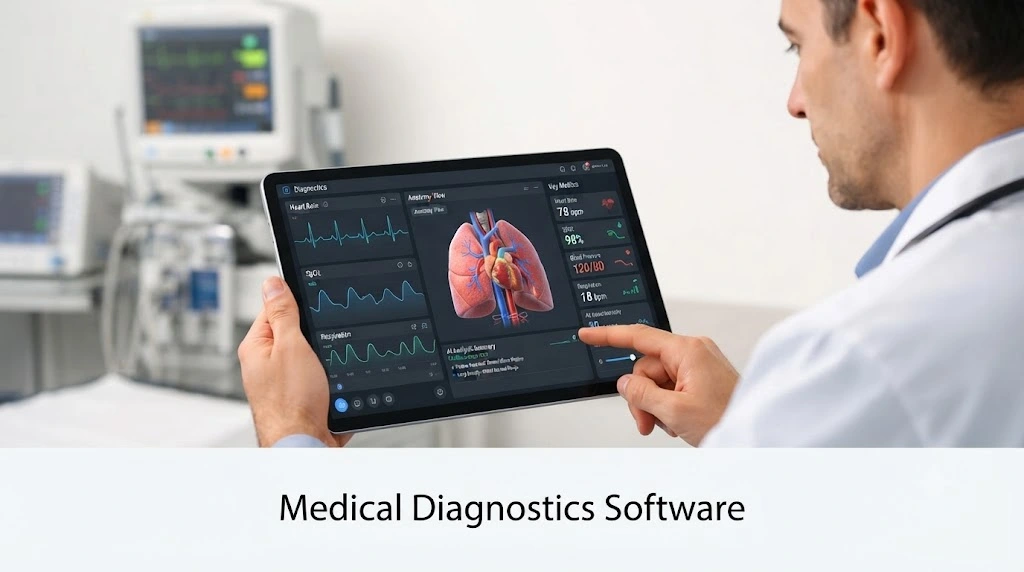
Medical diagnostics software helps clinicians and lab teams collect, organize, interpret and share the information needed to reach a diagnosis. It can be as simple as a system that routes test orders and returns results, or as advanced as an AI tool that flags suspicious findings in an image. With so many options on the market, clinics and hospitals need a clear way to separate genuinely useful tools from expensive complexity.
Key Takeaways
- Medical diagnostics software ranges from workflow systems and imaging platforms to AI-assisted analysis.
- Integration with your existing records, devices and imaging systems matters more than a long feature list.
- Software should support clinical judgment, and clinicians should always make the final diagnostic decision.
Table of Contents
What Medical Diagnostics Software Does
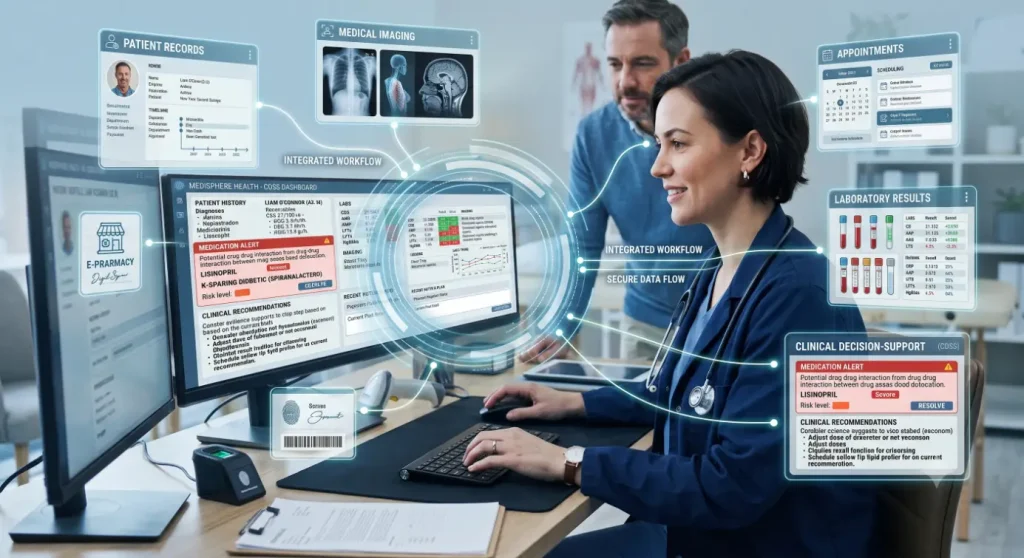
At its core, this software connects the steps between a patient’s symptoms and a confirmed diagnosis. A clinician orders a test, a sample or image is captured, results are processed, and a report returns to the patient’s record for review. The software automates the handoffs, reduces re-typing and keeps an audit trail.
More advanced platforms add result interpretation, side-by-side comparisons over time, alerts for critical findings and decision support. These tools help busy medical teams see what needs clinical attention first.
Main Types of Medical Diagnostics Software
| Type | Primary Use |
| Laboratory information systems | Manage samples, analyzer results and lab reports |
| Imaging and radiology systems | Store, view and report on scans such as X-ray, CT and MRI |
| Specialty imaging platforms | Handle images from fields such as ophthalmology and dermatology |
| Digital pathology platforms | Scan and analyze tissue slides |
| Cardiac and ECG tools | Capture and interpret heart-rhythm data |
| AI-assisted diagnostic tools | Highlight patterns or abnormalities for clinician review |
Many organizations combine several of medical diagnostics software. A health system might run a core EHR alongside specialist imaging software, which is why interoperability deserves careful attention.
Features Worth Prioritizing
1. Seamless record integration: Results should flow into the patient chart so clinicians see diagnostics along with history, medications and notes.
2. Supports exchange standards: Support is needed for exchange standards such as HL7, FHIR, and DICOM, which simplify connecting devices, images, and third-party apps.
3. Results prioritization: High-quality solutions detect abnormal or critical results and direct them to the appropriate reviewers.
4. Configurable reports: Templates and trend charts speed up report creation and standardize it between different providers.
5. Access and audit: Various users require various levels of permissions, all actions on patient data should be traceable.
6. Analytics and dashboards: Information about turnaround times and pending cases helps managers identify potential bottlenecks before they influence patient care.
Why Imaging-Heavy Specialties Need Extra Care
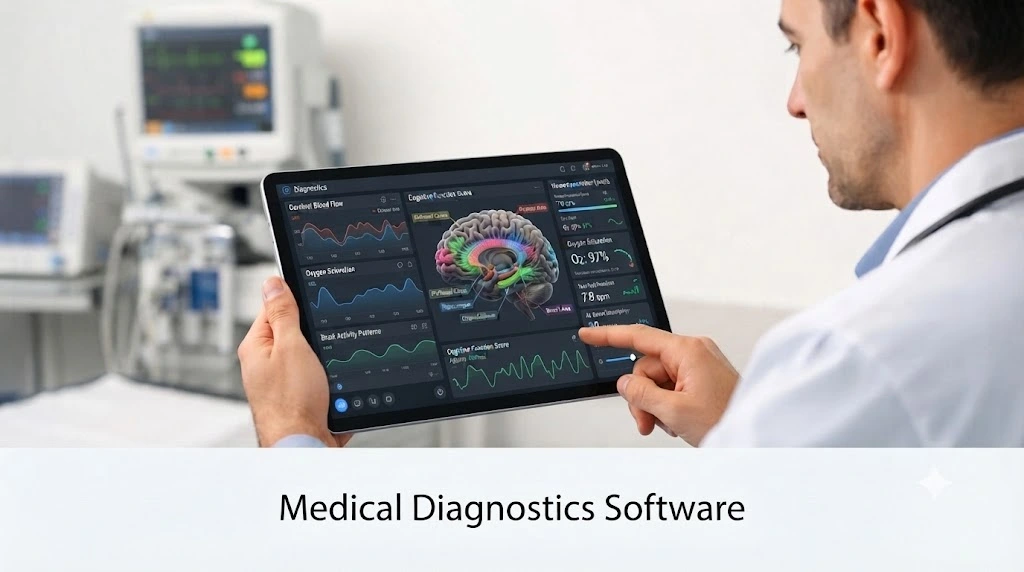
Specialties that rely on high-resolution images, such as eye care, face a distinct set of challenges. Large file sizes, varying brands of devices, and archived studies that have been saved from previous years may be a problem to consider for the review process. When it comes to the listed practices, proper software needs to allow quick image access from many devices, provide secure cloud and hybrid storage and also allow smooth migration of historical images in case of system changes.
Retinal imaging is a good example. Tools such as RetinaWiseAI™ from RCEENetworks are built around this need, combining retinal image analysis with workflow support so practices can review images efficiently while keeping clinical decision-making in the hands of their providers.
Where AI Fits In
AI capabilities may help in the process of quick image reviewing and spotting unusual patterns. Their usefulness will depend on training data, clinical validation, and appropriateness to workflow. Take AI suggestions as an opportunity for further review by clinicians rather than a conclusion. Also, ask vendors about testing of models in population groups similar to yours.
Regulation and Data Protection
Software that impacts the diagnostic process can be considered a medical device. In the US, some types of software are regulated by FDA as a medical device, so you need to find out what clearances or approvals pertain to the particular software options that you consider.
Patient data adds another layer of responsibility. HIPAA requires safeguards for protected health information, and some states add their own privacy rules. Confirm encryption, user authentication, access controls, breach procedures and the vendor’s willingness to sign a business associate agreement before you commit.
How to Choose: A Practical Checklist
| Question to Ask | Why It Matters |
| Does it connect with our current systems? | Poor integration creates double entry and errors |
| Which FDA clearances apply to its features? | Protects patients and your organization |
| How are results validated and audited? | Supports quality and accountability |
| Can it scale to more users and locations? | Avoids costly replacement later |
| What training and support are included? | Adoption often decides success |
| What is the total cost over several years? | Licenses, integration and upgrades add up |
Common Implementation Mistakes
Some mistakes are easily preventable. Organizations purchase the software based on the feature list rather than workflow fit; involve clinicians and technicians in the decision-making process; underestimate the integration needs; go live without the data migration and staff training plan. Start with the small-scale implementation in one department or clinic and collect feedback.
The Bottom Line
The best medical diagnostics software is the one that fits your clinical workflow, connects cleanly with your existing systems and keeps clinicians in control of decisions. Start by mapping how information moves today, identify where delays and errors occur, and shortlist platforms that address those gaps. Verify regulatory status and security, test with real users, and plan for growth. A thoughtful choice can shorten turnaround times and give your team clearer information when it matters most.
Frequently Asked Questions
1. What is medical diagnostics software?
It is software that helps healthcare teams manage, analyze and share diagnostic information such as lab results, medical images and clinical reports.
2. What are the types of medical diagnostics software?
Common types of medical software include laboratory systems, imaging and radiology platforms, specialty imaging tools, digital pathology software, cardiac analysis tools and AI-assisted diagnostic applications.
3. How does diagnostic software improve patient care?
It speeds up access to results, reduces manual errors, highlights critical findings and keeps information connected across care teams.
4. Is AI diagnostic software regulated?
Often yes, since software that supports diagnosis may be classified as a medical device and regulated by the FDA in the United States.
Also Read: Retinal Fundus Images for Glaucoma Analysis
Pingback: Online Medical Software: 6 Key Types