Application Development Software With Debugging: 7 Powerful Tools and Techniques
Application development software with debugging includes integrated development environments (IDEs), testing platforms, and monitoring utilities that help developers detect and resolve software defects during coding and deployment. These tools support breakpoint analysis, runtime monitoring, code tracing, log inspection, and performance testing. Modern development workflows rely on debugging systems to improve software reliability, reduce deployment failures, and maintain application quality across operating systems and devices.
Key Takeaways
- Application development software with debugging helps detect and resolve coding and runtime issues.
- Debugging differs from testing because it focuses on correcting identified defects.
- USB debugging tools support mobile application deployment and diagnostics.
- Hardware and software debugging methods improve application stability.
- Modern debugging platforms integrate monitoring, profiling, and automated error tracking.
Software Debugging Tools Used in Application Development
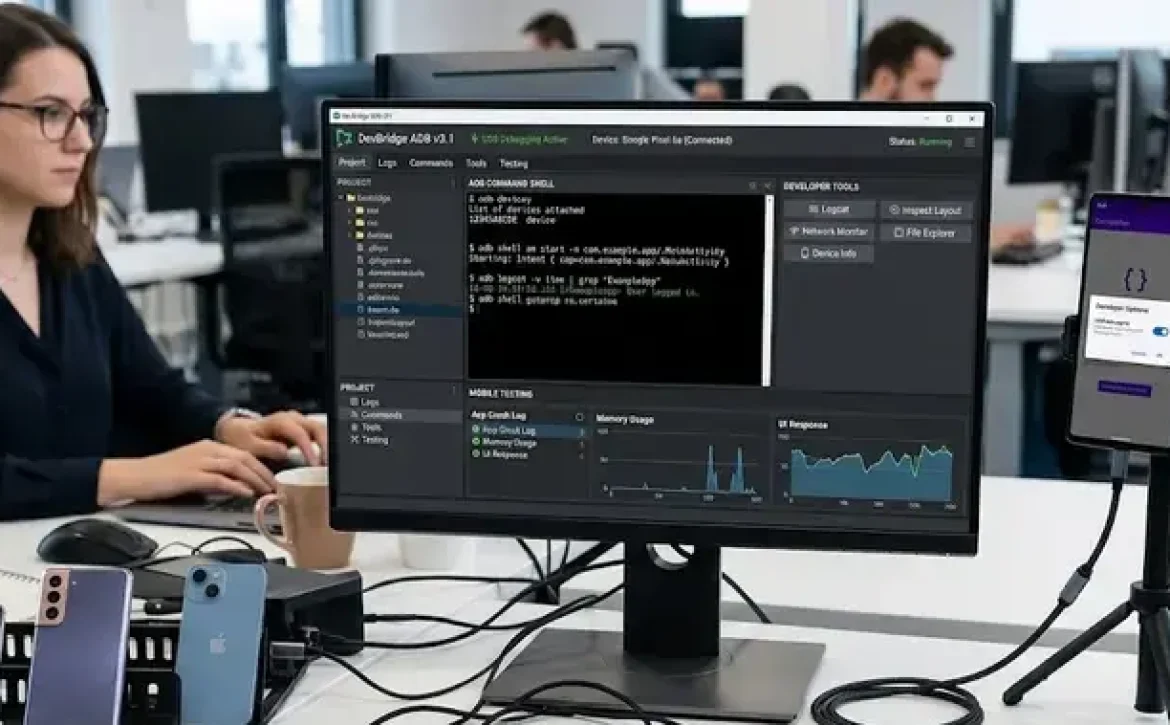
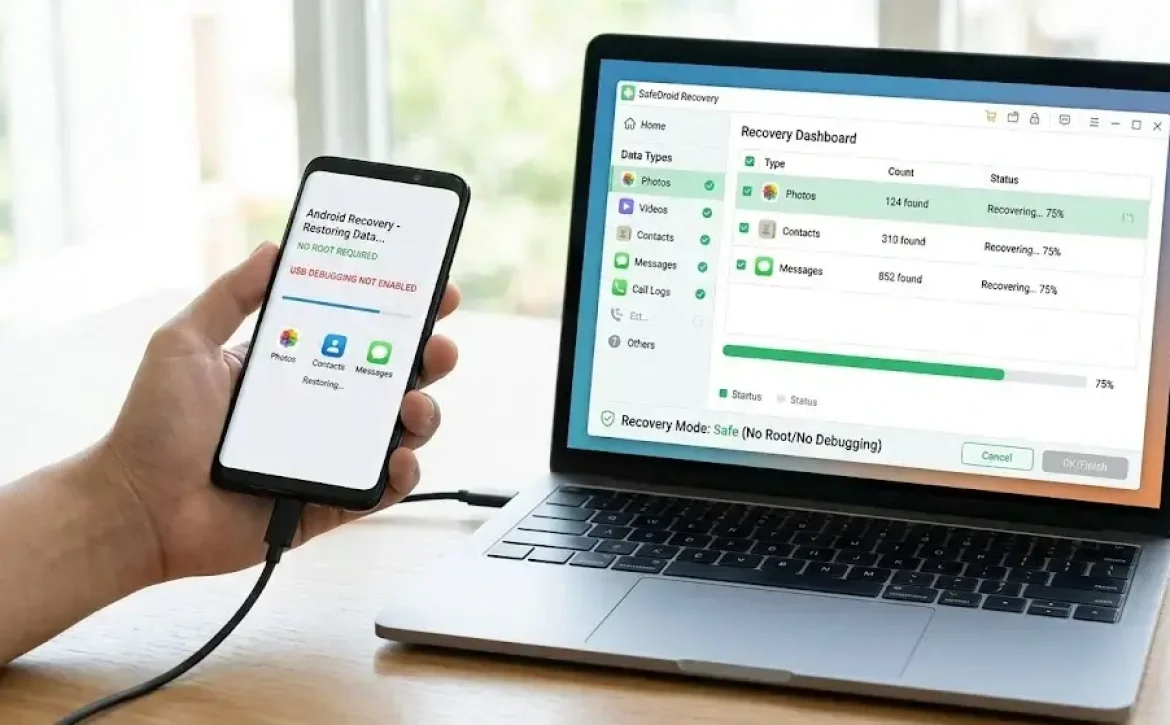
Application development software with debugging commonly includes integrated debugging frameworks that help developers isolate coding and runtime issues.
Software Testing vs Debugging in Application Development
Software testing identifies whether defects exist, while debugging focuses on locating and correcting the root cause of those defects.
| Function | Testing | Debugging |
| Purpose | Detect errors | Fix errors |
| Performed By | Test engineers | Developers |
| Process Type | Validation | Troubleshooting |
| Tools Used | Test automation suites | Debuggers and profilers |
Common debugging platforms include:
- Android Studio
- Flutter DevTools
- Visual Studio Debugger
- Xcode Instruments
- Eclipse Debugger
Developers often compare free application development software with debugging, application development software with debugging GitHub projects, and cross-platform debugging utilities when selecting tools.
USB Debugging Software for Windows and PC Connectivity
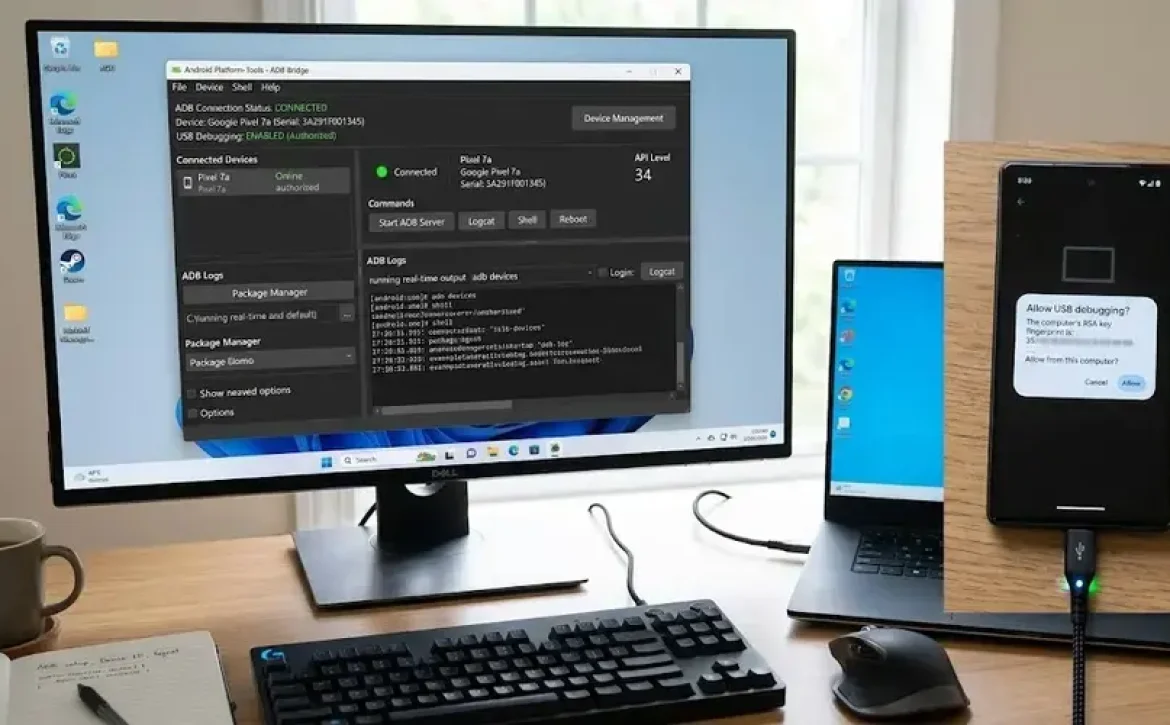
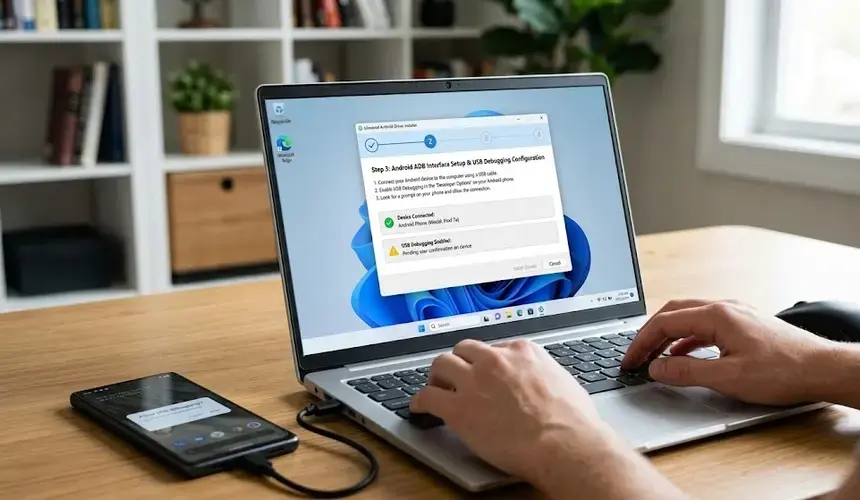
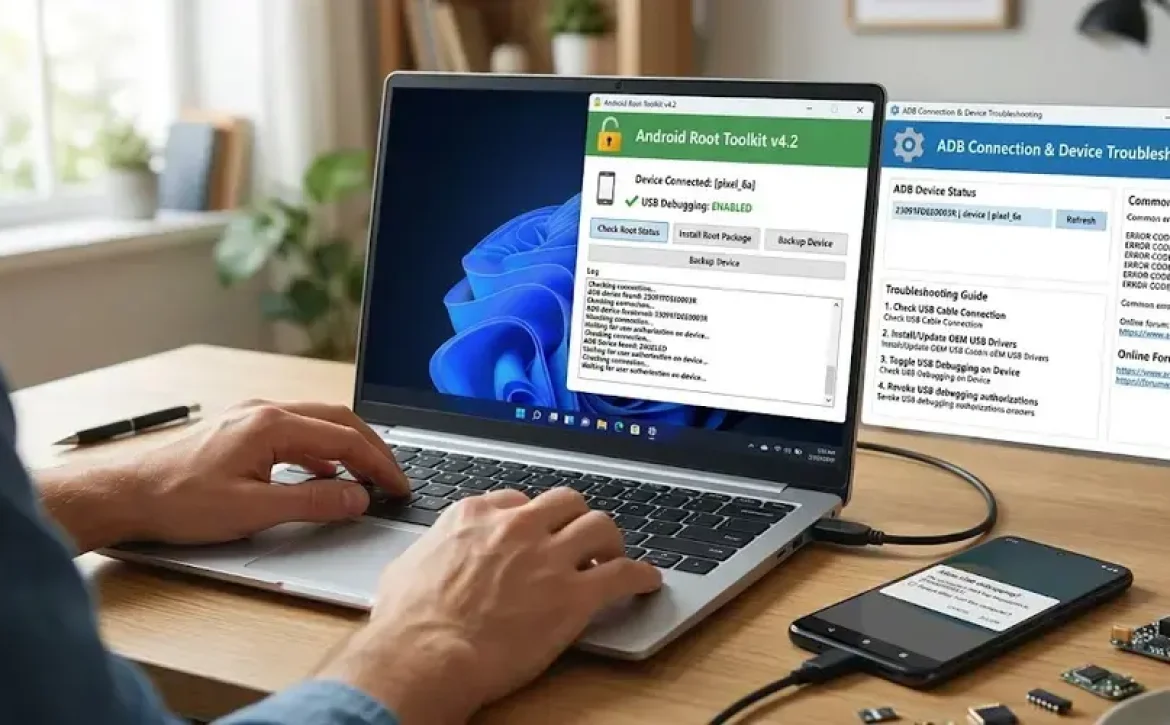
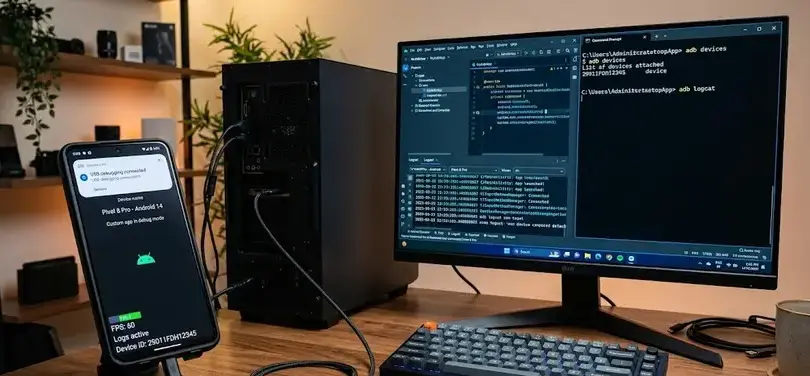
USB debugging tools allow communication between computers and mobile devices for testing and deployment.
Important capabilities include:
- Device log monitoring
- APK installation
- Shell command execution
- Real-time performance analysis
- Crash reporting
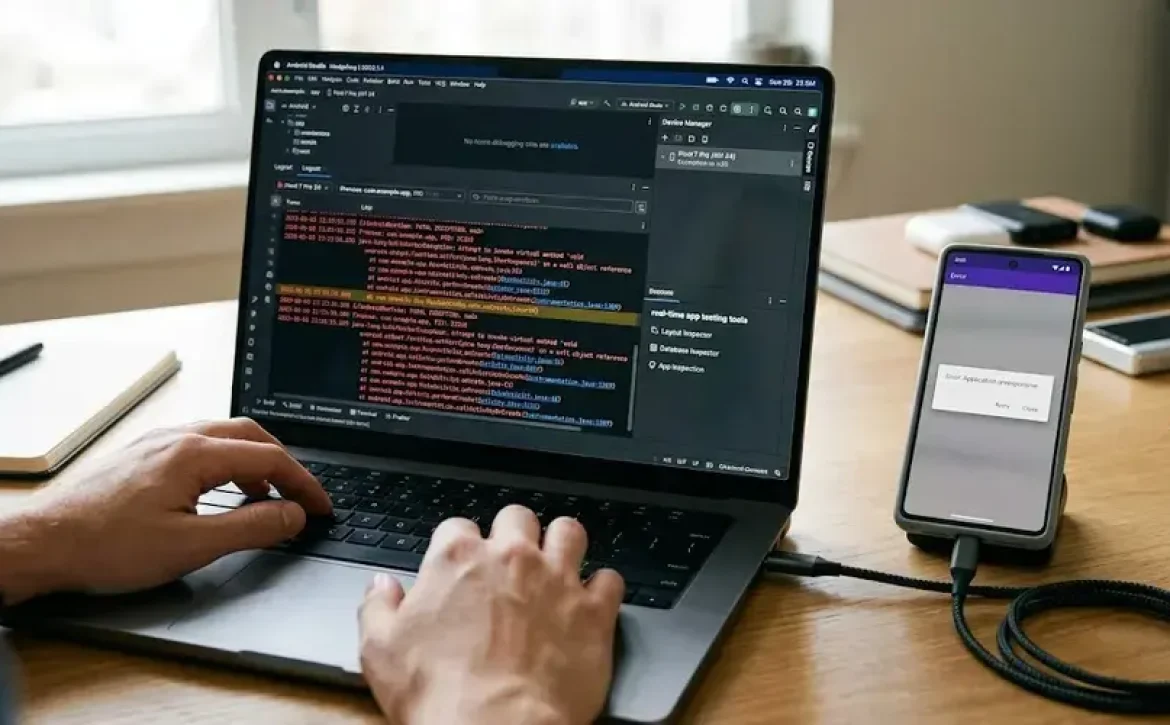
Android Studio uses Android Debug Bridge (ADB) to support USB debugging for Android applications. Windows-based debugging systems frequently include driver validation and device authorization controls to maintain secure communication channels.
Hardware and Software Debugging Techniques for Reliable Applications
Application development software with debugging supports both hardware-level and software-level diagnostics for stable application performance.
Testing and Debugging in Software Engineering Workflows
Software engineering workflows typically integrate debugging during multiple development stages:
- Unit testing
- Integration testing
- System testing
- User acceptance testing
- Deployment validation
Common debugging techniques include:
- Breakpoint debugging
- Stack trace analysis
- Memory leak detection
- Static code analysis
- Runtime profiling
Embedded systems and IoT applications may additionally use hardware debugging interfaces such as JTAG and serial debugging tools.
A related area often discussed alongside debugging tools includes Android Studio, Flutter, MIT App Inventor, and other mobile application development platforms used for testing and deployment.
What Are the Most Common Debugging Methods?
The most widely used debugging methods include:
- Manual debugging
- Remote debugging
- Automated logging
- Interactive runtime debugging
- Post-crash dump analysis
Many professional development teams also implement continuous integration pipelines that automatically execute debugging and validation checks during software builds.
Importance of Debugging in Software Development and Testing
Application development software with debugging improves software quality, operational stability, and security compliance.
Why Is Debugging Important for Application Reliability?
Debugging reduces operational failures and improves maintainability by identifying issues before production deployment.
Key benefits include:
- Faster issue resolution
- Improved application security
- Better user experience
- Reduced downtime
- Higher code quality
Industries such as healthcare, automotive systems, financial technology, and industrial automation often require extensive debugging and testing validation due to regulatory and operational requirements.
How Do Modern Debugging Platforms Improve Development Efficiency?
Modern debugging systems integrate artificial runtime monitoring, cloud-based logging, and automated error tracking.
Important platform capabilities include:
| Feature | Purpose |
| Live Debugging | Monitor applications in real time |
| Error Reporting | Detect failures automatically |
| Performance Profiling | Analyze resource usage |
| Source-Level Debugging | Track code execution |
| Version Integration | Support collaborative development |
Best app development software free solutions frequently include open-source debugging libraries and integrated testing modules that reduce infrastructure costs for smaller development teams.

Conclusion
Application development software with debugging plays a critical role in modern software engineering by supporting structured testing, runtime analysis, and defect resolution. As applications become more complex across mobile, cloud, and embedded environments, integrated debugging systems help maintain software reliability, security, and performance consistency.
Organizations implementing advanced debugging workflows often also use tools related to android usb debugging software download to support mobile device diagnostics, deployment validation, and application troubleshooting continuity.
FAQ
What is application development software with debugging?
It is software that combines application creation tools with integrated debugging features for testing and error correction.
What is the difference between testing and debugging?
Testing identifies defects, while debugging locates and fixes the causes of those defects.
Which tools are commonly used for application debugging?
Common tools include Android Studio, Flutter DevTools, Visual Studio Debugger, and Xcode Instruments.
Why is USB debugging important?
USB debugging enables direct communication between devices and development systems for testing and deployment.
Can free debugging software support professional development?
Yes. Many open-source and free debugging tools provide advanced testing, logging, and monitoring features suitable for professional workflows.
Sources
- https://www.getapp.com/development-tools-software/application-development/f/debugging/
- https://www.iubenda.com/en/blog/top-5-mobile-app-development-tools-for-developers-and-beginners/
- https://www.softobotics.org/blogs/top-testing-and-debugging-tools-for-mobile-app-development/
- https://algoace.com/top-debugging-tools-for-cross-platform-app-development-in-2024/
- https://www.zipy.ai/blog/top-debugging-tools-for-mobile
- https://medium.com/@akashnagpal112/24-best-debugging-tools-for-developers-in-2026-d5e34cee5880
- https://play.google.com/store/apps/details?id=com.legendsoftware.appdebug&hl=en_IN
- https://wearebrain.com/blog/best-debugging-tools-for-software-developers/
- https://developer.android.com/studio/debug